EasyManua.ls Logo

Vizio E50-D1 - Activating the Sleep Timer

Vizio E50-D1
79 pages
Print Icon
To Next Page IconTo Next Page
To Previous Page IconTo Previous Page
Loading...
3
48
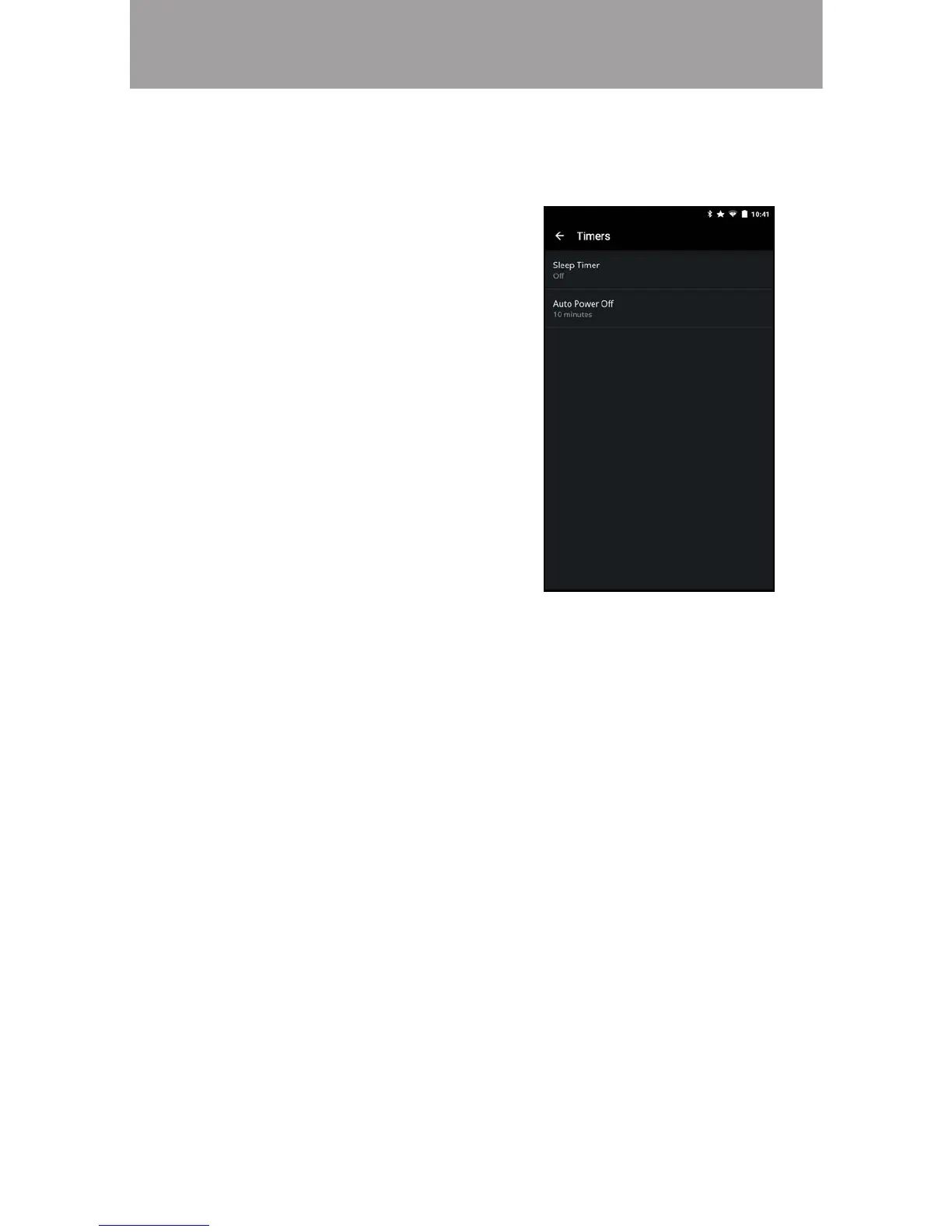
To activate the sleep timer:
1. From the Timers menu, tap
Sleep Timer.
2. Select the period of time after
which you want the TV to go to
sleep: 30, 60, 90, 120, or 180
minutes. If you do not want the
sleep timer to activate, select .

Activating the Sleep Timer

1. From the Timers menu, tap .
2. 
change the setting to . Otherwise, select 10 minutes.

a video or audio signal. This feature can be deactivated.



Other manuals for Vizio E50-D1

Related product manuals