6
65
USING THE FULLSCREEN V.I.A. PLUS APPS WINDOW
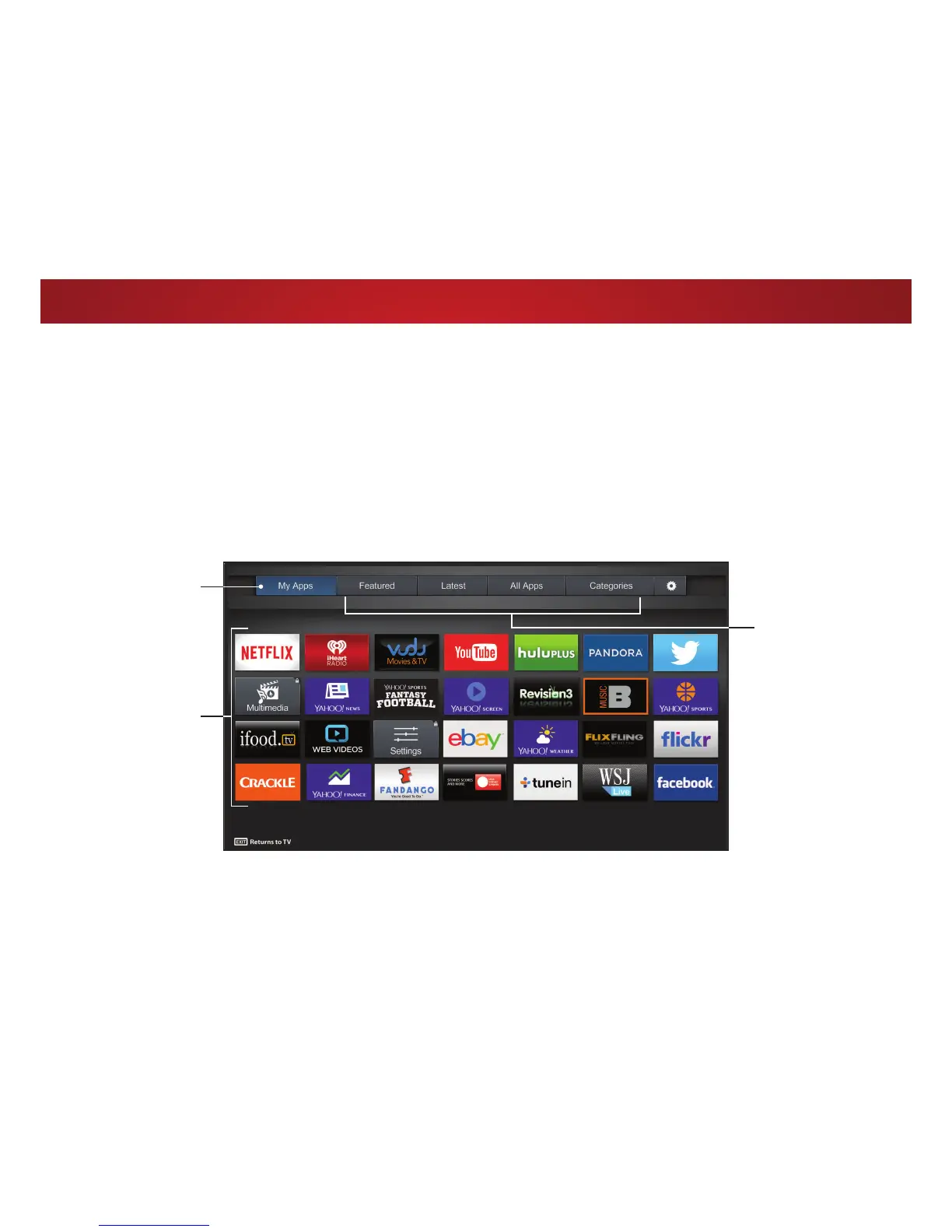
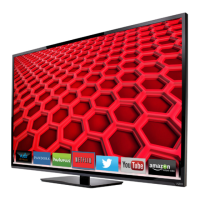
The Fullscreen V.I.A. Plus Apps Window allows you to add and store
$SSV 7KH $SSV RQ WKH ȴUVW SDJH DUH GLVSOD\HG LQ WKH 'RFN DQG
Apps on additional pages can be moved to the Dock.
To open the Fullscreen V.I.A. Plus Apps Window:
1. Press the V Button on the remote twice.
2. Highlight an App by using the Arrow buttons on the remote.
My Apps
Features the Apps
installed on your TV.
App Tabs
Browse through Apps
on these tabs and
add them to your
0\b$SSVWDE
Installed Apps
The Apps displayed
here are also
available in the
9Ζ$b3OXV$SS'RFN
3. Press the OK button on the remote to launch the App.
4. To exit from an open App or to close the App Dock, press the
Exit button on the remote.
Note: App location, appearance, and availability subject to change without notice.



 To Next Page