20
[2] SERVICE MODE
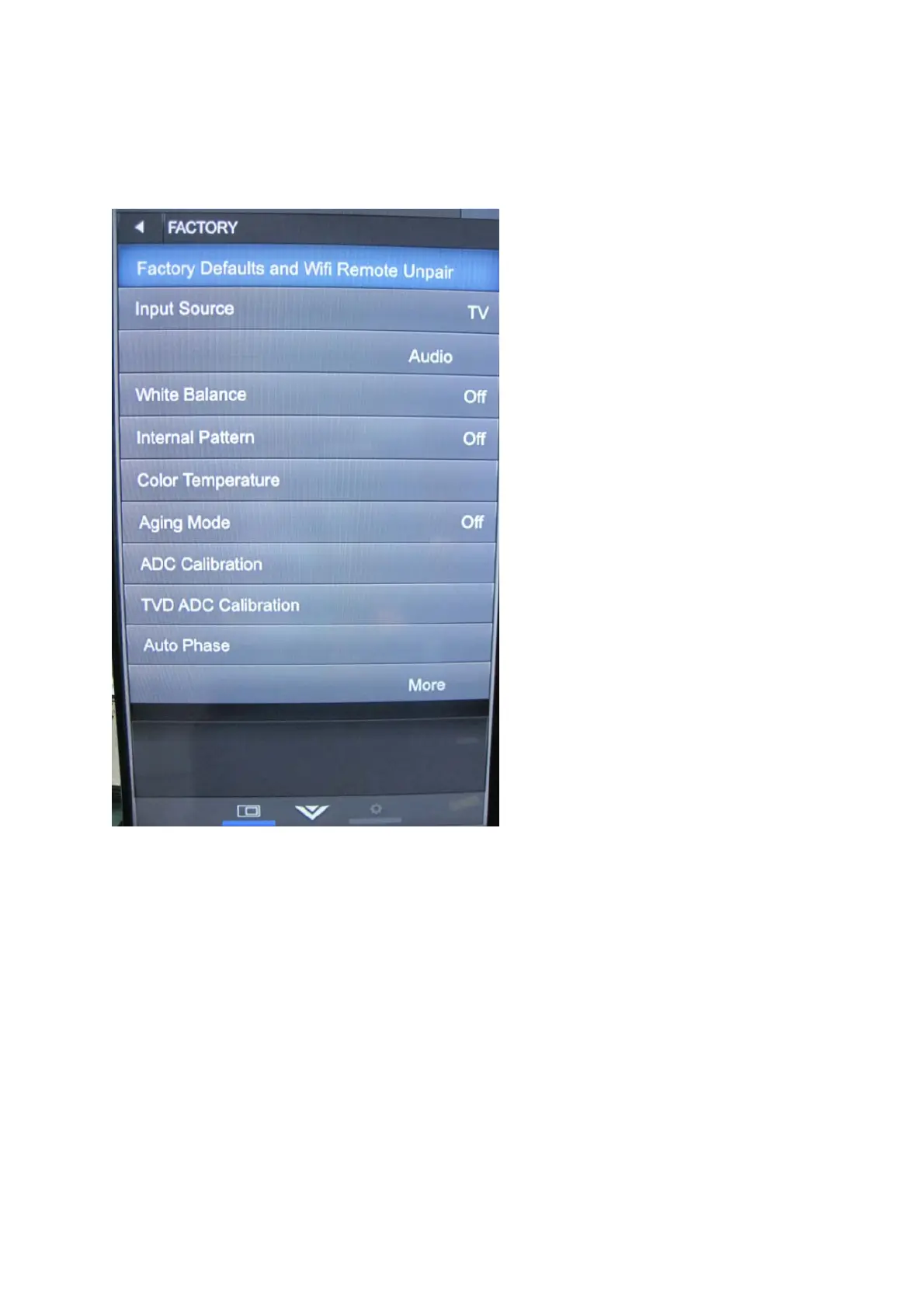
Enter factory mode menu: press MENU + Numeric keys “3481” to enter factory
mode.
while TV is in normal Power On state, press Power Key again to leave Factory Menu,
TV entry Standby state.
[3] SOFTWARE UPGRADE PROCEDURE
1. utvupgrade:(Nowit’sonlyavailableforsecuredTV)
Forutvupgrade,you’llreceiveafilewiththeextension(*.utv)andatextfile
“updatelogic.txt”.Thecontentof“updatelogic.txt”isthefilenameoftheutvfile.
Forexample,iftheutvfilenameyougotis“V1.1.3‐SEC.utv”,thecontentof


 To Next Page
 Loading...