22
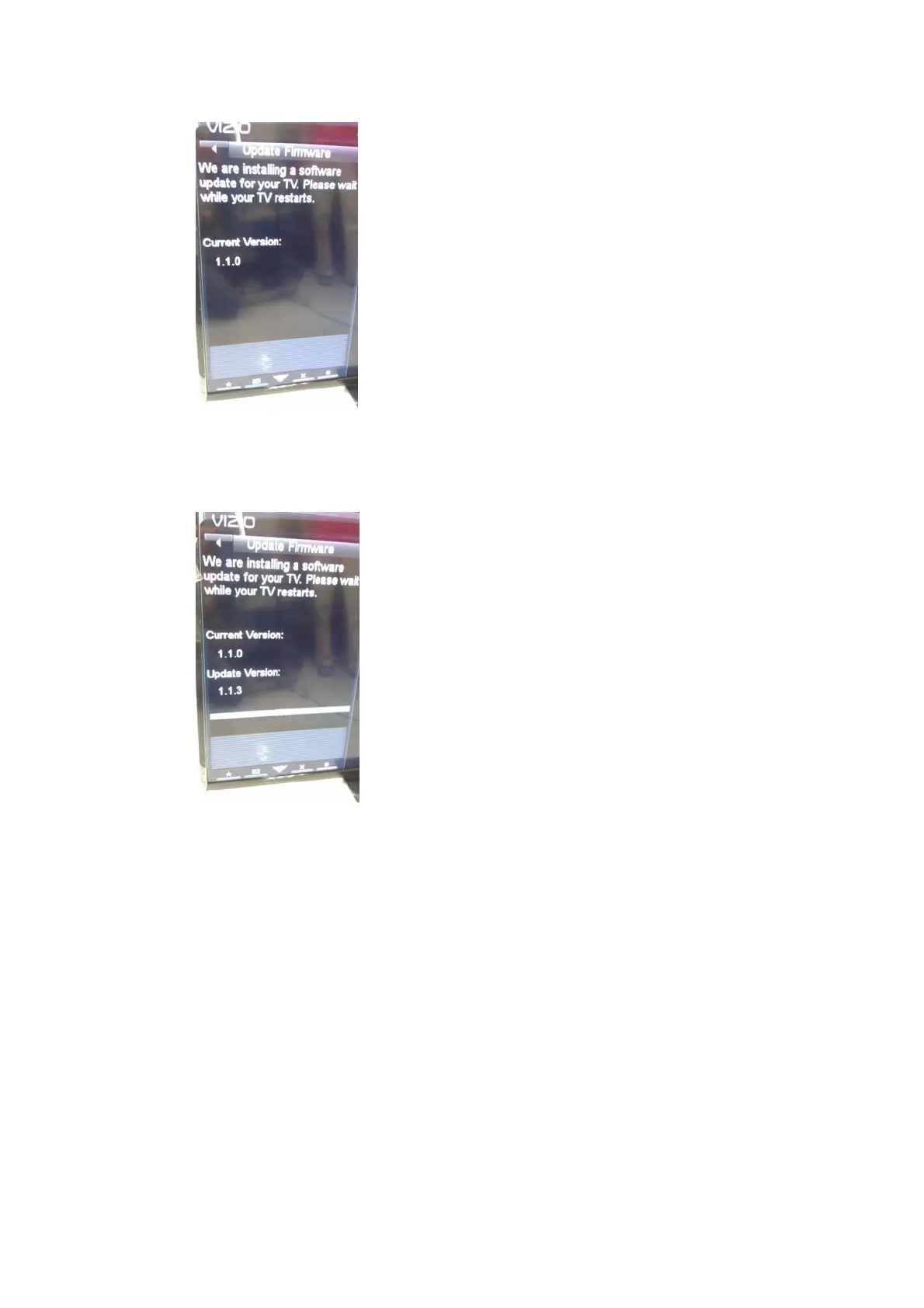
g. TVwillshowyoucurrentVersionofTVandwhatversionoffirmwareyou’re
installing.
h. Aftertheinstallingprogresscomplete,TVwillrestartitselfagain.Andnow
theutvupgradeisaccomplished.Youcangoto“MenuSystemSystem
InformationVersion”forversionnumbertocheckifthefirmware
upgradeissuccessful.
2. pkgupgrade:
Forpkgupgrade,you’llreceiveapkgfileandthefilenamemustbe
“upgrade_loader_no_perm.pkg”.However,forasecuredfirmwareupgradedby
upgrade_loader_no_perm.pkg,thisTVmustbe“re‐registered”ontheproduction
NOCofULI.Youneedtoprovidetheserialnumbershownonthe


 To Next Page
 Loading...