5
42
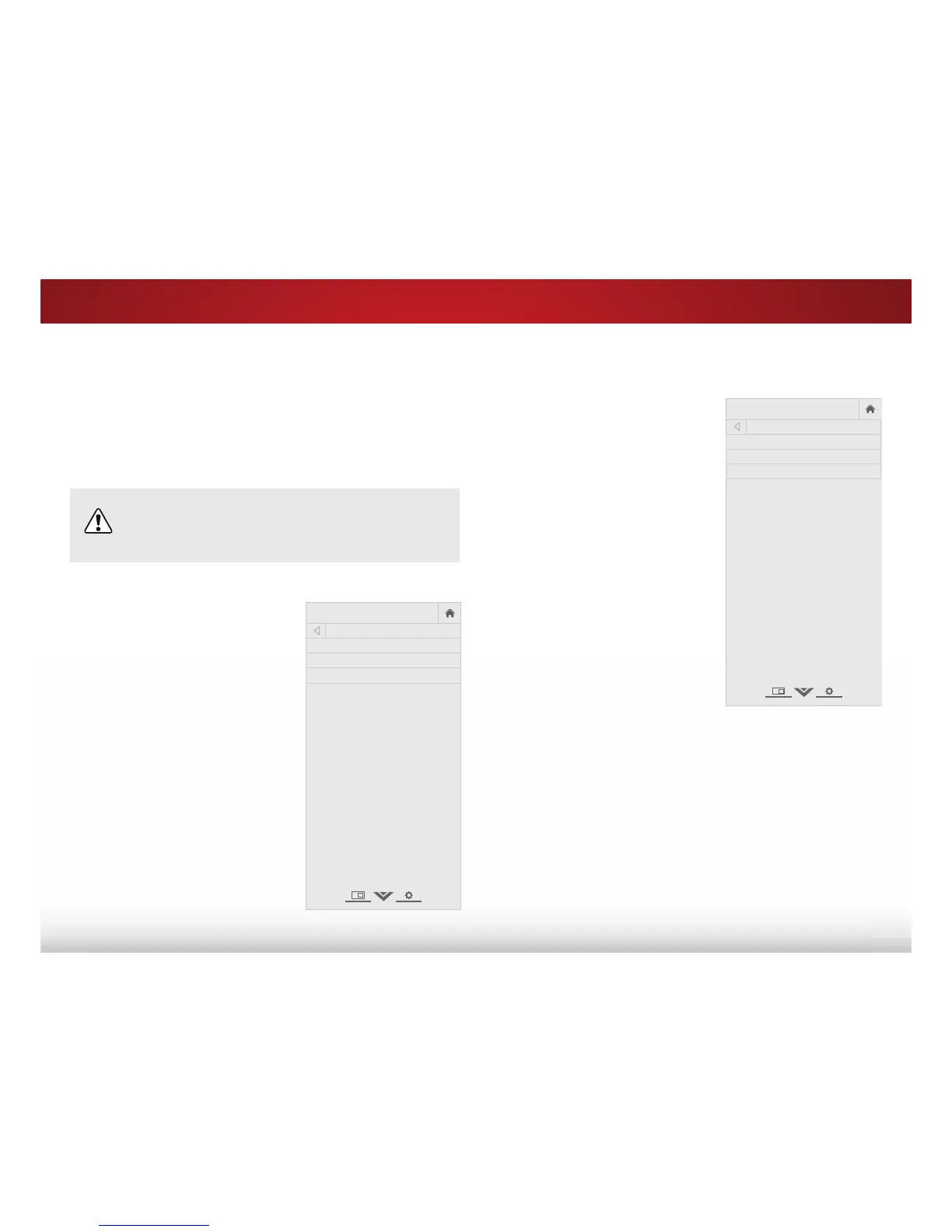
To use the Digital Language feature:
1. From the CHANNELS menu,
highlight 'LJLWDO/DQJXDJH
and press OK. The DIGITAL
LANGUAGE menu is displayed.
2. Select your preferred language:
(QJOLVK, (VSD³RO, or )UDQ©DLV.
Press OK.
3. Press the EXIT button on the
remote.
VIZIO
DIGITAL LANGUAGE
English
Español
Français
&KDQJLQJWKH$XGLR/DQJXDJH
Some free-to-air, cable, and satellite channels broadcast programs
in more than one language. The Analog Audio and Digital Language
features allow you to listen to audio from Secondary Audio
Programming (SAP). SAP allows you to listen to broadcasts in
multiple languages.
• Analog Audio works with analog channels.
• Digital Language works with digital channels.
Not all programs are broadcast in multiple languages.
The Analog Audio and Digital Language features
only work when the program being viewed is being
broadcast in the language you select.
To use the Analog Audio feature:
1. From the CHANNELS menu,
highlight $QDORJ$XGLR and
press OK. The ANALOG AUDIO
menu is displayed.
2. Select Stereo, SAP (Secondary
Audio Programming), or Mono.
Press OK.
3. Press the EXIT button on the
remote.
VIZIO
ANALOG AUDIO
Stereo
SAP
Mono



 To Next Page