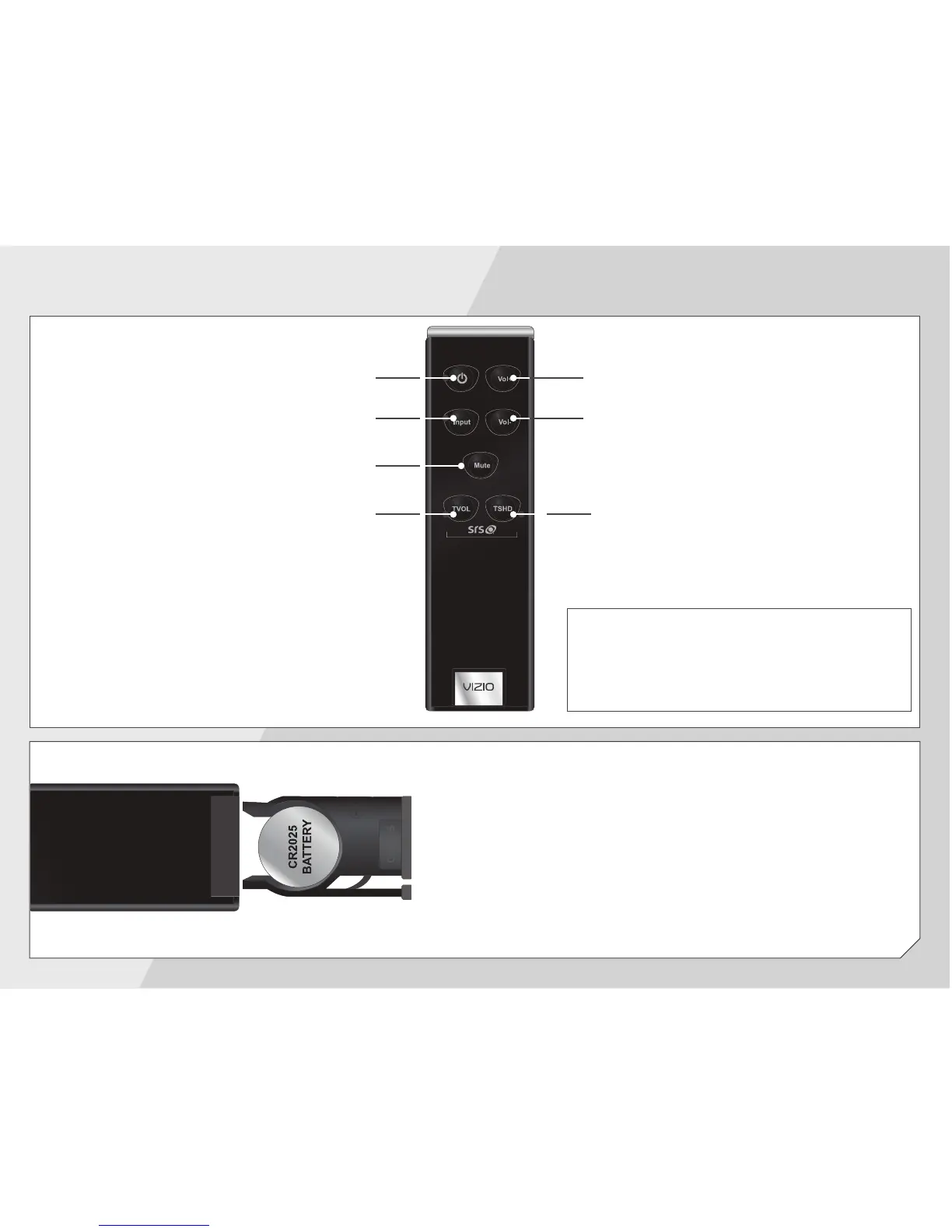
If your remote stops responding, you may need
to replace the battery.
To replace the battery, open the battery
compartment as shown, then replace the old
battery with a new CR2025. Be sure that the
+
sign on the battery is facing up.
Power
Press to turn on or off.
Volume Up
Press to increase volume.
Volume Down
Press to decrease volume.
Input
Press to change input source.
Mute
Press to mute/unmute.
USING THE REMOTE
TVOL
Press to activate SRS TruVolume.
TSHD
Press to activate SRS TruSurround HD
or SRS WOW HD.
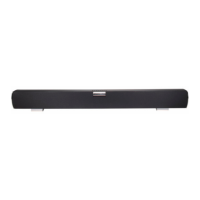
Tip: For best results, point the remote
at the right side of the Sound Bar. The
sensor is located there.


 To Next Page