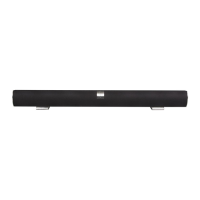
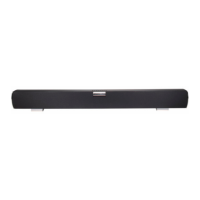
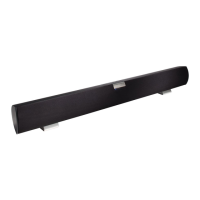
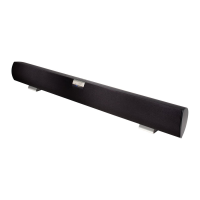
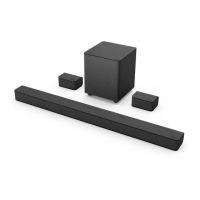
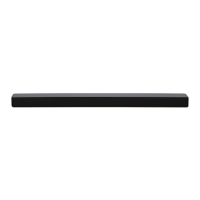
VIZIO VSB210WS User Manual
Version 1/19/2009 1
www.VIZIO.com
Dear VIZIO Customer,
Congratulations on your new VIZIO High Definition Sound Bar System
purchase. Thank you for your support. For maximum benefit, please read
these instructions before making any adjustments, and retain them for
future reference. We hope you will experience many years of enjoyment
from your new VIZIO HD Sound Bar System.
For assistance, please call (877) 668-8462 or visit us at www.vizio.com
To purchase or inquire about accessories and installation services for your
VIZIO HD Sound Bar System, please visit our website at www.vizio.com or
call toll free at (888) 849-4623.
We recommend you register your VIZIO HD Sound Bar System at our
website www.VIZIO.com or fill in your registration card and mail it in. For
peace of mind and to protect your investment beyond the standard
warranty, VIZIO offers extended warranty service plans. These plans give
additional coverage during the standard warranty period. Visit our website
or call us to purchase a plan.
Write down the serial number located on the back of your HD Sound Bar
System.
__ __ __ __ __ __ __ __ __ __ __ __ __
Purchase Date _____________________
VIZIO is a registered trademark of VIZIO, Inc. dba V, Inc.
HDMI logo and “High Definition Multimedia Interface” are registered trademarks of HDMI Licensing LLC.
Manufactured under license from Dolby Laboratories.
Dolby and the double-D symbol are trademarks of Dolby Laboratories.
and are trademarks of SRS Labs, Inc.
TruSurround HD and TruVolume technologies are incorporated under license from SRS Labs, Inc.
THE TRADEMARKS SHOWN HEREIN ARE THE PROPERTY OF THEIR RESPECTIVE OWNERS; IMAGES USED ARE FOR
ILLUSTRATION PURPOSES ONLY. BRAVO, VIZIO AND THE V LOGO AND WHERE VISION MEETS VALUE AND OTHER VIZIO
TRADEMARKS ARE THE INTELLECTUAL PROPERTY OF VIZIO INC. PRODUCT SPECIFICATIONS ARE SUBJECT TO
CHANGE WITHOUT NOTICE OR OBLIGATION. © 2008 VIZIO INC. ALL RIGHTS RESERVED.


 To Next Page
 General