EasyManua.ls Logo

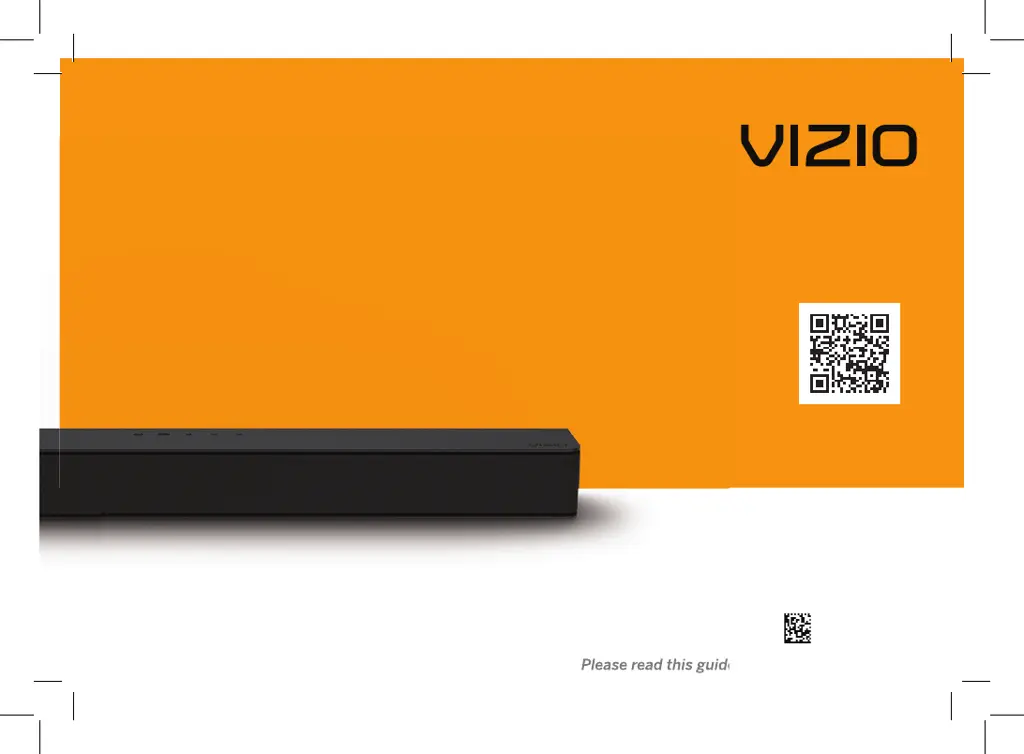
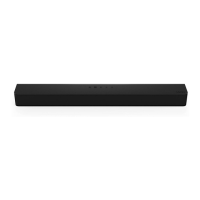
Vizio V20-J8 - User Manual

Vizio V20-J8
36 pages
Print Icon
To Next Page IconTo Next Page
Loading...
V-Series
2.0
User Manual
Scan to
learn more.
Model: V20-J8
Please read this guide before using the product.
70-VZ1V20-DFUB3

Questions and Answers

  • D
    David PattonAug 5, 2025
    How to turn on Vizio Speaker System when there is no power?
    • J
      joshua41Aug 6, 2025
      If your Vizio Speaker System isn't powering on, start by pressing the POWER button on the remote or on the top of the sound bar. Make sure the power cord is securely connected to both the speaker and the electrical outlet. To ensure the outlet is working correctly, plug a different device into it.
  • M
    Melissa RussellAug 10, 2025
    What to do if the Vizio V20-J8 remote isn’t working?
    • J
      johngutierrezAug 10, 2025
      If the remote for your Vizio Speaker System isn’t working, begin by replacing the batteries with new ones. When pressing a button, point the remote directly at the center of the sound bar. If you're using a Bluetooth connection, note that some buttons on the remote may not be supported by the streaming application.
  • A
    Adam WeaverAug 14, 2025
    Why is there no sound coming from my Vizio Speaker System?
    • A
      Anthony WolfeAug 14, 2025
      If your Vizio Speaker System has no sound, first increase the volume to ensure it's not simply set too low. Also, verify that the sound bar isn't muted by pressing the MUTE button on the remote. Try selecting different input sources by pressing the INPUT button. If you are using Digital Optical input, set the TV output to PCM. Some TVs do not pass through digital audio, so connect directly to your Blu-ray or another source. Ensure the source is set to output PCM and confirm that the audio output setting is set to FIXED or STANDARD, not VARIABLE. Finally, if using Bluetooth, check that the volume on your source device is turned up and that the device is not muted.
  • R
    Rebecca TurnerAug 18, 2025
    How to stop buzzing or humming sound from Vizio Speaker System?
    • A
      Amanda MontgomeryAug 18, 2025
      If you hear buzzing or humming from your Vizio Speaker System, first ensure all cables and wires are securely connected. Try connecting a different source device (TV, Blu-ray player, etc.) to see if the buzzing persists. Also, try connecting your device to a different input on the sound bar.
  • S
    Samantha JonesAug 23, 2025
    What to do if my Vizio V20-J8 Speaker System has no sound?
    • M
      Melissa KingAug 23, 2025
      If your Vizio Speaker System has no sound, first increase the volume by pressing the VOLUME UP button on the remote or the sound bar itself. Also, ensure that the sound bar isn't muted by pressing the MUTE button on the remote. Try selecting different input source by pressing INPUT on the remote or on the top of the sound bar. When using the Digital Optical input, try setting the TV output to PCM or connect directly to your Blu-ray or another source, as some TVs might not pass through digital audio. For digital inputs, if the input LEDs flash rapidly, set the source to output PCM. Check that your TV audio output setting is set to FIXED or STANDARD, not VARIABLE. If you're using Bluetooth, make sure the volume on your source device is turned up and that the device isn't muted.
  • I
    Ian FernandezAug 27, 2025
    How to troubleshoot a Vizio Speaker System that has no power?
    • M
      Melanie FosterAug 27, 2025
      If your Vizio Speaker System has no power, begin by pressing the POWER button on the remote or on the sound bar itself. Then, make sure the power cord is securely connected. Finally, plug a different device into the electrical outlet to confirm that the outlet is working correctly.
  • D
    Dr. James Fowler MDAug 31, 2025
    How to fix buzzing or humming sound on Vizio V20-J8?
    • E
      Emily MoralesAug 31, 2025
      If you hear buzzing or humming from your Vizio Speaker System, make sure all cables and wires are securely connected. You can also connect a different source device (TV, Blu-ray player, etc.) to see if the buzzing persists; if it doesn’t, the problem may be with the original device. Also, try connecting your device to a different input on the sound bar.

Vizio V20-J8 Specifications

General IconGeneral
Wi-Fi-
USB portYes
Bluetooth version4.1
Connectivity technologyWired & Wireless
Digital audio optical in1
Package depth142.2 mm
Package width680.7 mm
Package height124.5 mm
Audio decodersDTS Digital Surround, DTS TruVolume, DTS Virtual:X
Equalizer modesMovie, Music, Standard
RMS rated power- W
Audio output channels2.0 channels
Sustainability certificatesRoHS
AC input voltage100-240 V
AC input frequency50/60 Hz
Power consumption (typical)60 W
Product colorBlack
Audio formats supportedWAV
Network streaming services supportedPandora, Spotify
Number of speakers2
Weight and Dimensions IconWeight and Dimensions
Depth81.3 mm
Width609.6 mm
Height57.9 mm
Soundbar weight1700 g

Related product manuals