EasyManua.ls Logo

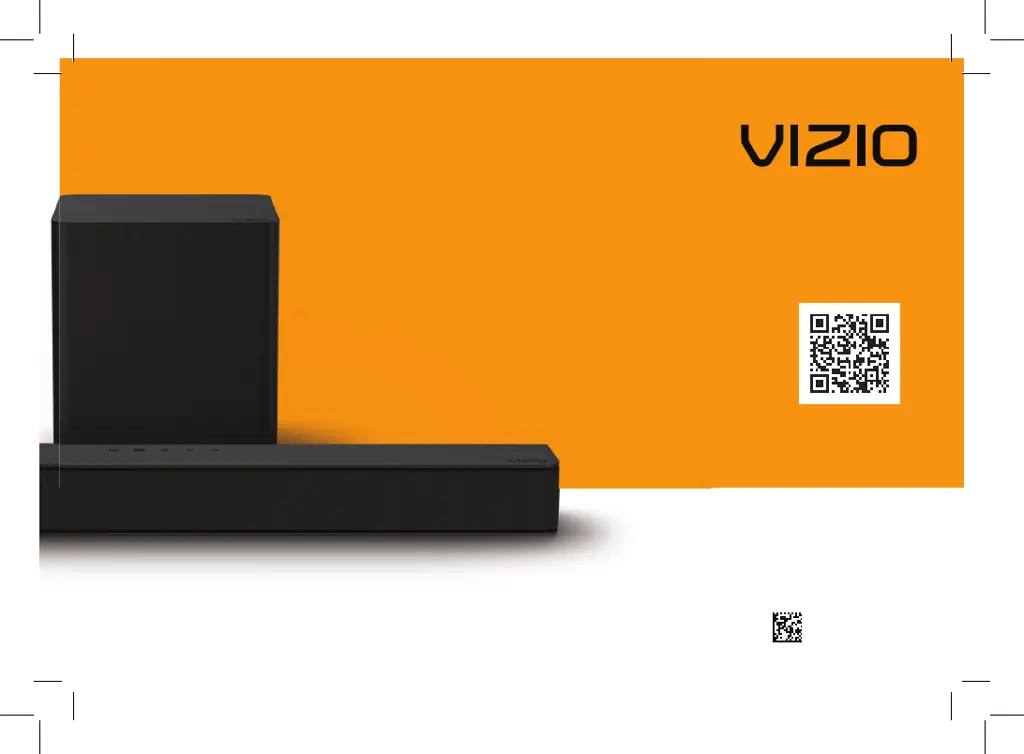
Vizio V21t-J8 - User Manual

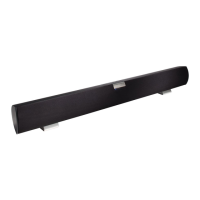
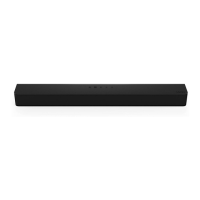
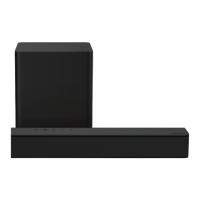
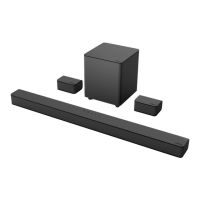
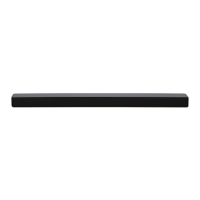
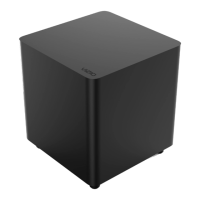
Vizio V21t-J8
40 pages
Print Icon
To Next Page IconTo Next Page
Loading...
Model: V21t-J8
Please read this guide before using the product.
V-Series
2.1
User Manual
Scan to
learn more.
70-VZV21T-DFUB3

Other manuals for Vizio V21t-J8

Questions and Answers

  • C
    cassandra58Aug 11, 2025
    Why is my Vizio V21t-J8 Speaker System remote not working?
    • H
      hicksjasonAug 11, 2025
      If your Vizio Speaker System remote isn’t working, try these steps: 1. Replace the remote batteries with new ones. 2. Point the remote directly at the center of the sound bar when pressing a button. 3. If you're using a Bluetooth connection, be aware that some buttons on the remote may not be supported by the streaming application.
  • D
    david27Aug 26, 2025
    How to troubleshoot no power on Vizio V21t-J8 Speaker System?
    • L
      Lisa McguireAug 26, 2025
      If your Vizio Speaker System isn't powering on, try the following: * Press the POWER button on the remote control or on the top of the sound bar. * Make sure the power cord is securely connected. * Plug another device into the same electrical outlet to confirm that the outlet is working properly.
  • R
    Robert BradySep 2, 2025
    How to fix buzzing or humming sound on Vizio V21t-J8 Speaker System?
    • J
      Joshua Grant PhDSep 2, 2025
      If you're experiencing buzzing or humming with your Vizio Speaker System, here are a few things to try: * Make sure all cables and wires are securely connected. * Try connecting a different source device (like a TV or Blu-ray player) to see if the buzzing continues. If it stops, the problem might be with the original device. * Connect your current device to a different input on the sound bar.
  • S
    Stacy BradleyNov 17, 2025
    What to do if my Vizio Speaker System has no sound?
    • L
      Lindsey FowlerNov 17, 2025
      To address the issue of no sound on your Vizio Speaker System: * First, increase the volume by pressing the VOLUME UP button on the remote or the sound bar itself. * Ensure the sound bar isn't muted by pressing the MUTE button on the remote. * Try selecting a different input source by pressing INPUT on the remote or sound bar. If you're using a Digital Optical input, try setting the TV output to PCM or connect directly to your Blu-ray player or another source, as some TVs might not pass through digital audio. For digital inputs, if the input LEDs flash rapidly, set the source to output PCM. Also, check your TV's audio output setting and ensure it's set to FIXED or STANDARD, not VARIABLE. If using Bluetooth, make sure the volume on your source device is turned up and the device isn'...

Vizio V21t-J8 Specifications

General IconGeneral
Colorblack
Audio Channels2.1
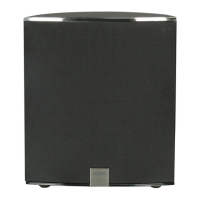
Subwooferincluded
Surround Sounddts virtual:x, dts truvolume
Maximum Frequency Response50 kilohertz
Minimum Frequency Response20 hertz
Inputsanalog audio, toslink optical, usb, rca, hdmi
Outputshdmi
HDMI Inputs0
HDMI Outputs1
HDMI ARC Portsyes
USB Ports1
Bluetoothyes
Wireless Connectivitybluetooth
Wireless Subwoofer Connectivityyes
Optical Audio Inputs1
Remote Controlyes
Smart Featuresamazon alexa, google assistant, siri
Weight and Dimensions IconWeight and Dimensions
Depth7.68 inches
Height2.28 inches
Width24 inches
Net Weight3.84 pounds
Subwoofer Depth7.68 inches
Subwoofer Height8.48 inches
Subwoofer Width7.68 inches
Subwoofer Weight5.84 pounds

Related product manuals