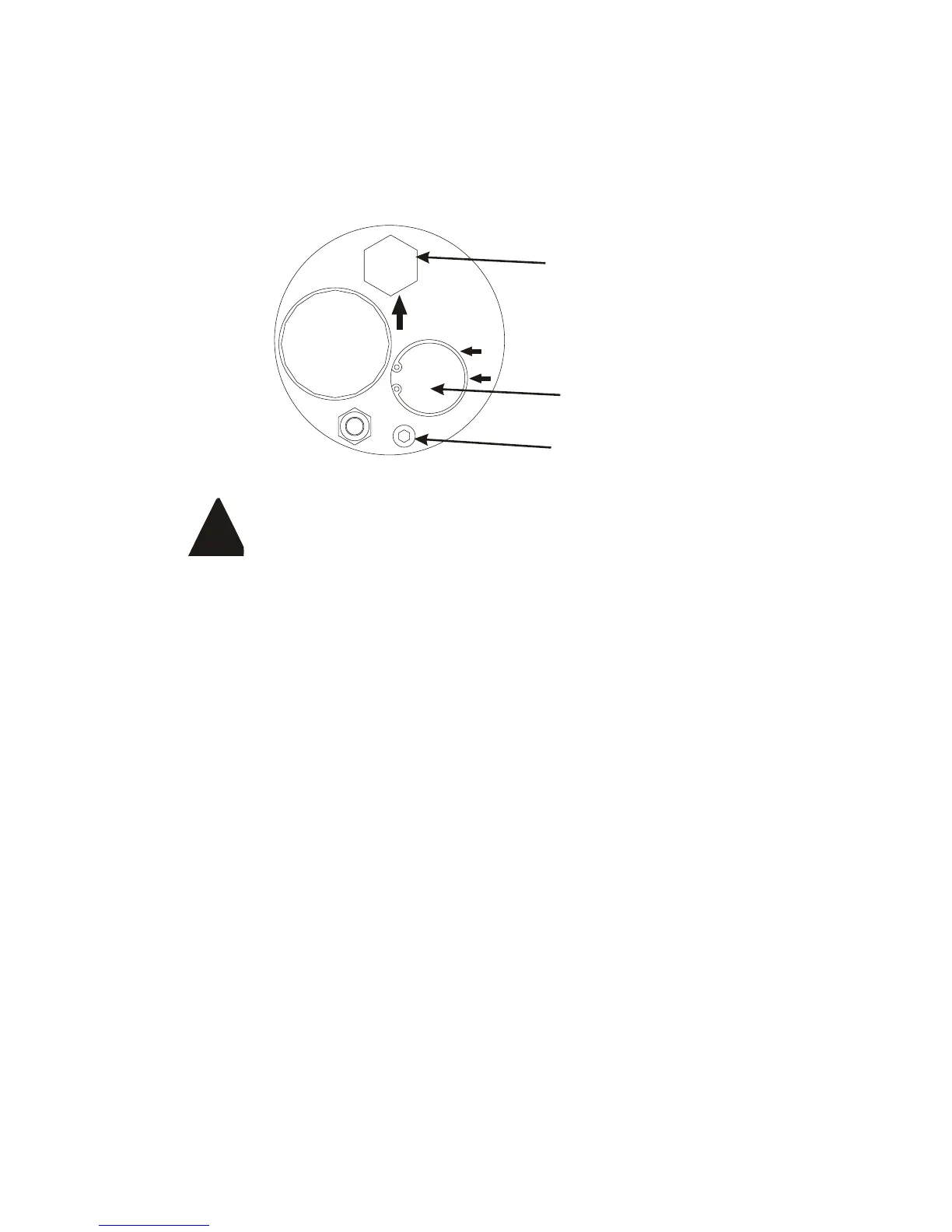
4. Activate the hydraulic system.
5. Start the system.
6. Allow the system to pressurize and operate for a few minutes.
7. Turn the compressor off, check for oil leaks and check the oil
level. Add oil as required.
You must use VMAC compressor oil. Failure to use this
oil will result in damage to the compressor and may
void your warranty.
Replacing the Air Filter
If the system has been just operated, shut it off and wait at least 30
seconds for the air pressure to vent before working on the system.
1. Clean loose debris from the area around the filter cover to
prevent contamination entering the compressor.
2. Remove the filter cover retaining nut, the filter cover and the filter
element.
3. Immediately cover the air inlet opening to prevent contamination.
Do not use compressed air or perform any other tasks around
the compressor until the filter and cover are replaced.
4. Clean the inside of the filter cover with a clean, dry cloth. Do not
use flammable solvents to clean the inside of the cover. If you
do use solvent, rinse the inside of the cover thoroughly with fresh
water and dry it before installing the cover.
5. Remove the intake covering and install a new air filter. Make
sure that the filter fits over the machined step on the housing.
6. Replace the cover and secure it with the cover bolt. Do not over-
tighten the bolt.



 To Next Page