Page 5
Kryo Series Power Amplifiers
acoustics
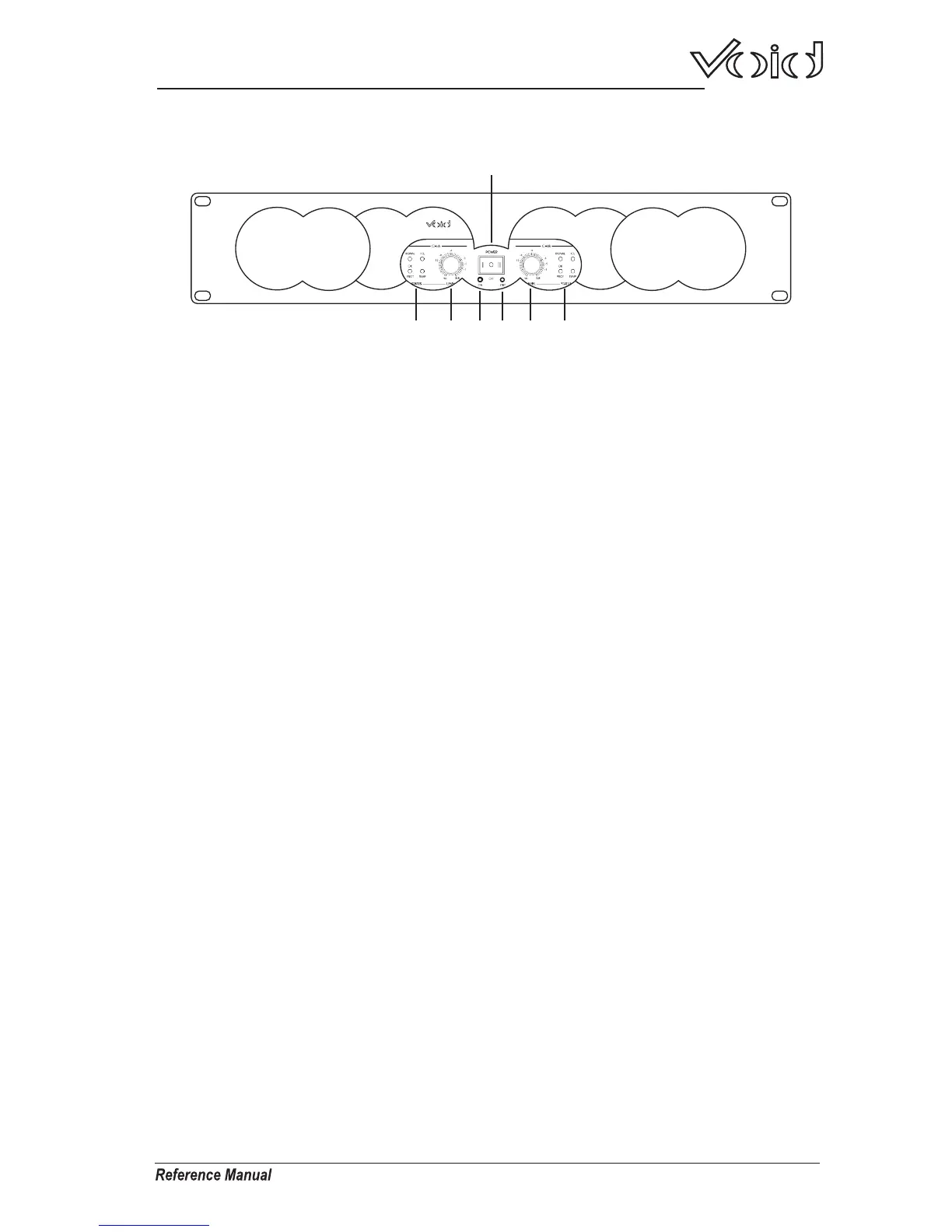
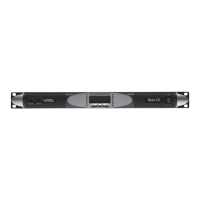
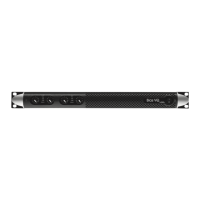
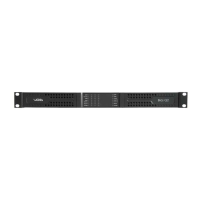
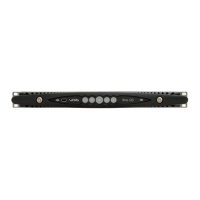
Front Panel
1.Power Switch
Used to turn the amplifier on or off.
2.Power LED's
The blue LED lights when the amplifier is switched on.
The amber LED lights when the amplifier is in stand-by mode and is
remotely activated via Ethernet.
3.Level Controls
Used to control CH A and B's output level.
4.Status LED's
SIGNAL
When illuminated the signal LED's indicate an audio signal is present at the
channel's input.
ICL
The ICL LED's indicate when the ICL limiter is active. The limiter circuit
examines the audio output signal to prevent the amplifier from clipping.
See page 6.
TEMP
Indicates when temperature protection is active.
PROT
The protect LED's light up when the amplifier goes into protect mode.
See page 6.
1
2
3 3
2
4 4
Kryo 8
acoustics



 To Next Page