21
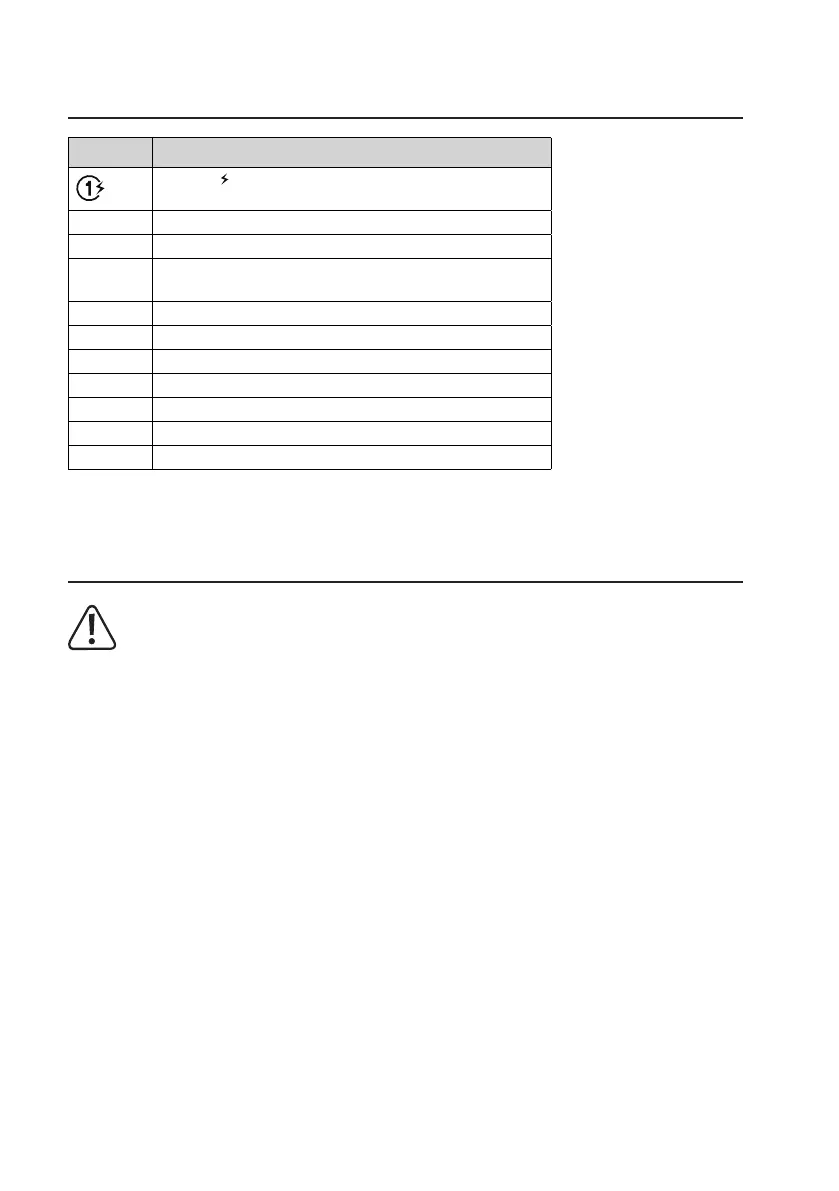
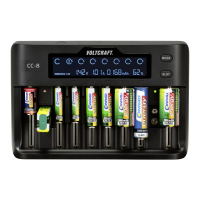
9. LCD desciption
Display Display
Aashing indicates that charging is in progress. The number
indicates which slot(s) is/are active.
Li-ion Lithium-ion battery inserted
LiFePO4 Lithium iron phosphate battery inserted
NiMH/NiCd
NiMH: Nickel metal hydride battery inserted.
NiCd: Nickel-cadmium battery inserted
V Battery voltage
Null Battery not connected
Full Battery is fully charged
Err Battery polarity is reversed, non-rechargeable battery inserted.
mAh Battery capacity
% Percentage charged
A Charging current
10. Connect charger to power outlet
When not using the device, disconnect the charger from the power supply and remove any inserted batter-
ies.
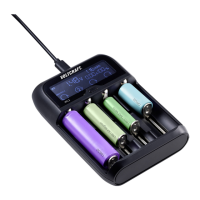
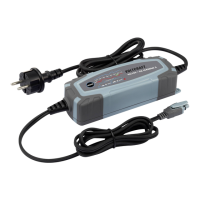
• Connect one end of the adaptor to the power input (8) on the charger, and the other end to a suitable power supply.
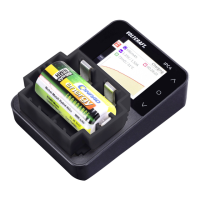
• The LCD display (2) will light up to indicate the charger is receiving power.
• If no batteries are inserted, the LCD display will show Null.





 To Next Page