17
3. After Driver installation, a new COM port will be
added to the Ports in the Device Manager. Port
number will be ranged following the primary
COM ports, such as: COM3 or COM4.
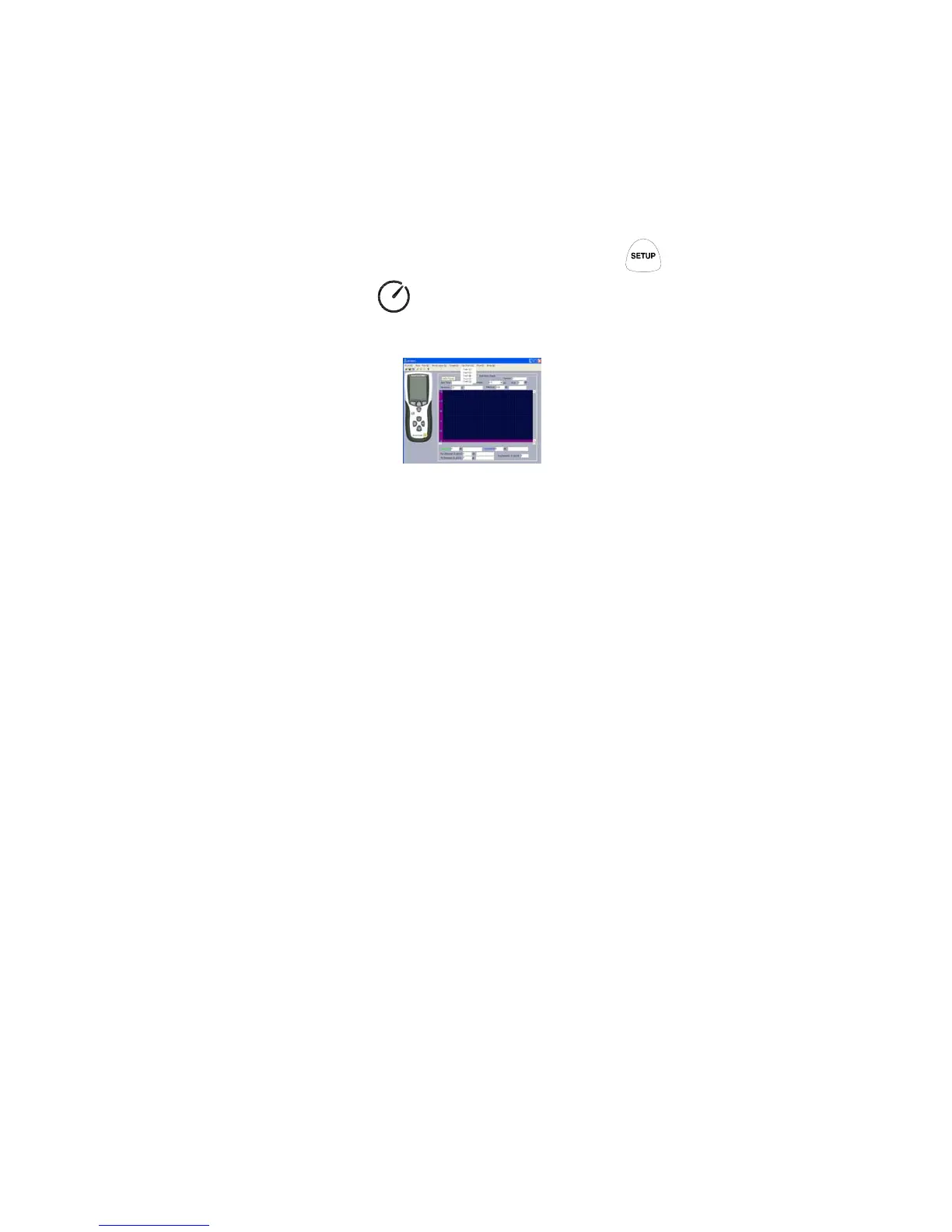
4. Entry IR365 Application and choose the correct
COM port. Communication can be start after
pressing ON-LINE.
1.4 Once the drive software is installed, start the
application software, connect the meter to the
computer by USB, then search for the COMX port
occupied by CP210X press
buttonthe‘ ’ symbol will not appear on the
displaywhich indicate the meter is transmitting
data to the computer.
1.5 Enter the menu REAL TIME\‘SETUP’to set the
monitoring data(data volume, response, monitoring
time)








 To Next Page