6
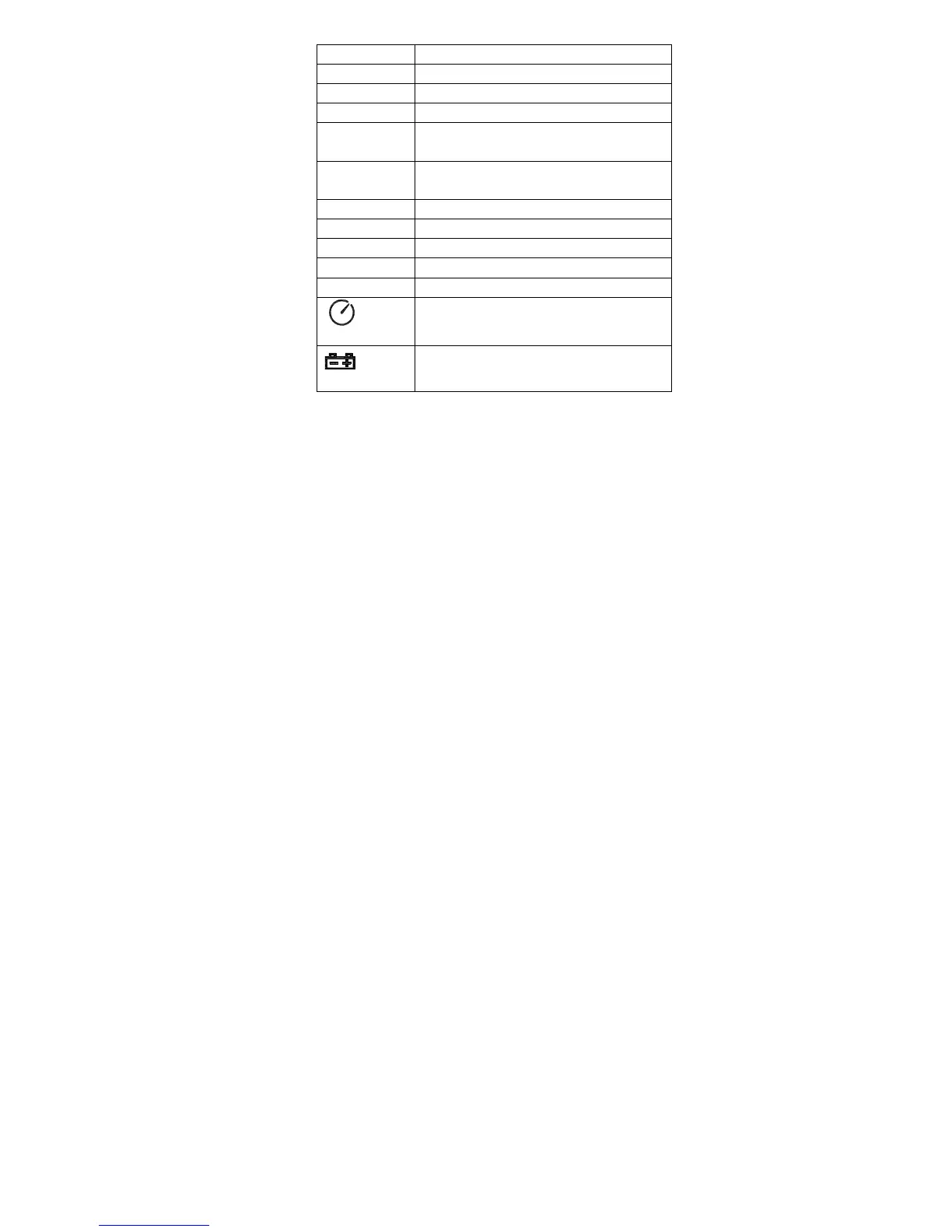
OVER over range
UNDER under range
FAST Fast response
SLOW Slow response
dBA A-Weighting(responseto human
sense)
dBC C-Weighting(response to
machine monitor)
88—180 Range indicate
REC Recording data into computer
AUTO Auto level range selection
FULL Memory full
HOLD Data hold function
AutopoweroffPress the”SETUP“
button to disable power off
Low battery indicate
REC button
3.0 DATALOGGER function
Press “REC” button after it power on, the display
will show “REC” to start Data Recordingpress the
button again to delet the record (Note: In order to
avoid data error, please don’t power it off under
REC condition, when the REC function is deleted
then it can power off).
3.1 Adjusting DATALOGGER response








 To Next Page