30
Instruments
Settings
Menu SETTINGS is used to do various settings for
the display.
- Language: This is where you select the language
that the display should use (8 different languages
are available).
- Bleep: This is where you select whether a beep
should be heard when any button is depressed.
ON/OFF.
- Engine: This is where you select the engine for
which operating data will be displayed. SINGLE,
PORT, STARBOARD or TWIN.
- Engine series: This is where you select the engi-
ne for which the display has been installed D1/D2,
>D2. The display is pre-set for use with engines
larger than D2.
Display mode System Information
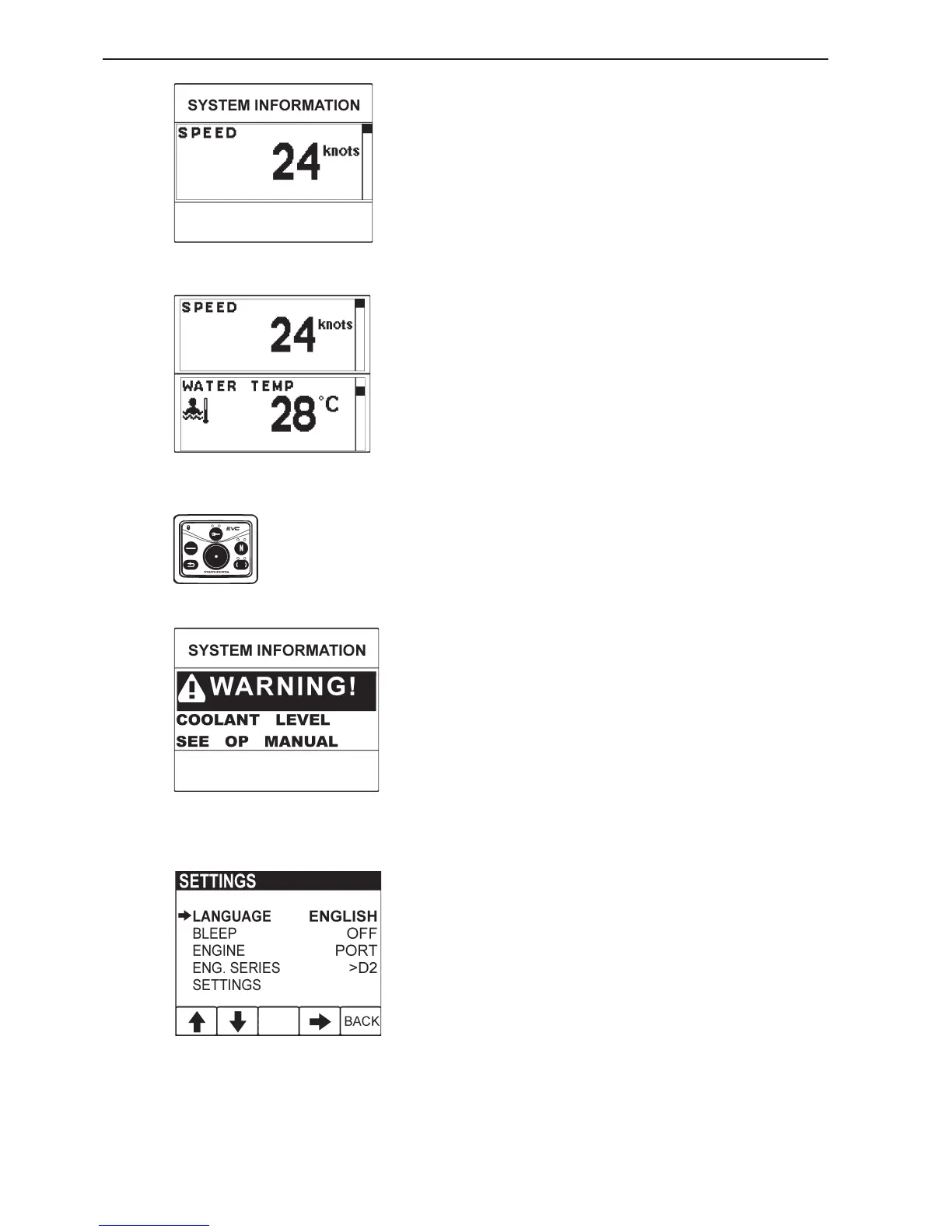
SYSTEM INFORMATION is a display mode that
functions in the same way as the display in the tacho-
meter (EVC System Tachometer). You navigate round
these functions, using the buttons on the free-stan-
ding control panel.
In display mode SYSTEM INFORMATION there are
several functions:
- Display of operating information, information mes-
sages and alarm (note! The display is adapted to
suit the size of the panel in the tachometer).
- Settings for displaying operating information in this
display mode.
- All calibrations.
Detailed instructions for the functions in display mode
SYSTEM INFORMATION are found in the section
about the tachometer in this owner’s manual .
Information message and alarm
The display automatically switches to display mode
SYSTEM INFORMATION when the electrical sys-
tem needs to show information messages or alarms.
Instructions about how information messages and
alarms should be handled are found in the section
about the tachometer and in the section ”In case of
emergency” in this owner’s manual.
SYSTEM INFORMATION display mode for
twin engine installations
Control panel
SYSTEM INFORMATION display mode for sin-
gle engine installations
Alarm example









 To Next Page