Trip Reset
Zeroes all values in the trip computer.
ACP Mode
Setting
the
ACP protection position. For information on
the ACP function, refer to ACP.
Depth Alarm
Setting the depth alarm function; refer to Depth
Alarm page 113.
Display Contrast
Contrast adjustments affect all displays in the system.
Display Type
Select the engines for which the information will be
shown in the display, and the type of installation the
display forms part of.
Units
Setting the units (metric, US or Imperial) and distance
units (km, NM or miles) distances will be shown in.
Language
Setting the language information will be shown in.
Speed Factor
Setting the velocity factor; refer to Speed Fac-
tor page 118.
EVC Information
Information about components, software and functions
installed. Installed functions are checkmarked.
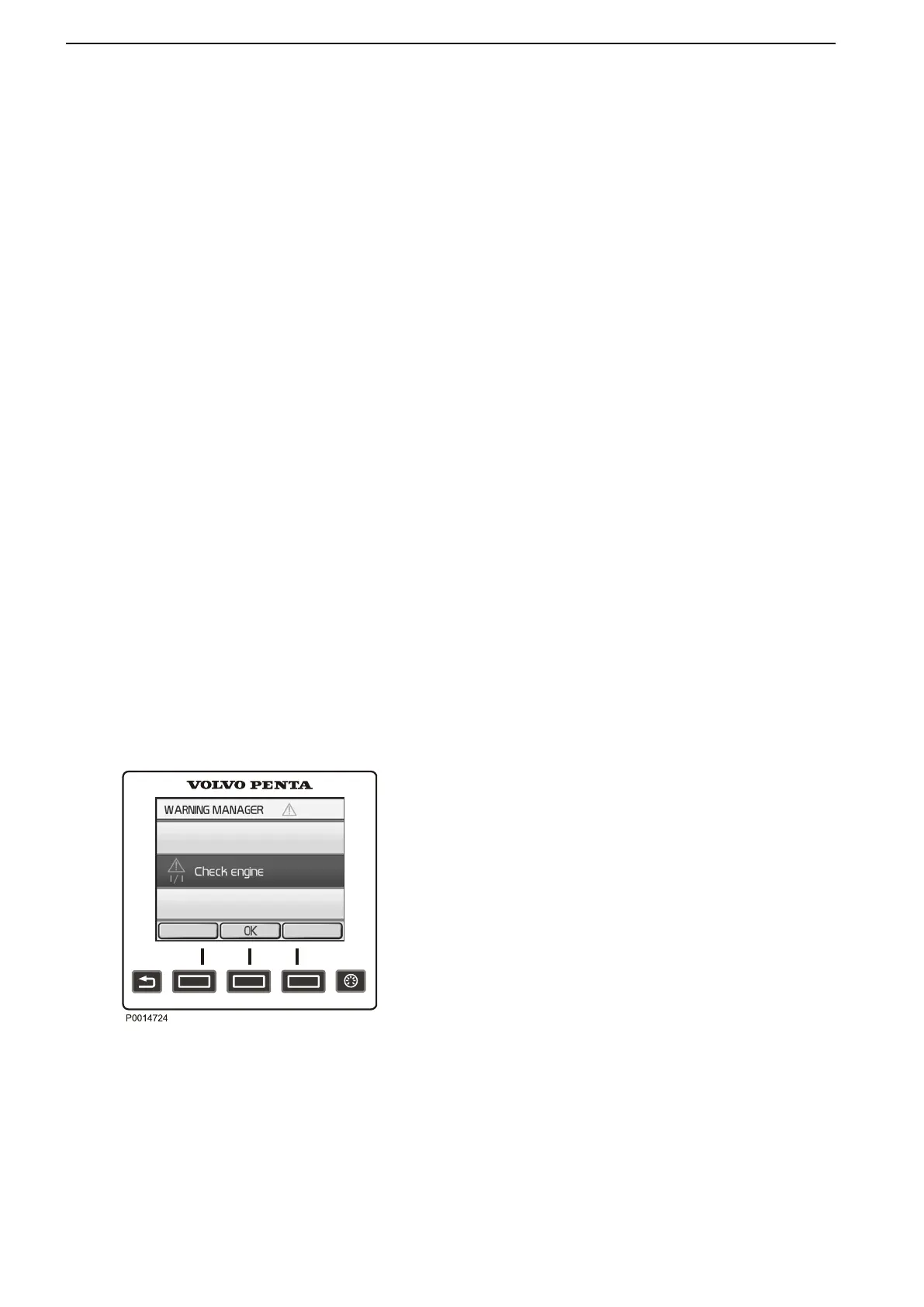
Warning Manager
If the system discovers a fault, the helmsman is
informed
by
a message on the display. The fault mes-
sage must be acknowledged by pressing OK.
All fault messages are stored in Warning Manager; the
drivetrain affected is shown, the fault described and
suitable actions suggested. For further information on
different fault messages, refer to the Fault Code Reg-
ister page 62.
Warning Manager
Instruments and Controls
20 47702095 04-2011


 To Next Page
 Loading...