Removing instruments
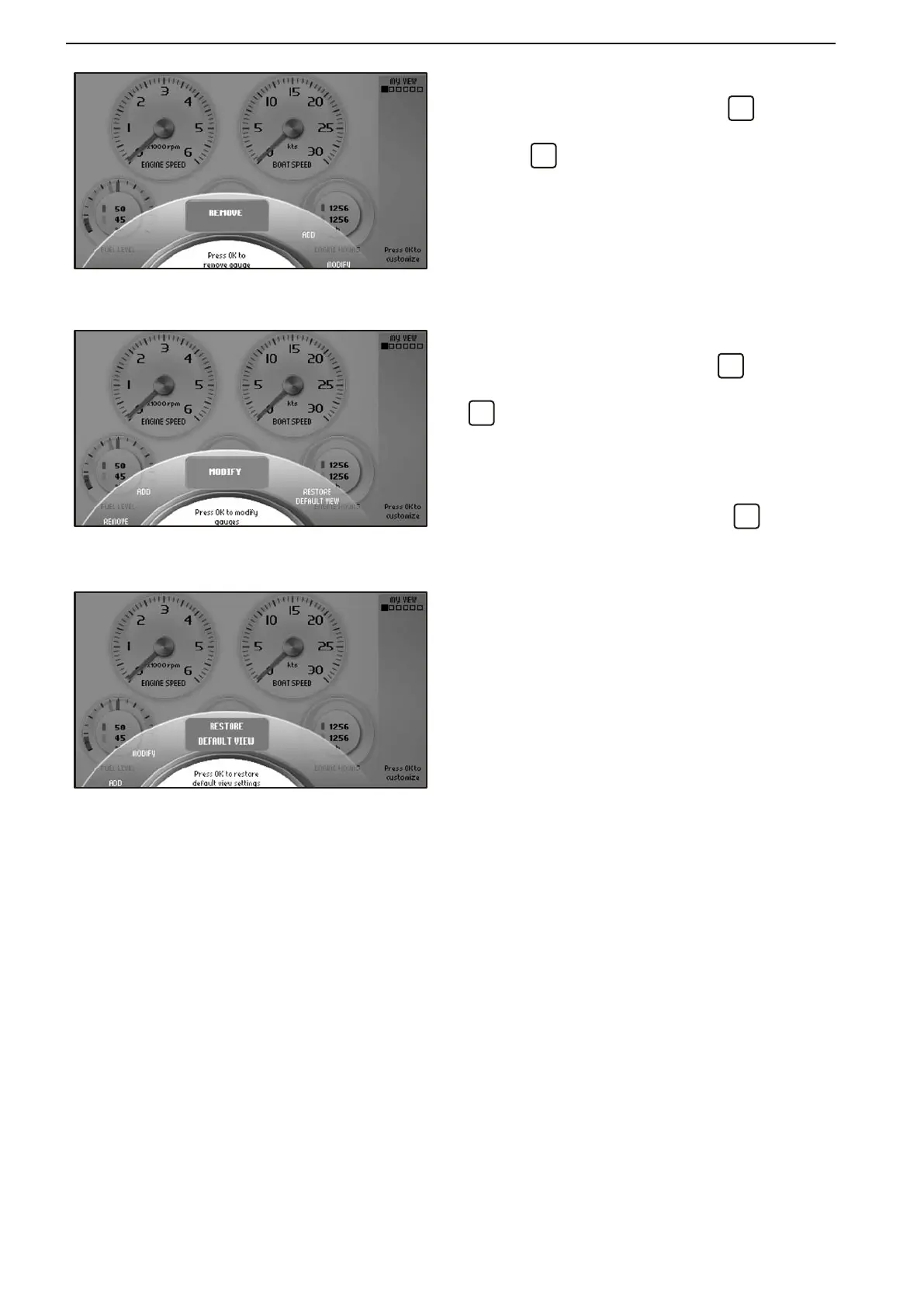
Turn to the Remove menu and press
.
Turn to the instrument that is to be removed and con-
firm with
.
Changing instruments
Turn to the Modify menu and press
.
Select the instrument that is to be changed and press
.
Choose between:
Remove, removes the instrument.
Replace, changes
one instrument for another. Turn
to the desired instrument and press
.
Analogue/Numeric, specify whether the instru-
ment will be displayed as analog or digital.
Restore Default View
The screen has a basic setting that can always be
returned to by pressing Restore Default View in the
Customize menu.
Instruments and Controls
24 47702095 04-2011


 To Next Page
 Loading...