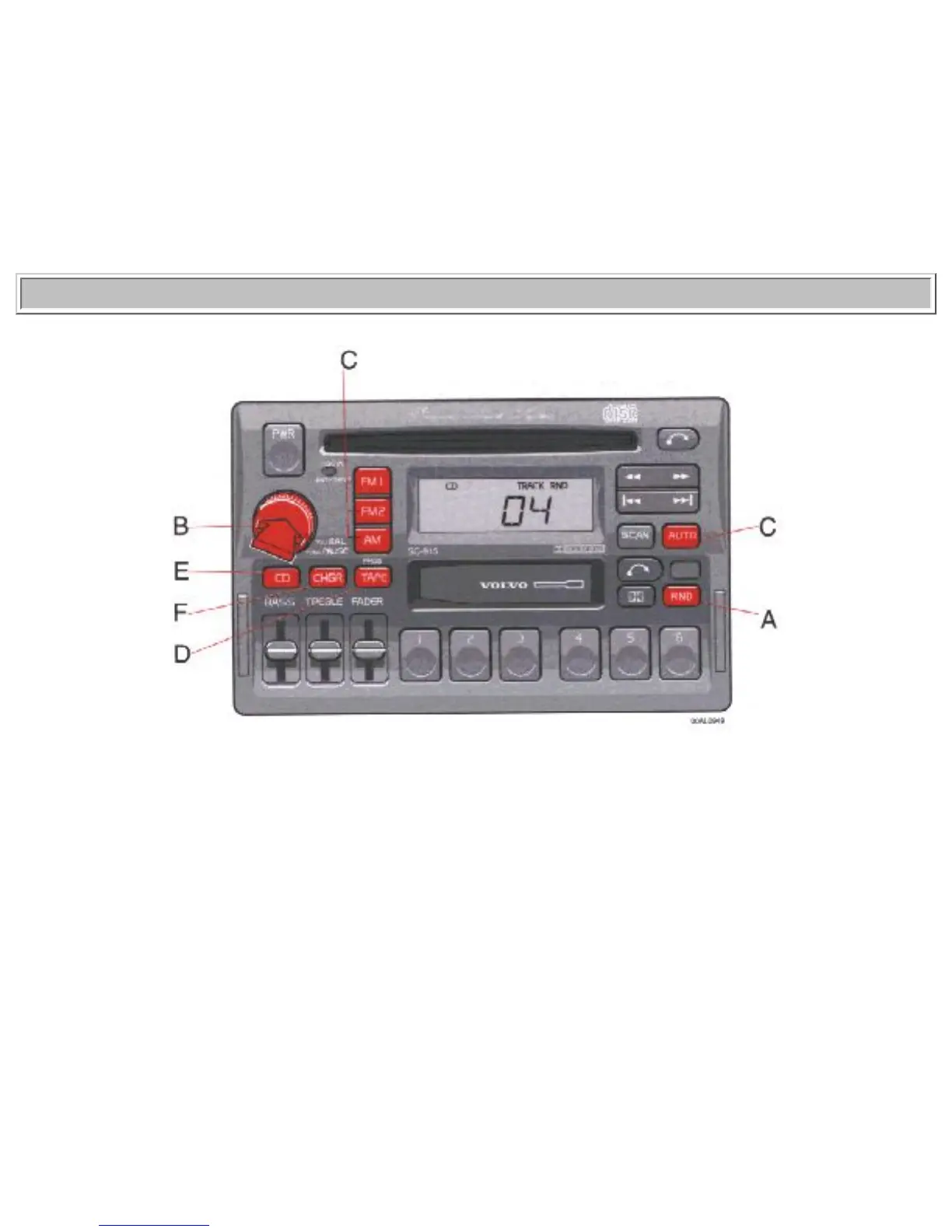
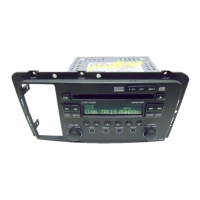
When the "CD" button is pressed the playing time for the current track is displayed for 5 seconds.
D - Scan
Press this button to listen to the first ten seconds of each track. Press it again to stop scanning.
pg. 1:61 CD - Single
A - Random choice
Press "RND" to actuate the random mode. From A disc, tracks will be played at random. "RND" will be
displayed when this function is engaged.
B - Pause
If you press the "volume" knob the disc is stopped, the unit is silent and "PAUSE" is displayed. To
restart the disc press the knob again.
C - To re-enter Radio mode


 To Next Page