Track no. selector
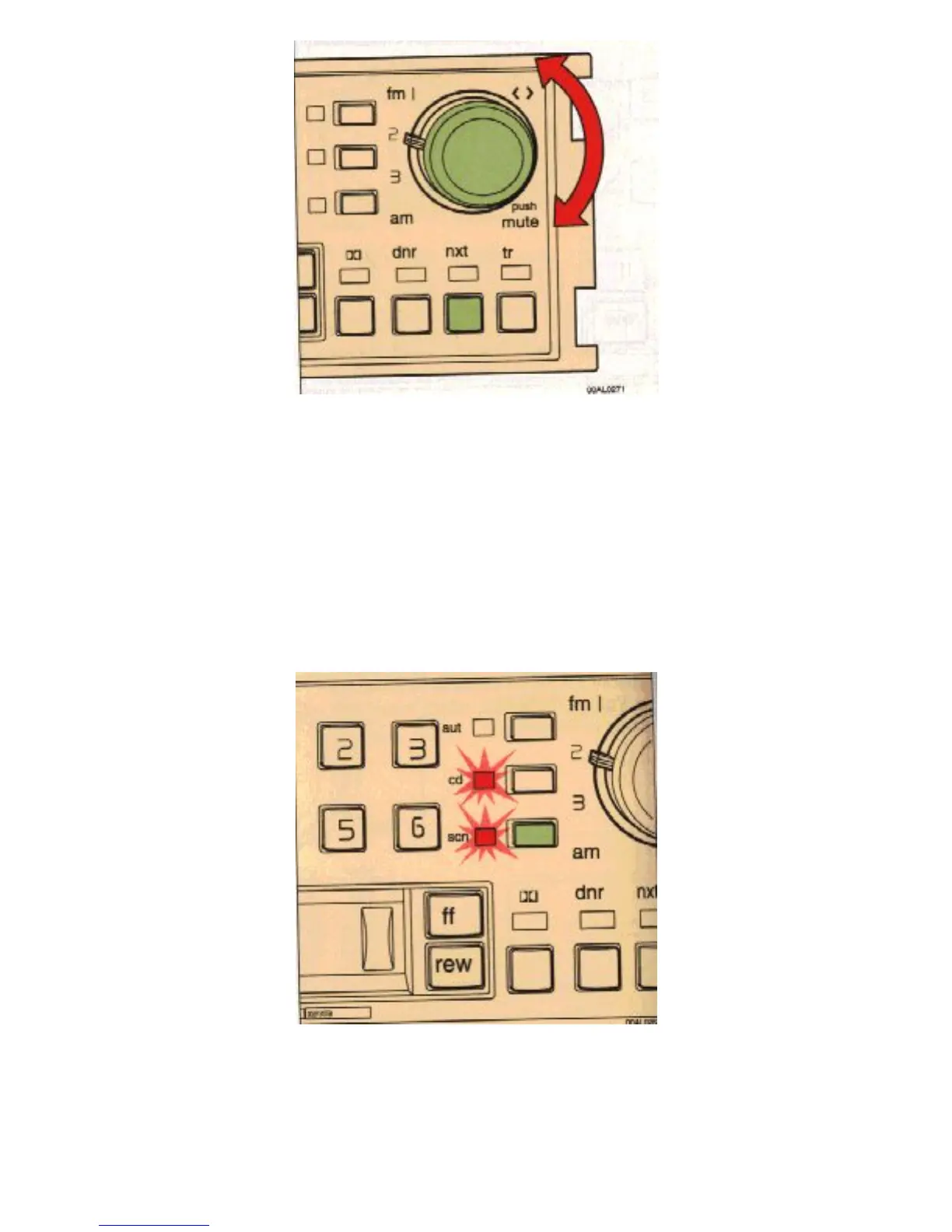
Turn the outer knob to select the track number required.
Changing selected track no.
Turn the outer knob to change the selected track number or press "nxt" for forward selection.
The chosen disc no. and track no. is displayed.
Scanning
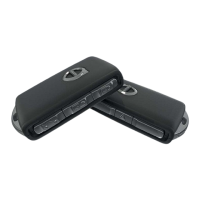
Depress the "scn" button. The set scans the entire disc and stops at every track for 8 seconds. Scanning is
then resumed. If you want to retain the track press the "scn" button once more within the 8 seconds.
file:///K|/ownersdocs/1993/1993_940/93940_1_25.html (10 of 13)12/30/2006 9:44:20 AM



 To Next Page