02 Get to know your navigation system
Maps, road types and compass
02
27
Map image of current position
The appearance of the screen image depends
on geographic position and the settings made,
e.g. map scale, POIs selected for display etc.
Explanations for the text, signs and symbols
that may appear on the display are available on
the front of the cover.
POIs along the motorway - see page 36.
Detailed junction map. The left-hand sec-
tion of the display enlarges the navigation
at the next junction. The situation is always
supplemented with a voice message, see
next section.
Two maps can be selected as display
mode. The screen shows the same map
image but in two different scales. 2D or 3D
display can also be selected - see
page 46.
Scroll mode - see page 28.
Voice guidance
After a destination has been entered and the
car approaches a junction or exit, a voice mes-
sage sounds stating distance and type of the
next manoeuvre. At the same time a detailed
map of the junction is displayed. The voice
guidance message is repeated closer to the
junction.
The volume can be adjusted with the audio
unit's volume button (during ongoing voice
message).
To repeat a message:
•
Press twice on the OK button.
Also see Settings
Guidance options
Voice guidance - see page 48.
NOTE
In certain cases (for example if using a Blue-
tooth connected mobile phone) the voice
message is replaced by a ping noise.
To select male or female voice and language:
•
Go to the menu system in MY CAR - see
the car's manual. The voice volume can
also be adjusted there.
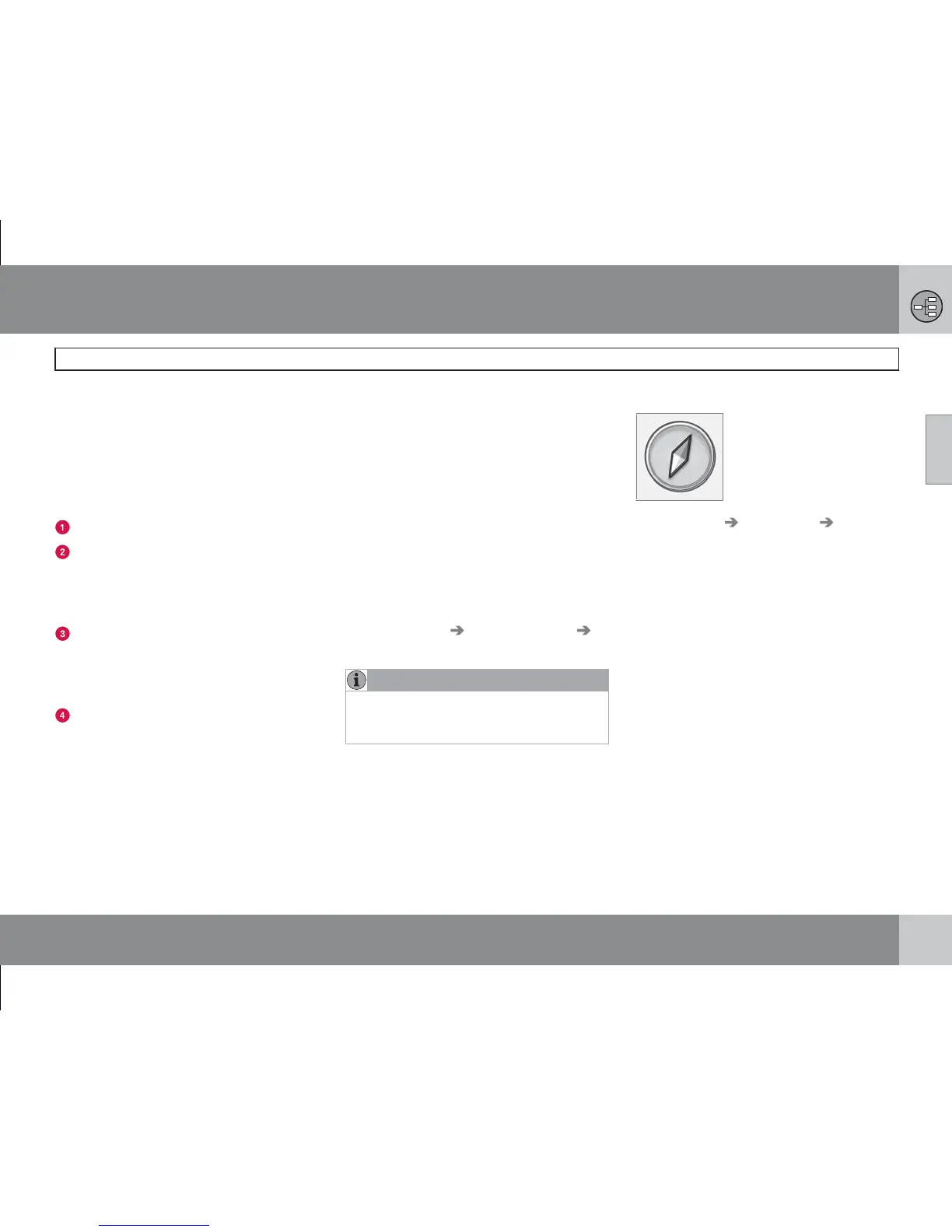
Compass
The red tip of the compass
needle points north and the
white end points south.
Go to Settings Map options Compass
to select whether the compass is to be dis-
played or not - see page 47.



 To Next Page