05 Symbols on the map
Facilities
05
62
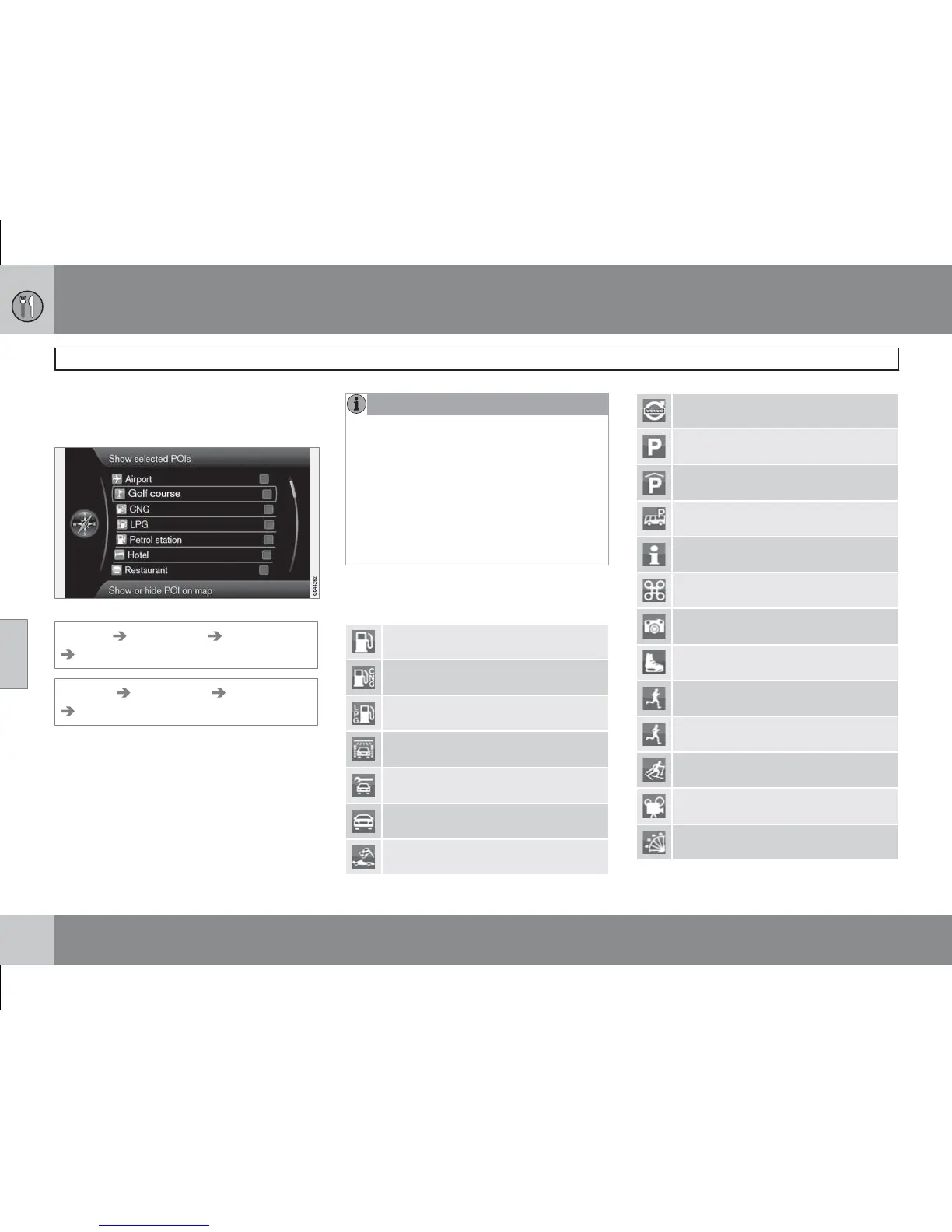
Specify which POIs are to be shown on the
map or select All orNone are to be shown -
see page 47.
Ticked POIs are shown on the map.
Settings Map options POI on map
Selected
(Settings Map options POI on map
Selected)
Proceed as follows:
•
Select/mark POI with the TUNEknob, tick/
untick using OK.
NOTE
•
The symbol for a POI and the number of
POIs can vary between different coun-
tries.
•
New symbols may appear and others
disappear in conjunction with updating
the map data - one can scroll through
all the POI symbols for the relevant map
system under
Settings in the menu
system.
Examples of symbols for different POIs that
can be shown on the map are given here:
Petrol station
Petrol station with CNG (biogas)
Petrol station with LPG
Car wash
Car workshop
Car hire
Motorsport facility
Volvo dealer
Parking
Parking garage
Parking, large vehicles
Tourist information
Historical monument
Tourist attraction
Ice skating
Sport facility
Exercise facility
Ski facility
Cinema
Amusement park



 To Next Page