MY CAR
}}
* Option/accessory.
15
MY CAR - search paths
MY CAR is a menu source that handles many of
the car's functions, e.g. setting the clock, door
mirrors and locks.
Current menu level is shown at the top of the
centre console's screen. The search paths to the
menu system's functions are specified on the
form:
Settings Vehicle settings Lock settings
Doors unlock Driver door, then all.
The following is an example of how a function
can be accessed and adjusted using the steering
wheel keypad:
1.
Press the centre console button MY CAR.
2. Press the thumbwheel.
3.
Scroll to the desired menu, e.g.
Settings,
with the thumbwheel and then press the
thumbwheel - a submenu opens.
4.
Scroll to the desired menu, e.g.
Vehicle
settings and press the thumbwheel - a sub-
menu opens.
5.
Scroll to
Lock settings and press the
thumbwheel - a new submenu opens.
6.
Scroll to
Doors unlock and press the
thumbwheel - a drop-down menu containing
selectable options opens.
7.
Scroll between the options
All doors and
Driver door, then all with the thumbwheel
and press the thumbwheel - the option is
selected.
8. Exit the programming by backing out of the
menus incrementally with short presses on
EXIT or with one long press.
The procedure is the same for the centre console
controls (p. 14): OK/MENU, EXIT and the TUNE
knob.
Related information
•
MY CAR (p. 14)
•
MY CAR - menu options (p. 15)
MY CAR - menu options
MY CAR is a menu source where many of the
car's functions can be handled, e.g. setting the
clock, door mirrors and locks.
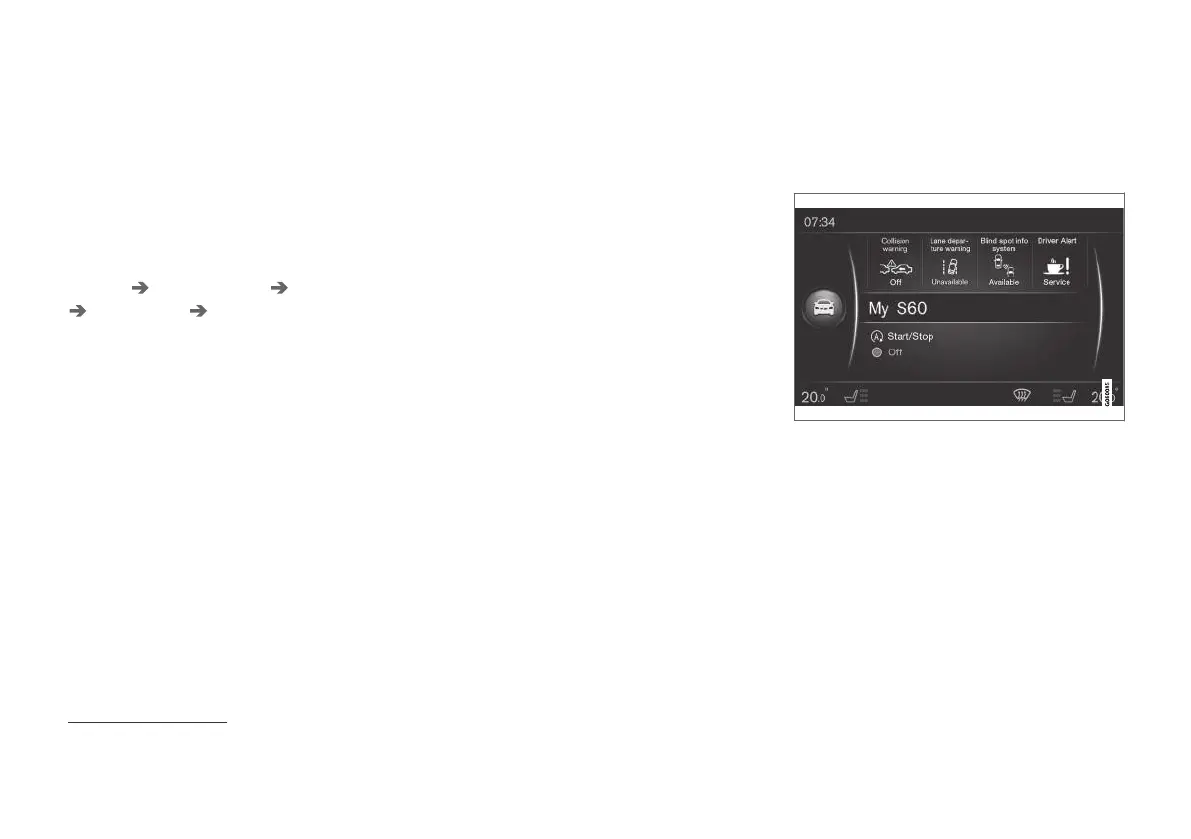
Example of normal view for MY CAR.
Press MY CAR in the centre console to go to
normal view for MY CAR. Normal view shows the
status of some of the car's driver support sys-
tems in the upper part of the screen along with
the status of the Start/Stop* function in the lower
part of the screen.
Pressing OK/MENU accesses the menu source
My Car where the following options are available:
•
My S60
1
•
Trip statistics
1
Depending on car model.



 To Next Page