AUDIO AND MEDIA
* Option/accessory.
36
Setting the equaliser
Set the equaliser and adjust the volume sepa-
rately for different radio frequencies or TV.
1.
Press SOUND to access the audio settings
menu. Turn TUNE to scroll to
Equalizer and
press OK/MENU.
2.
Select wavelength by turning TUNE and con-
firm with OK/MENU.
3.
Adjust the audio setting by turning TUNE
and confirm with OK/MENU or undo the
command using EXIT. Continue in the same
way with other wavelengths to be changed.
4. When the audio setting is complete, press
EXIT button to confirm and return to normal
view.
Related information
•
Audio and media - advanced audio settings*
(p. 35)
•
Audio and media - operating the system
(p. 28)
Setting the audio volume and
automatic volume control
Set the audio compensation for excessive noise
in the passenger compartment.
The audio system compensates for disrupting
noises by increasing the volume in relation to the
speed of the car. The compensation level can be
set to
Low, Medium, High or Off.
1.
Press SOUND to access the audio settings
menu. Turn TUNE to
Volume
compensation and press OK/MENU.
2.
Select level by turning TUNE and confirm
with OK/MENU.
Related information
•
Audio and media - advanced audio settings*
(p. 35)
•
Audio and media - operating the system
(p. 28)
Radio
It is possible to listen to the AM
5
and FM radio
frequencies, and in certain cases also digital
radio (DAB)* (p. 42).
In an Internet-connected car (p. 69) it may be
possible to listen to Internet radio, see Apps
(p. 73).
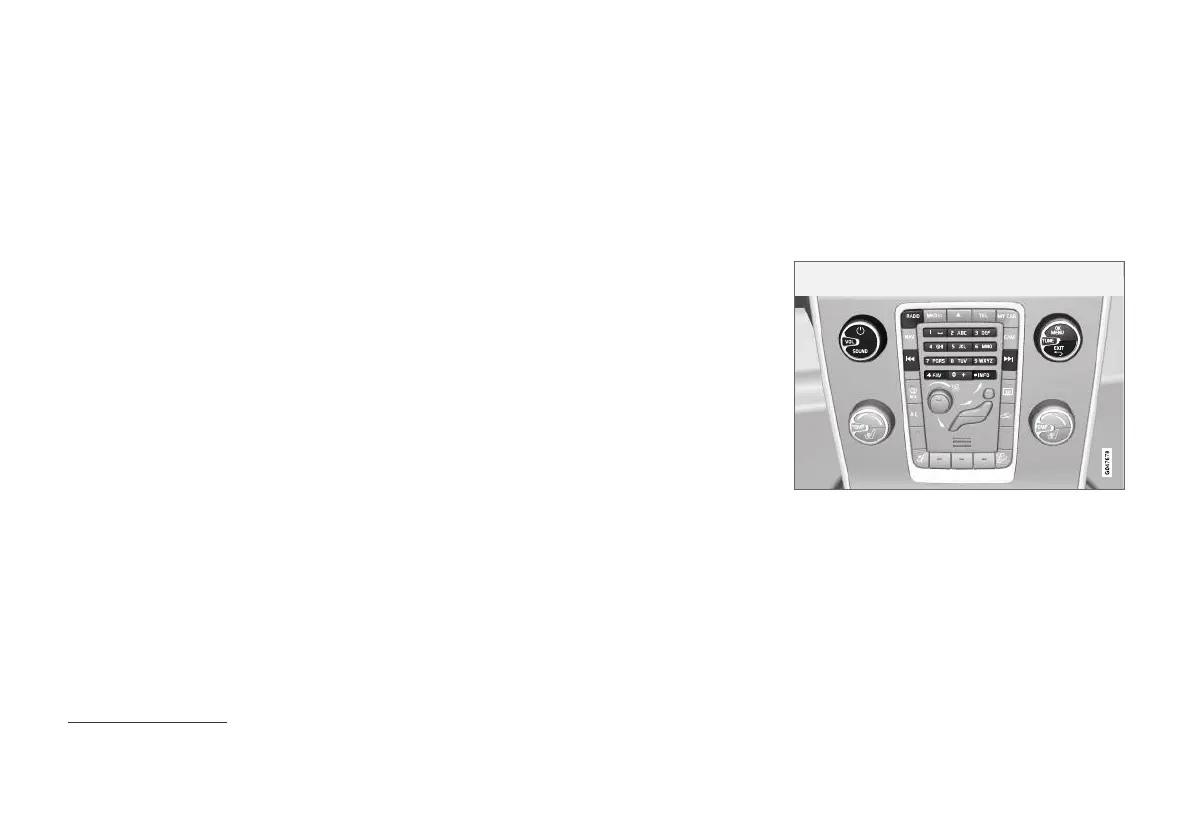
Controls for radio functions.
For radio operation, read how the system is oper-
ated and menu navigation (p. 28).
It is possible to link certain functions to the FAV
button. A linked function is then activated simply
by pressing the FAV button, see Favourites
(p. 33).
5
Does not apply to the V60 Twin Engine and S60L Twin Engine.



 To Next Page