AUDIO AND MEDIA
}}
33
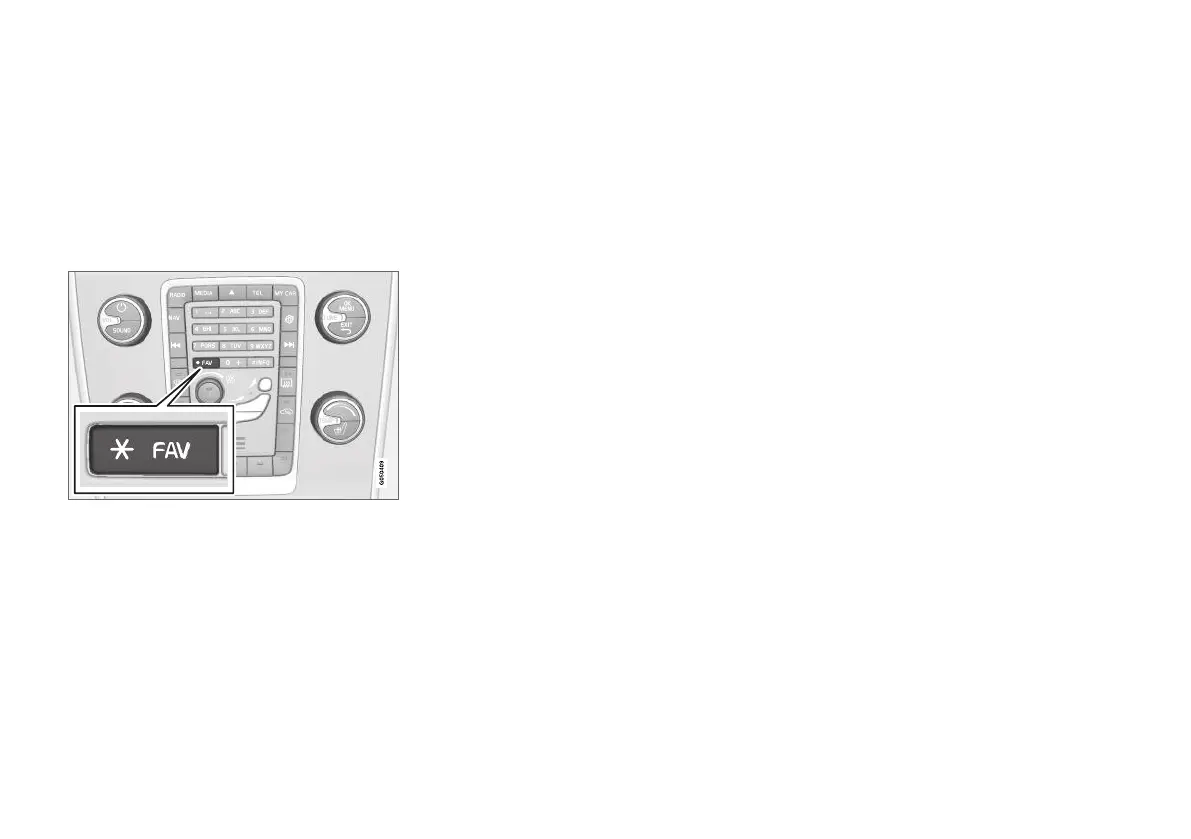
Favourites
Link a frequently used function to the FAV but-
ton. It is possible to link a function within each
respective source in the main sources of radio,
media, MY CAR and the web browser (in an
Internet-connected car). The linked function is
then activated simply by pressing FAV.
Link favourite
1.
Select a main source (e.g. RADIO, MEDIA).
2.
Select the source (e.g.
AM, Bluetooth).
3.
In the source's normal view, press OK/
MENU and select the FAV menu.
Alternatively long press on FAV button, until
the menu is shown.
4. Select a function in the menu item to link to
FAV.
>
When the source (e.g. AM, Bluetooth
®
) is
active the saved function is available via a
short press on FAV.
Related information
•
Audio and media (p. 26)
•
MY CAR (p. 14)
•
Radio (p. 36)
•
Media player (p. 43)
•
Internet-connected car (p. 69)
Audio and media - audio settings
The audio system is pre-calibrated for optimal
sound reproduction, but can be adapted to your
needs.
Setting for optimal sound reproduction
The audio system is pre-calibrated for optimum
sound reproduction by means of digital signal
processing.
This calibration takes into account loudspeakers,
amplifiers, passenger compartment acoustics, lis-
tener position etc. for each combination of car
model and audio system.
There is also a dynamic calibration that takes into
account the position of the volume control, radio
reception and vehicle speed.
The controls explained in this owner's manual,
e.g.
Bass, Treble and Equalizer, are only
intended for the user to be able to adapt the
sound reproduction according to personal taste.
Audio quality when streaming audio
from the Internet
The amount of data transferred is dependent on
the services or apps that are used in the car. For
example streaming audio can require large
amounts of data which requires a good connec-
tion and good signal strength.
In some apps it is possible to set the audio qual-
ity. Selecting a high audio quality can increase
loading time and cause breaks in the sound. In



 To Next Page