AUDIO AND MEDIA
}}
* Option/accessory.
69
Internet-connected car
Connecting the car to the Internet gives the
opportunity to use, for example, the car's built-in
web browser (p. 75), navigation services, web
radio and music services via application pro-
grams (apps)(p. 73).
The apps can be used when the car is connected
to the Internet. The apps that are available may
vary, but app type can include navigation services,
social media, Internet radio and music services,
for example. The car has a simple web browser to
search and display information from the Internet.
If the Internet connection is via the mobile phone
it also possible to use the other mobile phone
functions, such as reading text messages and
calling, see Bluetooth
®
handsfree phone (p. 57).
Mobile phone and network operator must support
tethering (sharing the Internet connection) and
the subscription must include data traffic.
NOTE
Data is transferred when using the internet
(data traffic), which can have a cost.
Activation of data roaming can result in fur-
ther charges.
Contact your network operator about the cost
for data traffic.
For basic operation, read how the system is oper-
ated and menu navigation (p. 28).
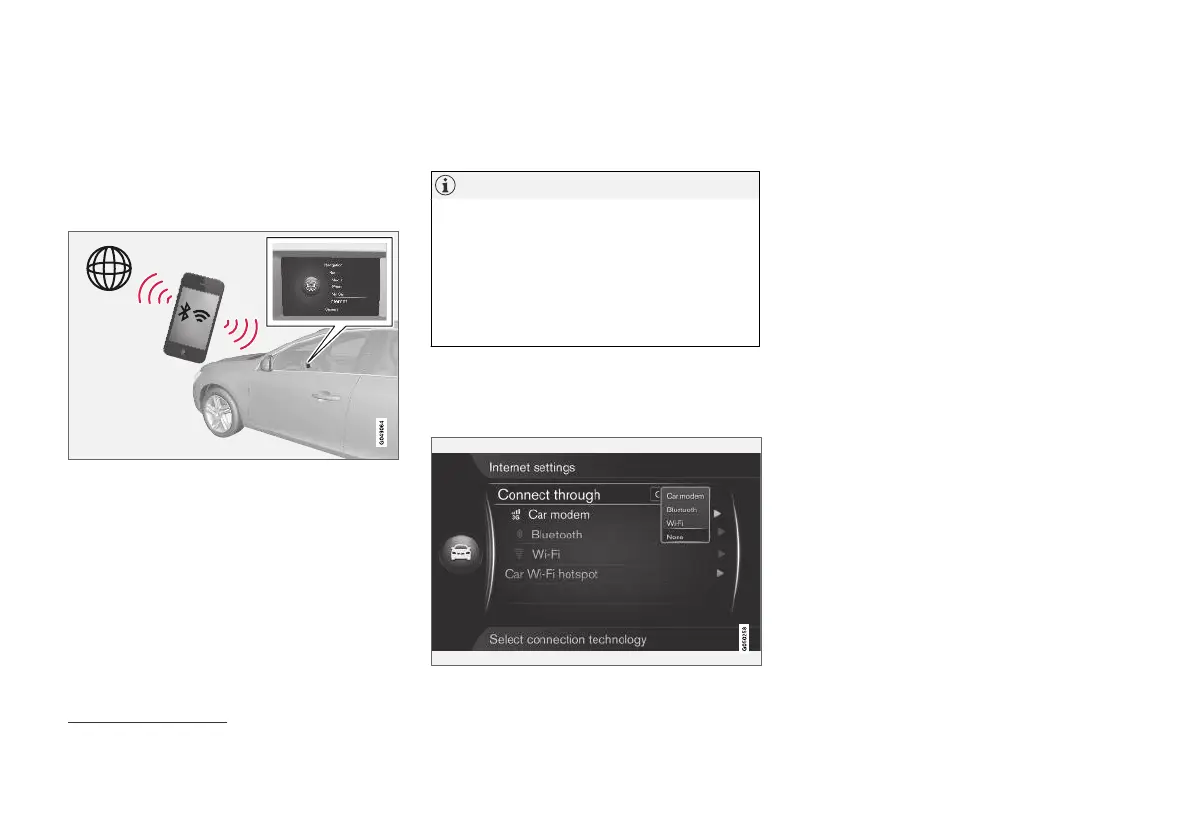
Connect the car to the Internet
Settings for Internet connection.
The Internet connection's default setting is to not
connect to the Internet. After a connection option
has been selected, the selected option will be
retained and the car will automatically connect
when the network is available. To change the
Internet connection method, choose another con-
nection option. In order to not automatically con-
nect to the Internet, choose to cancel the net-
work connection.
Select connection option: Bluetooth
®
, Wi-Fi or
car modem*:
Car modem*
26
When connecting to the Internet using the car
modem, the Volvo On Call services will use the
connection.
To connect with the car modem, see Car modem*
(p. 71).
26
Only cars with Volvo On Call



 To Next Page