AUDIO AND MEDIA
}}
* Option/accessory.
71
Cancel network connection
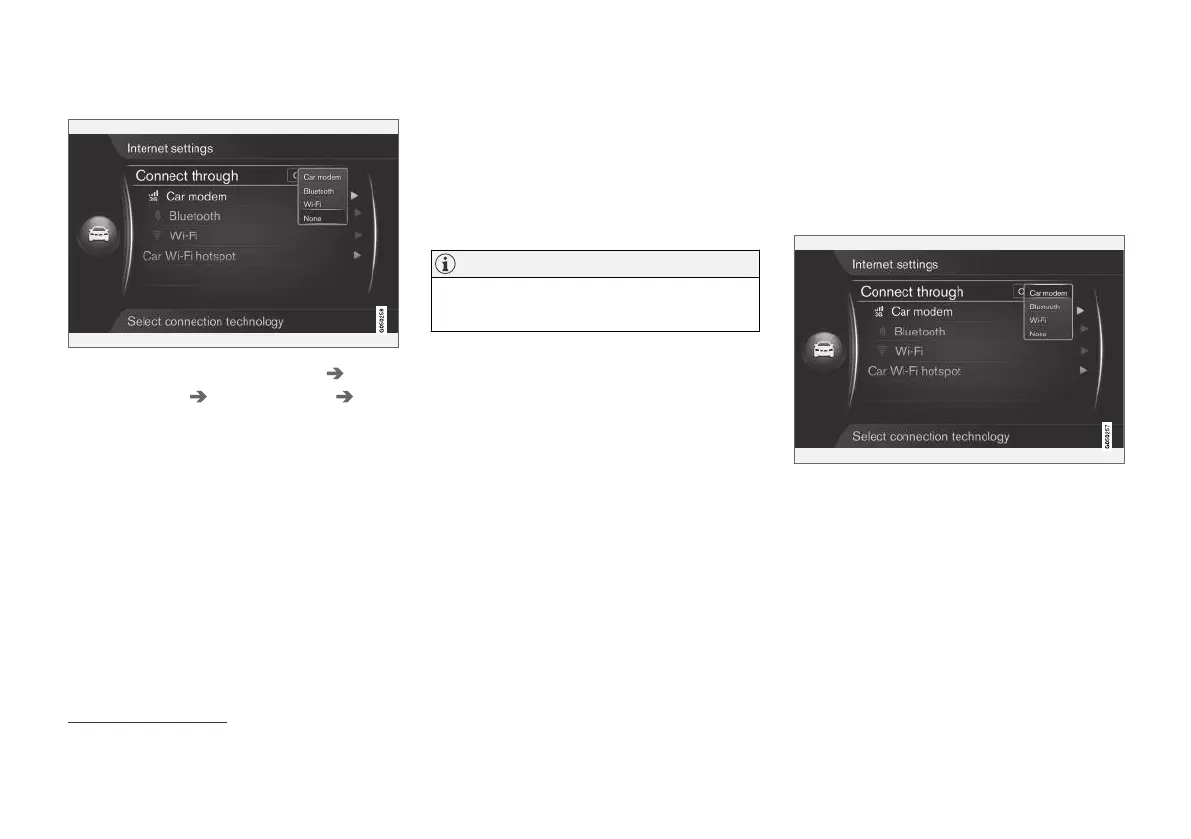
Press OK/MENU and select Settings
Internet settings Connect through
None. The car will not connect to the Internet.
No or poor Internet connection
The amount of data transferred is dependent on
the services or apps that are used in the car. For
example streaming audio can require large
amounts of data which requires a good connec-
tion and good signal strength.
Mobile phone to car
The speed of the connection may vary depending
on the location of the mobile phone in the car.
Move the mobile phone closer to the car's audio
and media system in order to increase the signal
strength. Ensure that there is no interference in
between.
Mobile phone to network
The speed of the mobile network varies depend-
ing on the coverage in the present location. Poor
network coverage may occur, for example in tun-
nels, behind mountains, in deep valleys or
indoors. The speed also depends on the agree-
ment you have with your network.
NOTE
In the event of problems with data traffic, con-
tact your network operator.
Related information
•
Symbols in the screen (p. 32)
•
Change of ownership (p. 10)
Car modem*
27
The car is equipped with a modem that can be
used to connect the car to the Internet. It is also
possible to distribute the Internet connection via
Wi-Fi.
Internet connection
27
Only cars with Volvo On Call.



 To Next Page