||
INTRODUCTION
* Option/accessory.
10
the selection/highlighted link. Press EXIT to go
back to the previous view.
Related information
•
Volvo Cars support site (p. 10)
Change of ownership
In the event of change of ownership it is impor-
tant to reset all user data and system settings to
the original factory settings.
To restore factory settings press MY CAR in the
centre console, then OK/MENU and select
Settings Reset to factory settings.
User data is reset (e.g. for apps, web browser)
and personal settings in menus (for example cli-
mate settings, vehicle settings) receive the origi-
nal factory settings.
For cars with Volvo On Call* the personal settings
stored in the car are cleared. To unsubscribe
from the Volvo On Call subscription, see Buying
or selling a car with Volvo On Call.
Related information
•
MY CAR - menu options (p. 15)
•
Volvo ID (p. 11)
Volvo Cars support site
More information on your car is available on the
Volvo Cars website and support site.
Support on the Internet
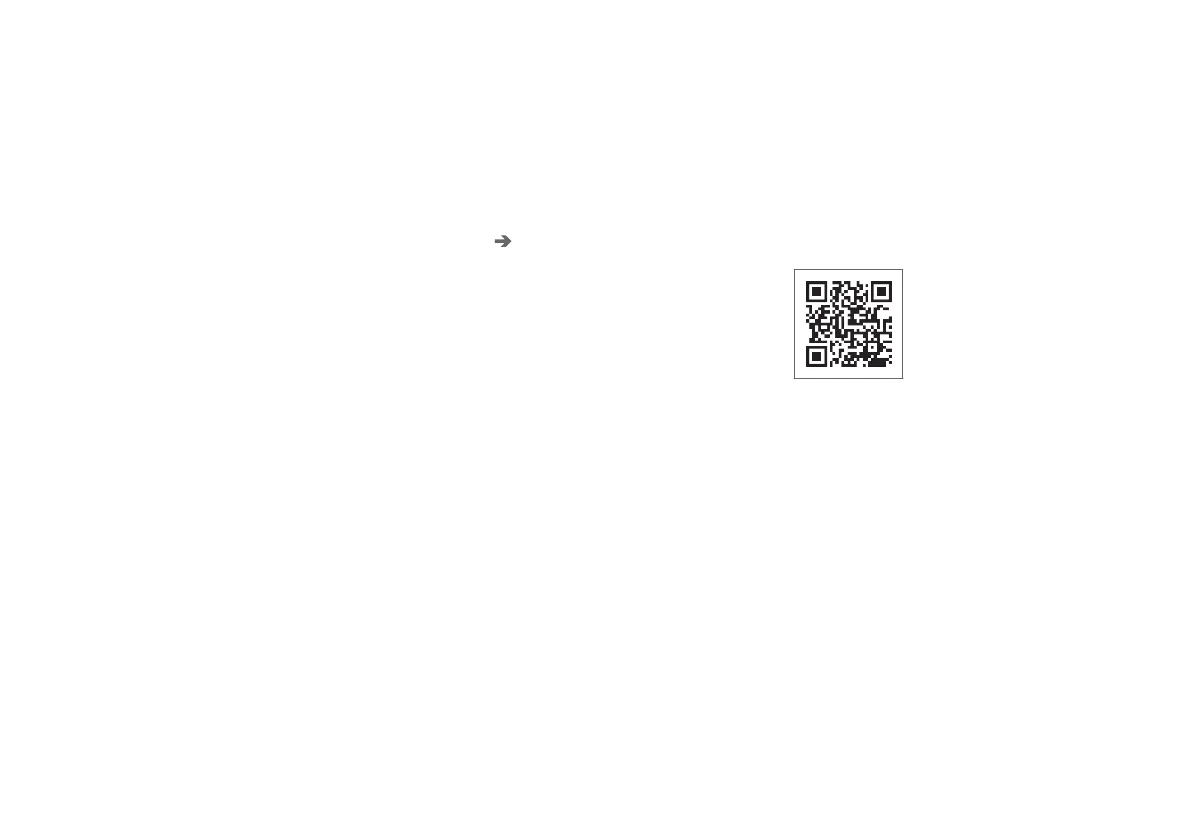
Go to support.volvocars.com or use the QR code
below to visit the page. The support page is avail-
able for most markets.
QR code that leads to the support page.
The information on the support page is searcha-
ble and can also be subdivided into different cat-
egories. Available here is support for options rela-
ted to e.g. Internet connected services and func-
tions, Volvo On Call*, the navigation system* and
apps. Video and step-by-step instructions explain
different procedures, e.g. how the car is con-
nected to the Internet via a mobile phone.
Downloadable information from the
support page
Maps
For cars equipped with Sensus Navigation*, there
is the facility to download maps from the support
page.



 To Next Page