AUDIO AND MEDIA
38
Radio station list
The radio automatically compiles a station list of
the radio stations within the area that are trans-
mitting the strongest signals. This enables you to
find a station when you drive into an area where
you do not know the radio stations and their fre-
quencies.
The automatic radio tuning (p. 37) uses the com-
piled station list.
NOTE
The list only shows the frequencies of sta-
tions that are currently being received, not a
complete list of all radio frequencies on the
selected wavelength.
Manual radio tuning
The radio automatically compiles a radio station
list (p. 38), but it is possible to perform manual
radio tuning.
If manual radio tuning is set (p. 37) it can be
tuned in normal view and in the frequency list.
Radio tuning in normal view
1.
Short press - in the normal view for the FM
source on
/ in the centre console
(or steering wheel keypad).
> Radio switches to previous/next stored
station.
2.
Long press - in the normal view for the FM
source on
/ in the centre console
(or steering wheel keypad).
> Radio switches to previous/next available
station.
Radio tuning in the frequency list
1. In the normal view for the FM source, turn
TUNE,
FM tuning is shown.
2.
Turn TUNE to a frequency and select using
OK/MENU.
Switch between manual and automatic radio tun-
ing (p. 37) in the frequency list by pressing INFO
in the centre console.
Radio stations as presets
Frequently used radio stations are optimally
saved as presets in order to facilitate simple acti-
vation.
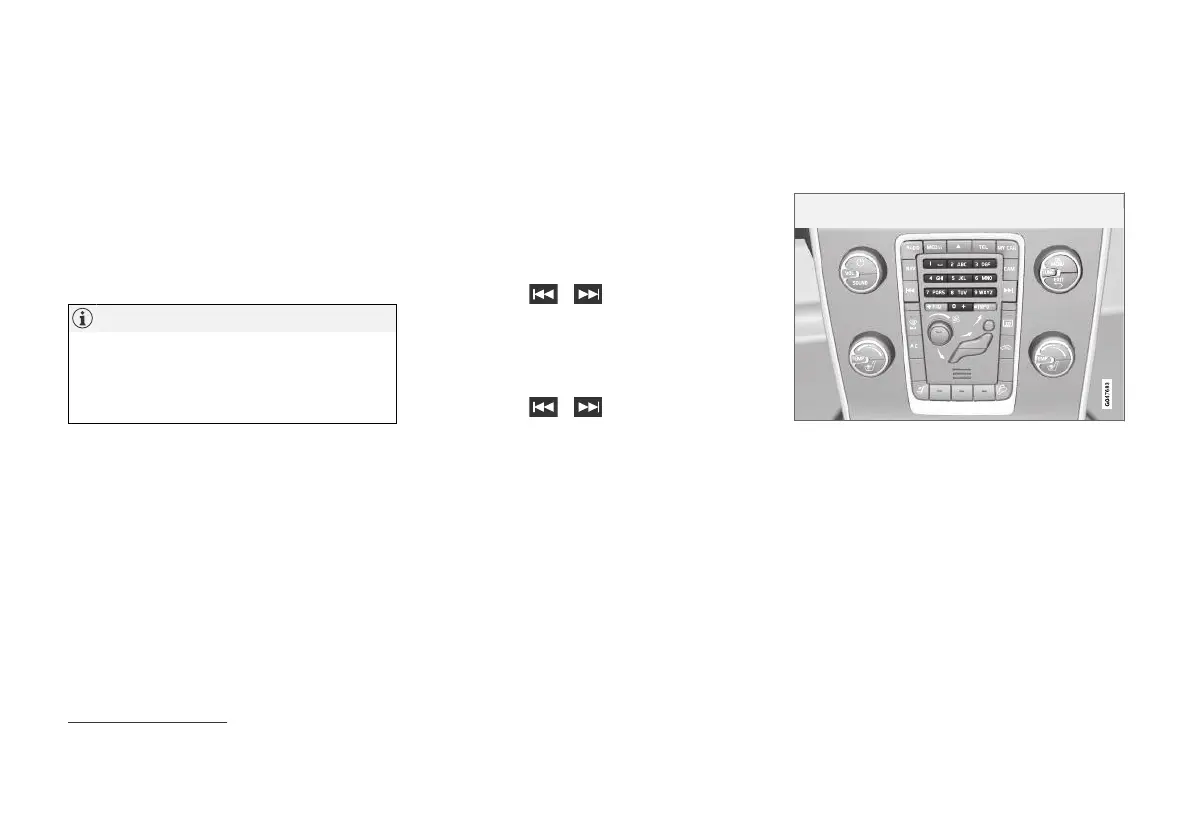
Station presets.
AM
6
/FM radio
10 presets can be stored per wavelength (e.g.
AM).
The stored presets are selected using the preset
buttons.
1. Tune into a station, see Radio tuning (p. 37).
2. Hold one of the preset buttons depressed
for a few seconds. The preset button can
now be used.
6
Does not apply to the V60 Twin Engine and S60L Twin Engine.



 To Next Page