VOLVOTECH.EU INSTALLATION MANUAL
VBB4 ( VIDEO BREAK- IN BOX TYPE 4) VERSION 1.1
Page 12 of 14
CopyRight 2012, VolvoTech.EU
C: BE || CD 121107 || V 1.00 || RD 140228 || HC 1 || FC 3.26 ||
VolvoTech-manual-EN-installation-VBB4-VID-POW-MC-S40-V50-
C70-1.1.doc
Contact details:
VolvoTech.EU
support@volvotech.eu
For ALL models again:
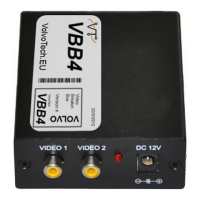
Connect the camera’s power AND the “switch-wire” (connecting to the blue cable
on the VBB4 in the front) with the supplied clips to the 12V+ of the REVERSE light
and the Camera to 12V- (Ground) as well. MEASURE POWER by putting the car in
REVERSE!
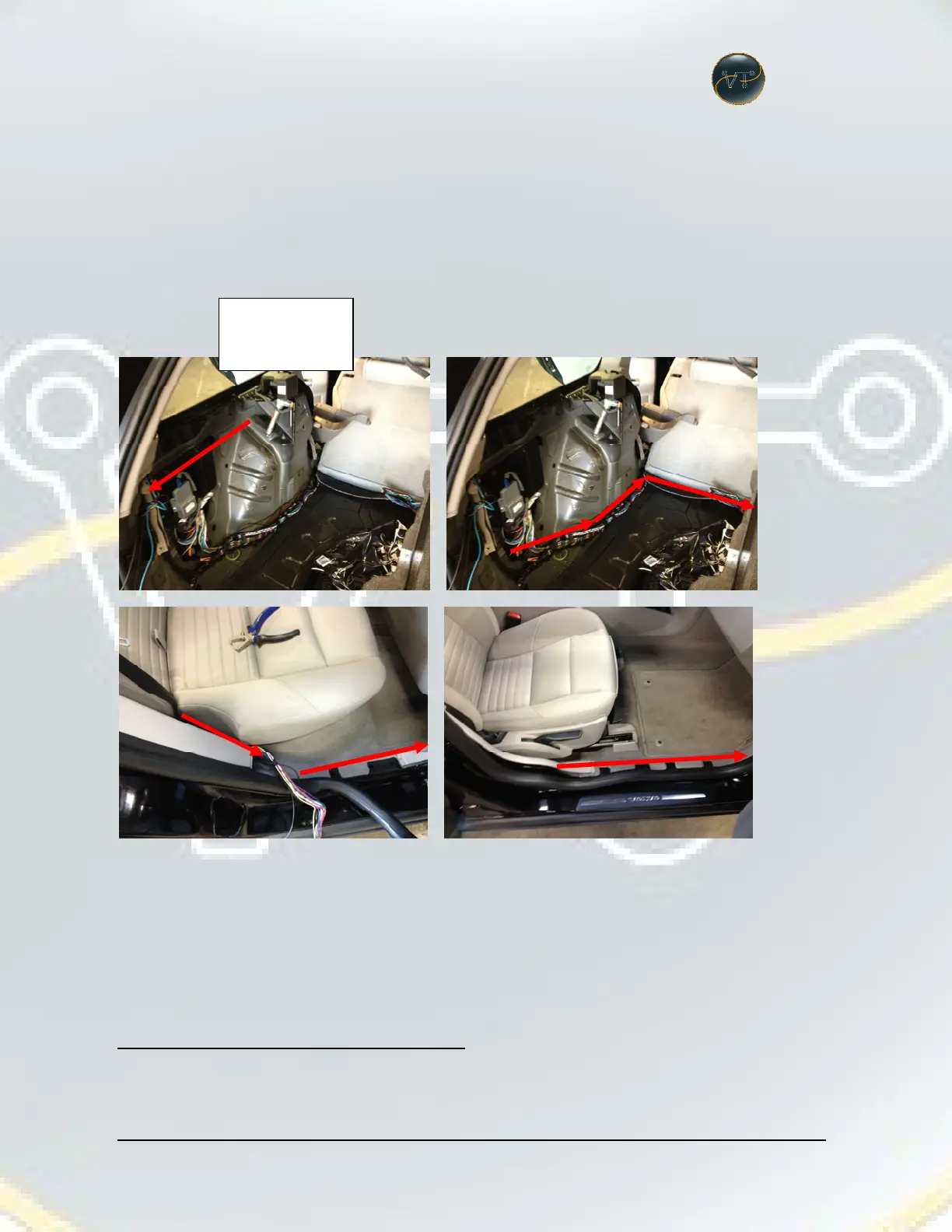
Then guide cables (switch wire and video harness) to the front:
(This example shows how it is started from the LEFT side, but obviously you can
do the same from the RIGHT side!)
And connect to the VBB4, behind the glove compartment.
NOW; Run test (put car in ignition position 2 and put car in reverse gear).
Camera should now be switched forward, RTI image should disappear.
Putting gear back to “neutral” or “P” will make the camera image
disappear and the RTI image to become visible again.
12V+ and 12V-
connection to the
reverse light in the
rearlight unit.


 To Next Page