VONETS——WiFi Bridge/Repeater/Router
13
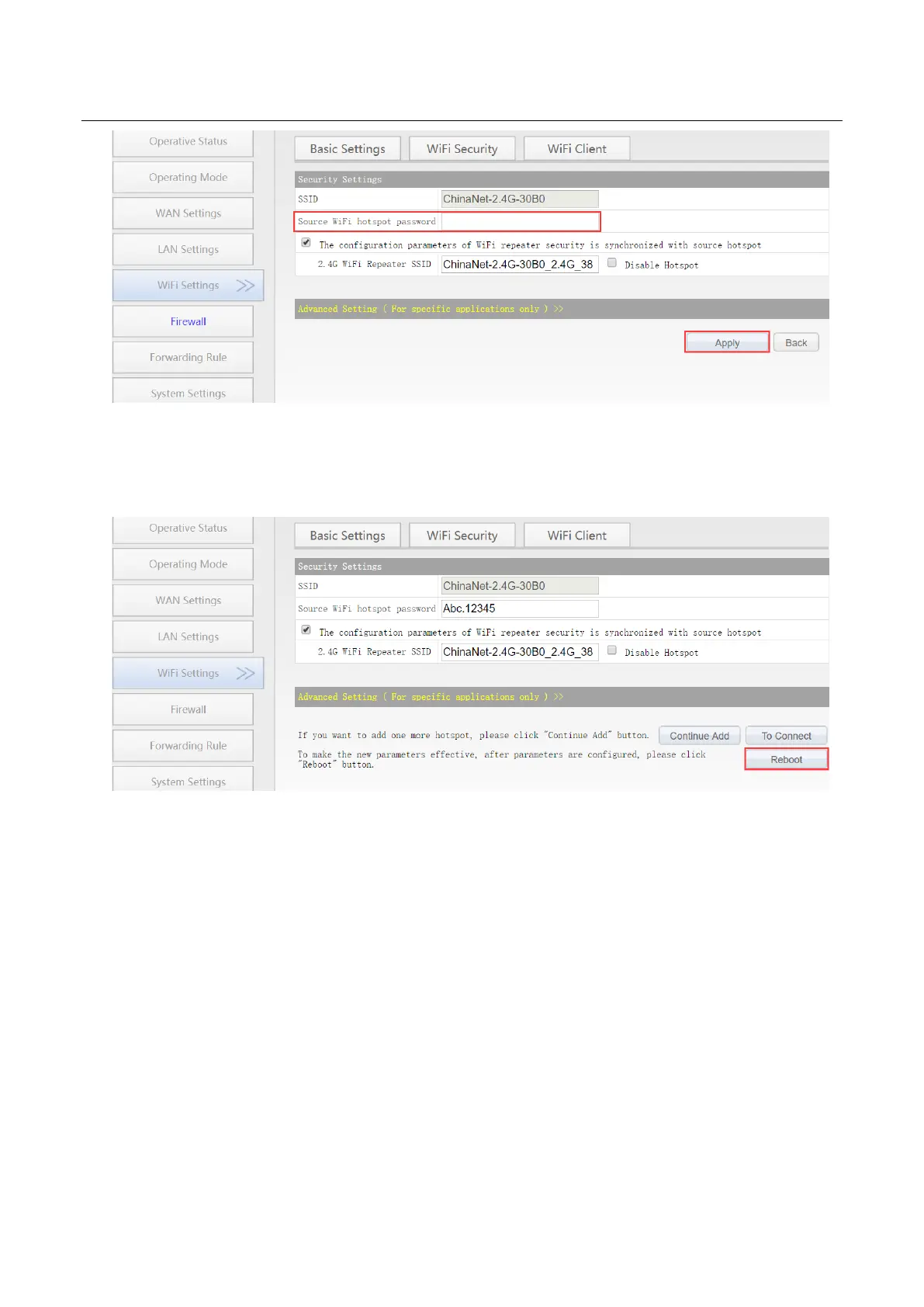
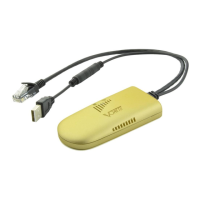
4. Click “Reboot”, VONETS device will connect to the configured WiFi hotspot automatically,
if connection is successful, the WiFi LED light will flash quickly;(Please refer to Remark 1
for the description of the LED light.)
Remark 3: After VONETS device sets the WAN port to access the WiFi hotspot in the routing
mode, its LAN port IP is still 192.168.254.254, and the terminal device also obtains the IP
address of the same network segment, can login configuration page by 192.168.254.254 or
http://vonets.cfg.
3.3 Set WiFi hotspot parameters
1. Revise WiFi name: Jump to “WiFi Repeater”---- “Basic Settings”, enter new WiFi name in
“General Hotspot SSID”, click “Apply”;


 To Next Page