VONETS——WiFi Bridge/Repeater/Router
16
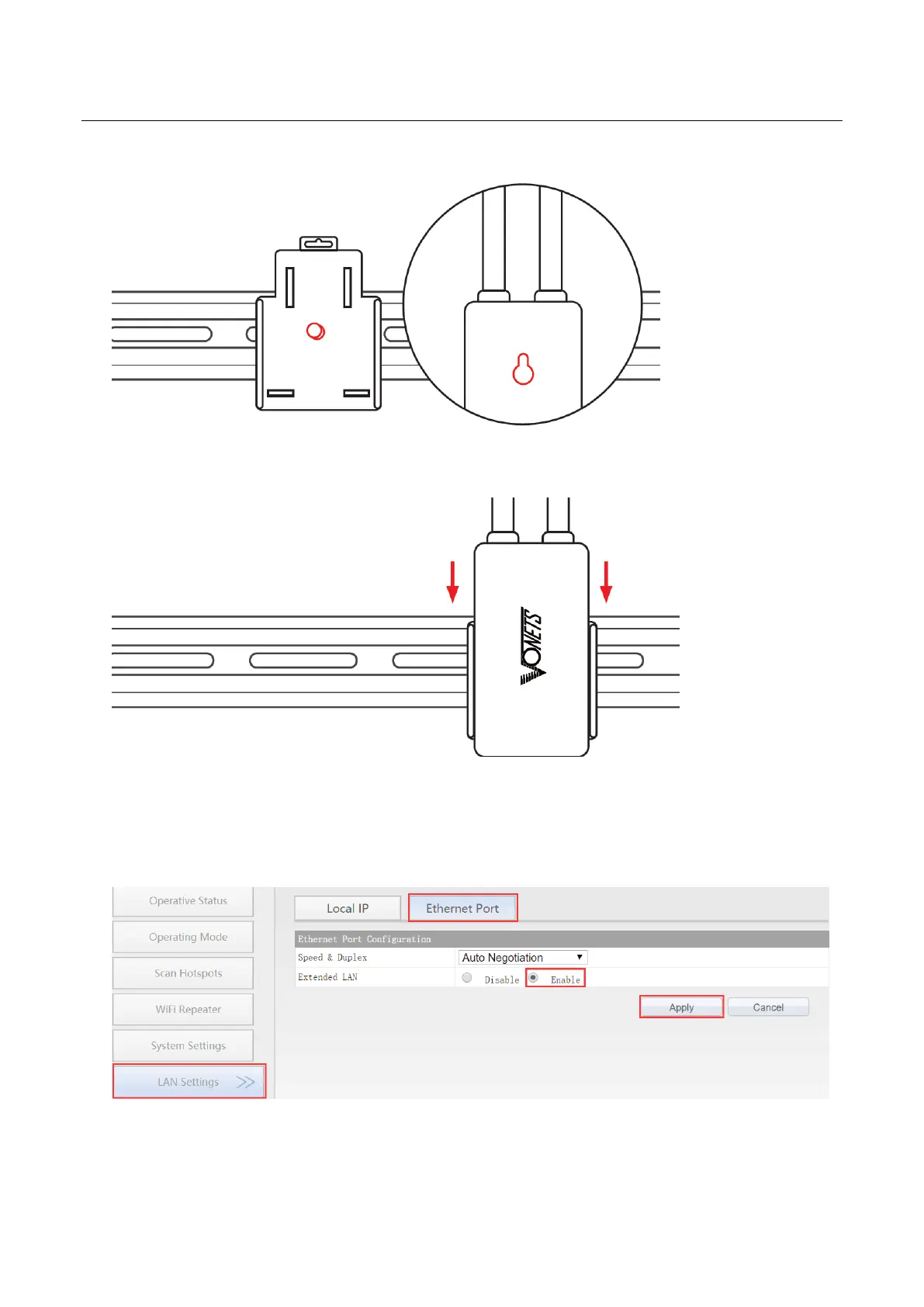
2. Install VONETS device onto the hook kit
3. Fixed VONETS device on the hook kit;
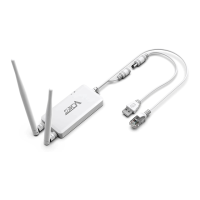
4.3 Ethernet port expander installation
1. In VONETS device configured page, enable Extended LAN function, go to “LAN
Settings”--->“Ethernet Port”--> “Extended LAN”--> “Enable”, then click “Apply” button;
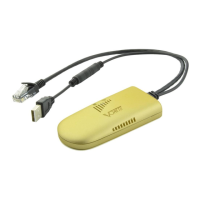
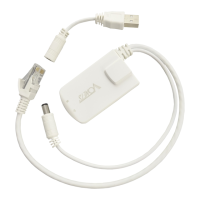
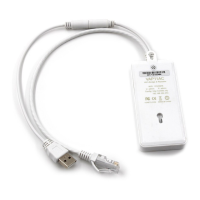
2. Connect the VONETS dedicated Ethernet extender to the Ethernet port of VONETS
device;


 To Next Page