VONETS——WiFi Bridge/Repeater/Router
3
Chapter 2 Bridge+Repeater Mode Configuration
Instruction
2.1 Device connect
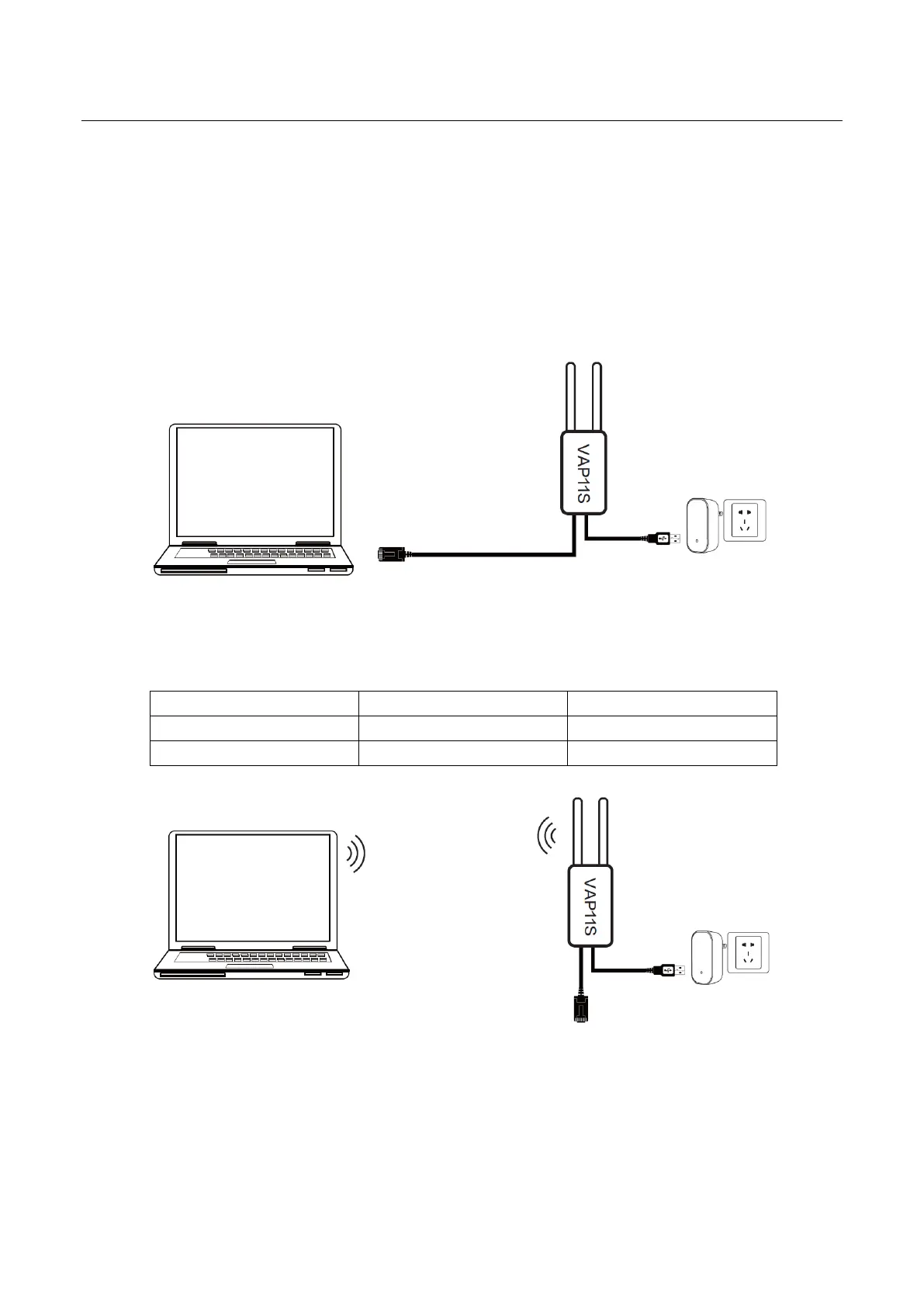
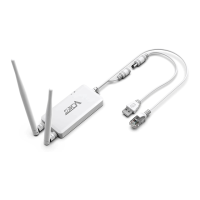
Power on VONETS device by 5V/2A power supply, then connect to PC, there are two
connection ways as below:
A. Computer is wired connected to LAN port of VONETS device;
(Recommend Method)
B. The computer wirelessly connects to the WiFi signal of VONETS device, its default
hotspot parameters are as follows:
(After the WiFi parameters are configured, the WiFi will be disconnected, that is normal.)
2.2 Bridge+Repeater Application Configuration
The configuration steps of VONETS device for WiFi repeater and WiFi bridge are basically
the same, so this manual combines the configuration instructions of the two application


 To Next Page