and the display will return to the main
display interface.
a. Under Power Mode the Funcon Menu
interface has the following opons:
Regular Mode , Custom Mode ,
Locked Mode , Series Number ,
Soware Version ( 5 opons in total).
b. Menu under TC mode:
Regular Mode , Custom Mode , Coil
Cooling Value , Coil Coefficient ,
Locked Mode ( 5 opons in total).
Tips:
Under the lock mode, it is invalid to press
the up , down or the fire buon separately.
While it is valid to operate the combinaon
key and to turn on/off the device.
G. Custom Mode:
Press up and down buons at the same
me for 1.5s to enter the funcon menu
interface→Press up or down buon to
select the customizaon menu→Press
the fire buon to confirm and the display
will change to the Custom Mode
interface.
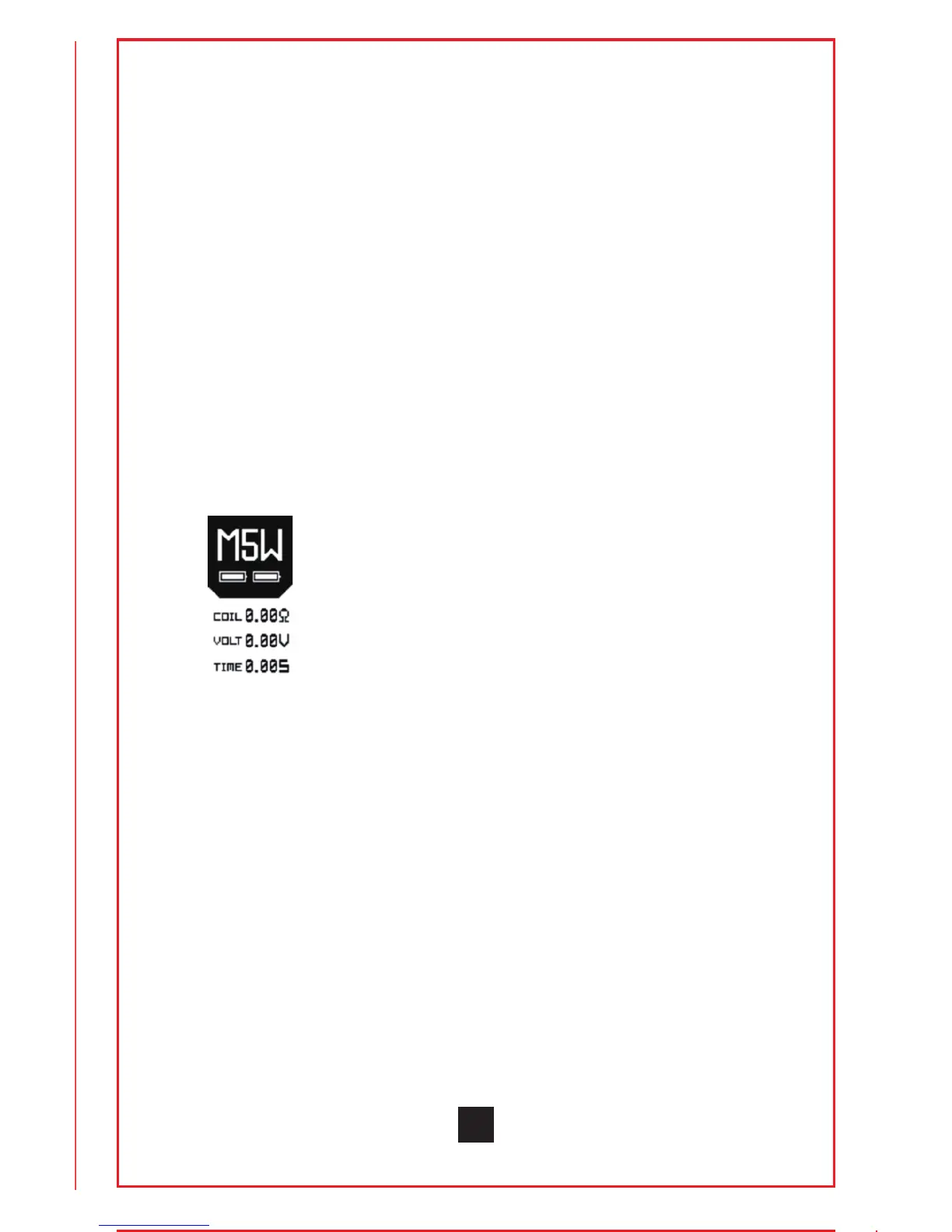
Under custom Mode, rapidly press the fire
buon for 3 mes to switch the 4 custom
mode opons: Stable power (W) mode
and the 3 TC control Modes:
TC-ss316/TC-Ni200/TC-Ti.
a. Press up or down buon to scroll
between modes M1 to M5.
b. Press fire buon 4 mes rapidly to enter
the custom power or temperature curve
6


 To Next Page