VA10800/VA10820 Evaluation Board User’s Manual
V3.0
7
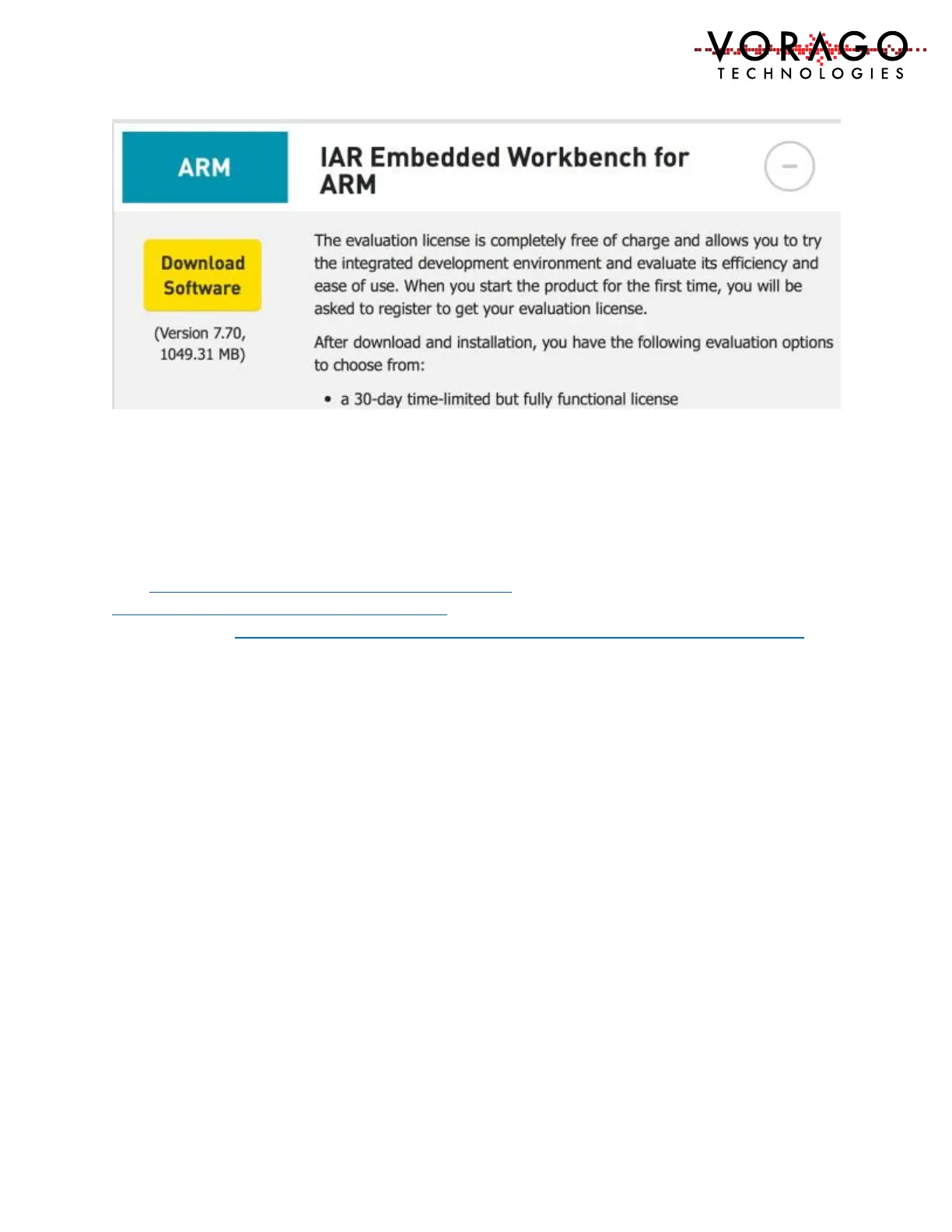
Please use the default install directories. The IDE will be invoked in a later step when the
example project is started. Please select the 30-day time-limited version of the code. Most
projects for the VA108x0 parts exceeds the 16 kbyte limit of the perpetual free version.
2.1.3 iSystem winIDEA
Visit http://isystem.com/products/software/winidea and navigate to the download page
http://isystem.com/download/winideaopen. The latest at the time of printing this document
can be found at http://www.isystem.com/downloads/winIDEA/setup/winIDEAOpen9_12_294.exe
Down load the software and install it as instructed. Use default paths. Important files will be
stored at: …/user/”YourUserName”/AppData/Roaming/ASYST/WinIDEA. There should be 5
files unique to the VA108xx in this folder:
- VA10820.sfr
- VA10800.sfr
- VA108xx.svd (contains all register definitions for the device)
- UMI2_va108xx_EE.s32 (programming file that the iTAG50 tools uses to program the
SPI EE on the REB1 board.
- VA108xx.json (contains debug interface specifics for a device)
If these files are not present, please copy and paste them from the iSystem project folder.
/REB1_BSP.software/mcu/projects/reb1_va108xx_iSystem/app/reb1_reference/reb1_va108xx.


 To Next Page