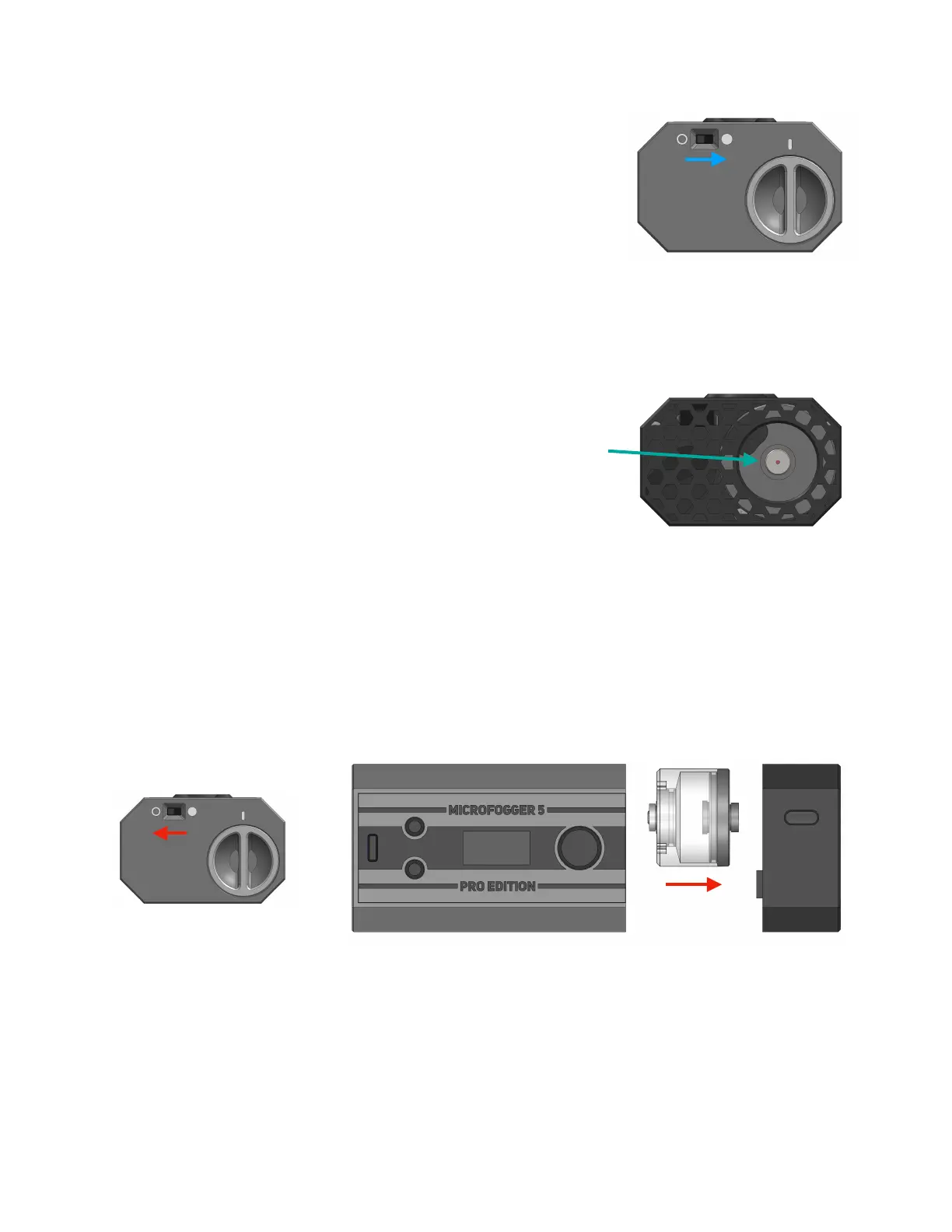
5. Turn the MicroFogger on using the small switch on the
bottom. The screen will come on and the STATUS light
will turn green.
Before use, keep in mind a few important rules:
-Keep it mostly upright (vertical) during operation
-Closely monitor the fog liquid level and refill below 1/4 full
-Unscrew the fluid tank and turn the device off when not in use
-Unscrew the fluid tank for charging
After filling or storage, the MicroFogger may “spit” small
droplets of fog liquid for the first few bursts. To avoid this,
gently insert a Q-tip (provided) into the barrel of the device
while twisting it clockwise until it bottoms out. This will absorb
any excess liquid and prevent spitting. Remove Q-tip by
twisting anti-clockwise. Never look into the barrel while device
is operating!
Operating the MicroFogger without fog liquid will burn out the replaceable
heating coil. This would be indicated by the generated smoke smelling burnt.
Turn the MicroFogger off and unscrew the fluid tank before you store it. Unscrew
the fluid tank when charging.
Full instructions continued on next page



 To Next Page