74
ENGLISH
VOXOA TUNEBOX SOFTWARE
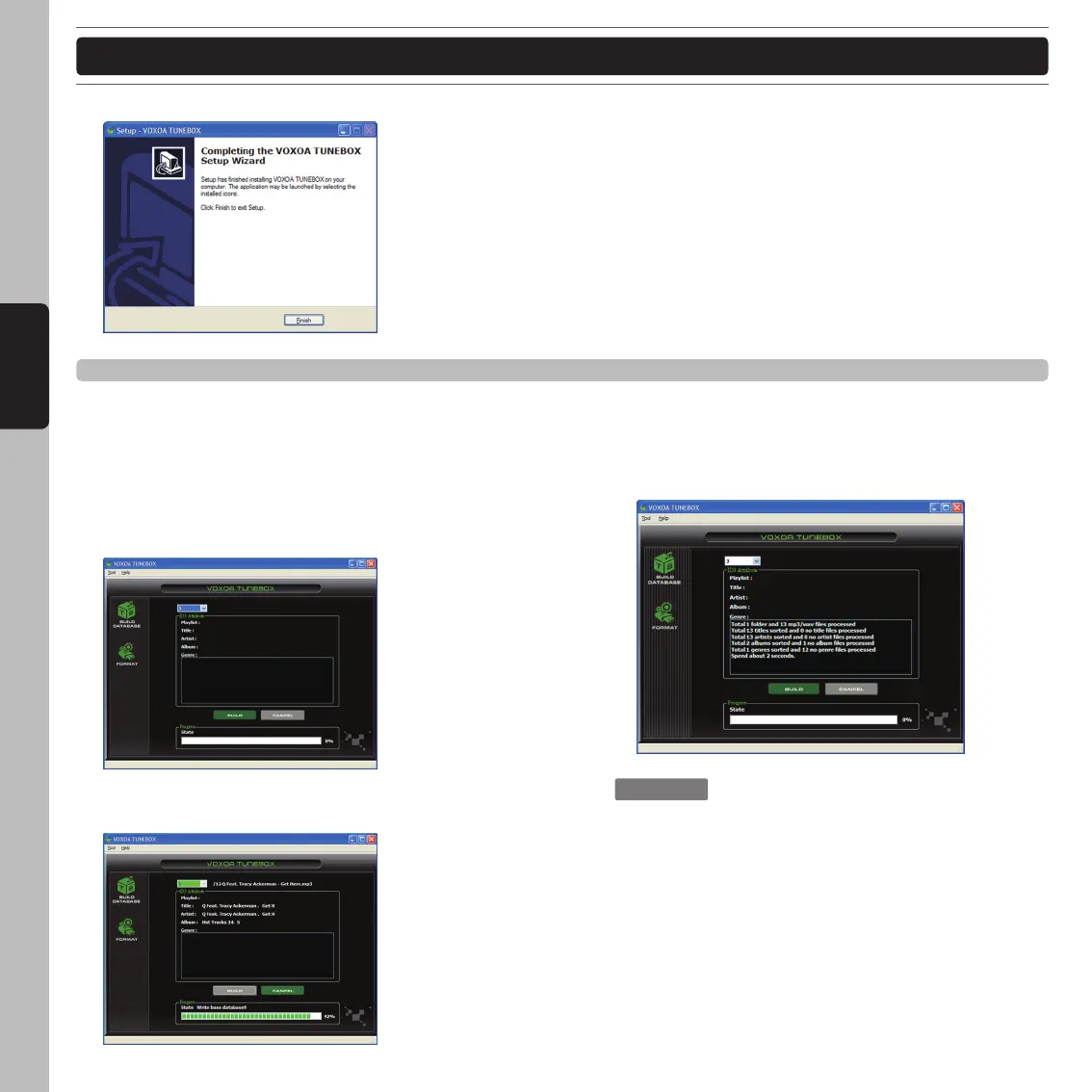
Step 5 : Completing the VOXOA TUNEBOX setup. Click the Finish to quit the installation.
How to use the VOXOA TUNEBOX
The VOXOA TUNEBOX can scan all of music files in your USB hard driver and then create database files to locate
the files in your music library. This makes the S60 read music files from USB hard drive much quicker and easier.
Step 1: Execute the VOXOA TUNEBOX program.
Step 2 : Select the desired USB driver and click “Build”
to build a music database of your driver.
Step 3 : The VOXOA TUNEBOX is working on building
database.
Step 4 : Complete the building process.
: Every time your change the music
contents in your USB deriver,
please re-execute the VOXOA
TUNEBOX to re-build the music
database.



 To Next Page