S60
75
ENGLISH
VOXOA TUNEBOX SOFTWARE
How to Use the PLAYLIST
1. Hold the FOLDER knob
2 second to enter the utility menu, and turn FOLDER knob to search
Playlist menus.
2. Turn the TRACK knob to select “Normal/ Title/ Artist/ Album/ Genre”. And press the FOLDER
knob again to memorize your setting and exit the menu.
ex: to select ”Artist”
Step1: Hold and turn the FOLDER knob you can select the folder you like by first letter of Artist, and the Artist
alphabet is arranged in order (A, B, C….in order).
Step2: Turn the FOLDER knob; or hold the FOLDER knob and turn JOG WHEEL to select next ”Artist”.
Step3: Turn the TRACK knob; or hold the TRACK knob and turn JOG WHEEL to select the track you like.
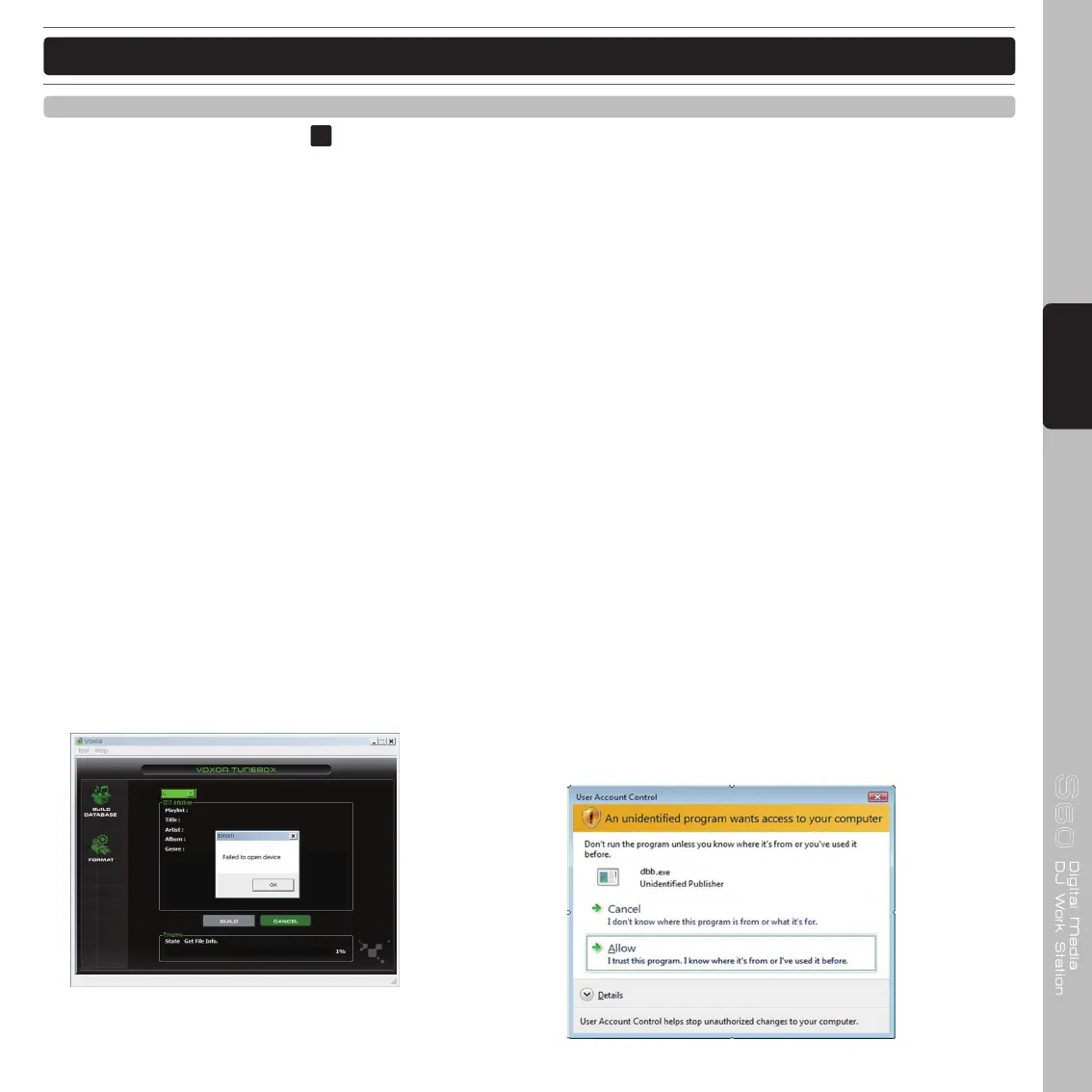
The main reason for user failed to run VOXOA TUNEBOX in Windows Vista.
1. User fail to run VOXOA TUNEBOX in Windows
Vista because the User Account Control limitation.
2. User should press the right button of mouse to run
the VOXOA TUNEBOX with the option of Run as
administrator
3. Allow the VOXOA TUNEBOX to run.



 To Next Page