2 APS901Z Owners REV.C
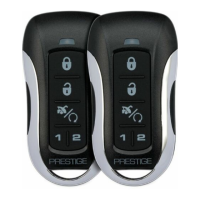
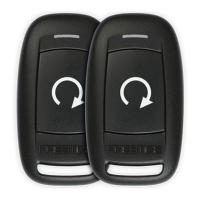
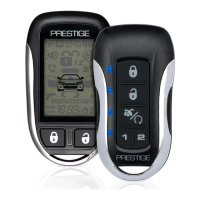
Using Your Remote Control ................................................................3
Using Your Optional Security System ...............................................4
Status LED, Light Flashes, and Siren/Horn Indications ..................5
Remote Control Programming ...........................................................6
Replacing The Remote Control Batteries ..........................................6
Warranty Information ..........................................................................7
Table of Contents



 To Next Page