EasyManua.ls Logo

Voyager AOM701 - User Manual

Voyager AOM701
12 pages
Print Icon
To Next Page IconTo Next Page
Loading...
AOM701
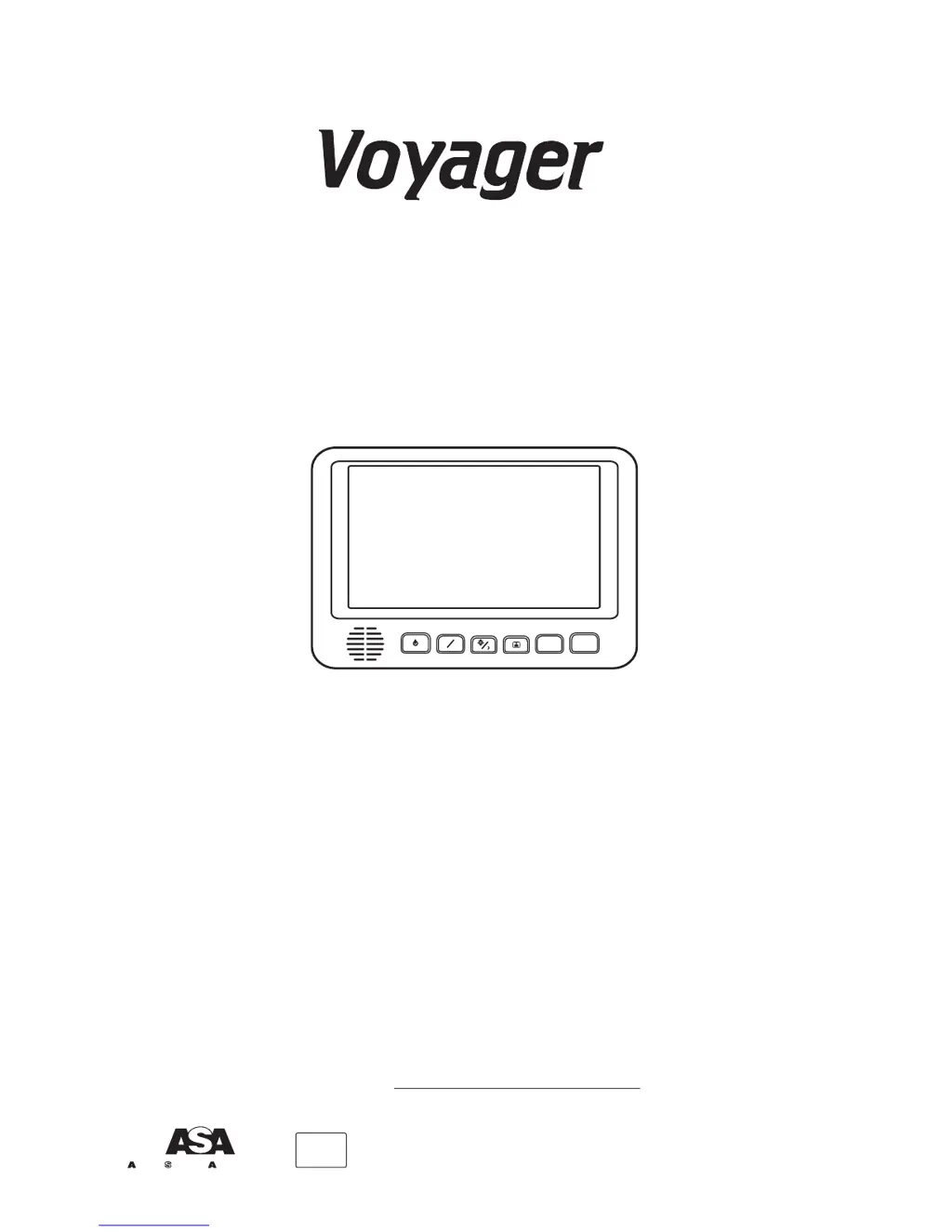
7” FLAT PANEL COLOR OBSERVATION
MONITOR OWNER'S MANUAL
AOM701 Features:
7” High Performance Color LCD
Built-in Audio Speaker with Volume Control
and 12V Trigger
–2 Camera (A/V) Input with A/B Select Control
Backlit Controls and Day/Night Picture Modes
for Nighttime Use
Auto/Manual Power On
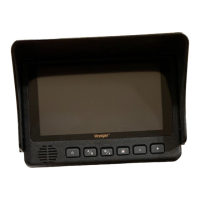
Sun Visor Included
A
B
+
UDIOVOX
PPLICATIONS, L.L.C.
PECIALIZED
Visit us at http://www.asaelectronics.com
Patent Pending
®
e 4

Other manuals for Voyager AOM701

Questions and Answers

  • R
    Ricky ForbesJul 30, 2025
    What to do if my Voyager AOM701 Monitor has no video and no audio?
    • H
      Heidi JimenezJul 30, 2025
      If your Voyager Monitor is showing no video and no audio, the issue might be with the camera connection. Check the camera input selection, the connection to the camera and junction box, and ensure the camera is correctly connected and plugged in.
  • S
    sharon52Aug 4, 2025
    Why is my Voyager Monitor video image negative or dark?
    • R
      Ryan PerryAug 4, 2025
      If the video image on your Voyager Monitor appears negative or dark, it could be due to low voltage or the brightness adjustment being set too low. Check the voltage power and ground connections. Also, try turning the brightness adjustment up.
  • J
    johnsonsarahAug 9, 2025
    What to do if my Voyager Monitor drains the vehicle battery?
    • H
      Heather LongAug 9, 2025
      If your Voyager Monitor is draining the vehicle's battery, it's possible that the +12V ACC (red wire) is directly connected to the vehicle battery. Provide +12V ACC (red wire) power from a switched circuit instead.
  • D
    David BryantAug 14, 2025
    How to fix Voyager Monitor when it does not activate in standby reverse trigger?
    • A
      ana18Aug 14, 2025
      If your Voyager Monitor isn't activating in standby reverse trigger, the blue standby wire might not be powered. Connect it to the reverse circuit +12V.
  • H
    harriskathyAug 18, 2025
    How to troubleshoot Voyager Monitor with video but no audio?
    • X
      xmitchellAug 18, 2025
      If your Voyager Monitor displays video but no audio, it could be due to the blue/white audio trigger wire not being powered or the volume being adjusted too low. Try connecting the blue/white audio trigger wire to a +12V ACC or reverse light circuit, and turn the volume adjustment up.
  • D
    Dana LindseyAug 25, 2025
    How to fix a Voyager AOM701 that has no power?
    • K
      kristineedwardsAug 25, 2025
      If your Voyager Monitor has no power, the cause could be a missing +12V accessory, no ground connection, or mis-wiring/reversed wiring. You should: 1. Replace the circuit fuse. 2. Check the ground connection. 3. Verify power is being supplied. Note that the monitor has a built-in protection device/reset.

Summary

Warnings

Installation Location

Details legal restrictions on screen placement in vehicles while driving.

Tampering

Warns against opening the monitor case due to electrical shock risk and voiding warranty.

Moisture

Explains the water-resistant nature of the unit and limitations on moisture exposure.

PACKING CONTENTS

CONTROLS AND OPERATION

Power;Stand-By Button

Details the operation modes and wiring for the Power/Stand-By button, including dual illumination features.

A;B Input Select Button

Explains how the A/B Input Select button toggles between AV1 and AV2 inputs for display.

Day;Night Mode Button

Describes the Day/Night Mode button for adjusting LCD backlight intensity for different lighting conditions.

Picture Adjustment Menu

Details accessing the OSD menu for picture adjustments like Brightness, Contrast, Color, and Tint.

Volume Control Buttons

Explains the Volume +/- buttons for adjusting audio output and their dual role in menu adjustments.

INSTALLATION INSTRUCTIONS

TYPICAL SYSTEM CONNECTION

REAR OBSERVATION INSTALLATION

Distance Marker Use and Installation

Guide on using distance marker decals on the monitor for visual reference of actual distance behind the vehicle.

PANA V ise MOUNT TEMPLATE

TROUBLESHOOTING

PRODUCT SPECIFICATIONS

Voyager AOM701 Specifications

General IconGeneral
BrandVoyager
ModelAOM701
CategoryMonitor
LanguageEnglish

Related product manuals