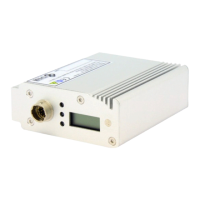
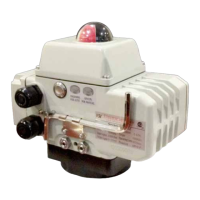
SERIES 1000-X ELECTRIC ACTUATORS
16VER: 0812-1
OPERATION AND MAINTENANCE
MAINTENANCE AND SERVICE
• All actuators ulize a high grade molybdenum based grease is used for the gears.
No lubricaon and periodical maintenance is needed.
• If actuators are rarely cycled, periodic rotaon should be scheduled to check if abnormal
condions are present.
TROUBLE SHOOTING
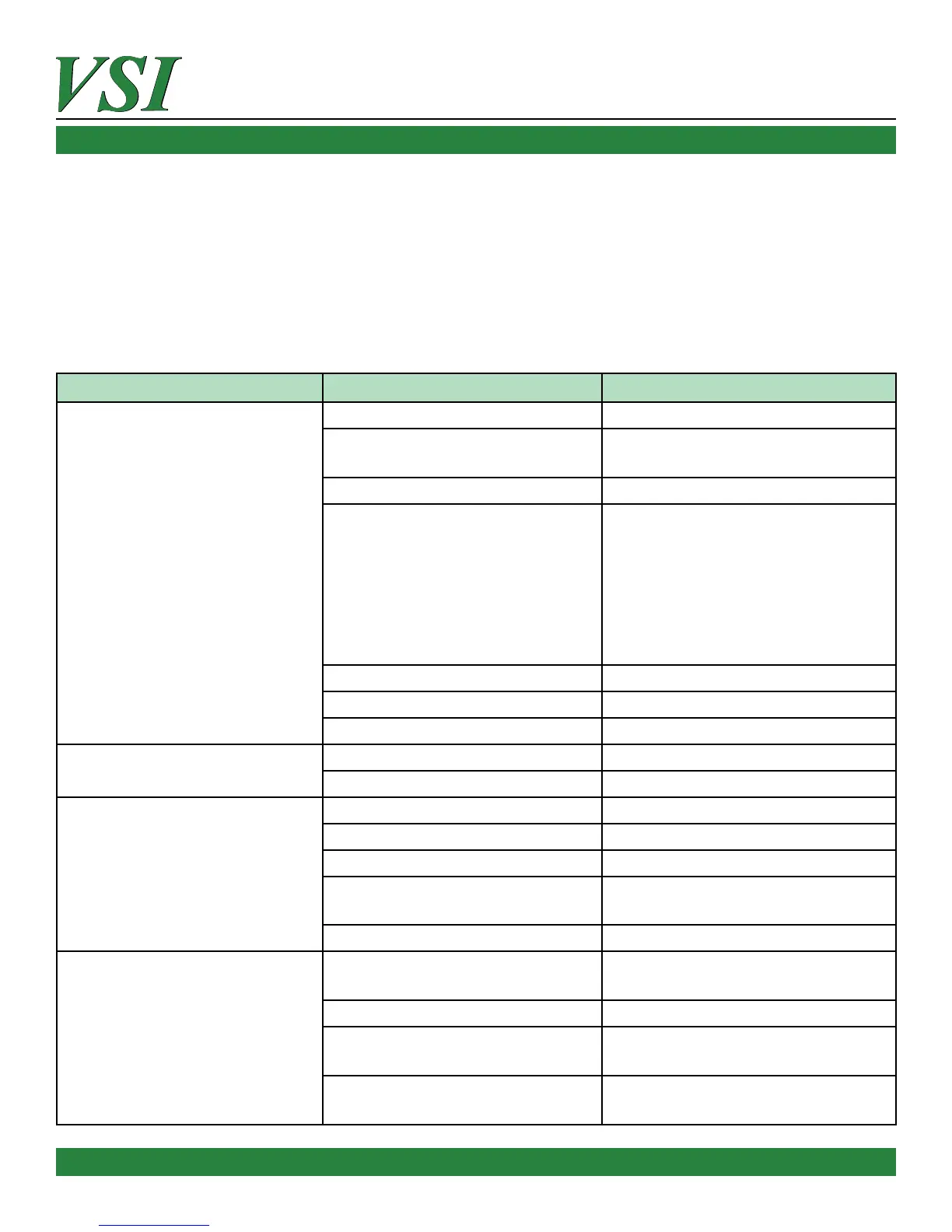
PROBLEM CAUSE REMEDY
Actuator does not operate
Power is not connected Connect Power
Manual/Auto buon is not
engaged
Press manual/auto buon on unit to
engage power
Voltage is too low Check voltage - correct
The actuator is in thermal
protecon mode due to over
torque situaon, or ambient
temperature is too high
Remove over torque condion by
freeing up valve movement. Check
valve to ensure manual movement
and valve is not stuck. Cool down
ambient temperature. Ensure that
mechanical limits are not engaged
with actuator output sha.
Defecve micro-switch Replace the micro-switch
Defecve capacitor Contact Manufacturer
Open diode Contact Manufacturer
Indicator lamp for open/closed
operaons does not illuminate
Indicator lamp malfuncon Contact Manufacturer
Improper micro-switch operaon Contact Manufacturer
Motor connues to operate aer
reaching limit
Defecve micro-switch Contact Manufacturer
Power is not connected correctly Re-check power connecons
Limit switch needs adjustment Follow instrucons and re-set limits
Mechanical limit is out of
adjustment
Re-adjust the mechanical limits
according to the instrucons
Open diode Contact Manufacturer
Water present inside of actuator
Inlet power cables are not properly
installed per instrucons
Re-check conduit connecons
The dome indicator lens is broken Contact Manufacturer
Housing screws are not ghtened
and sealed
Tighten housing screws
Heater not working or not
connected
Check heater connecons
contact manufacturer



 To Previous Page