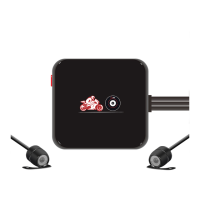
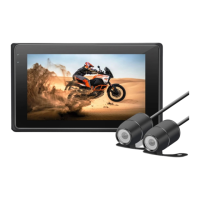
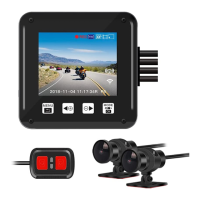
or
-7-
5V2A
5V2A
OK
Installation Guide
1.Quick Test
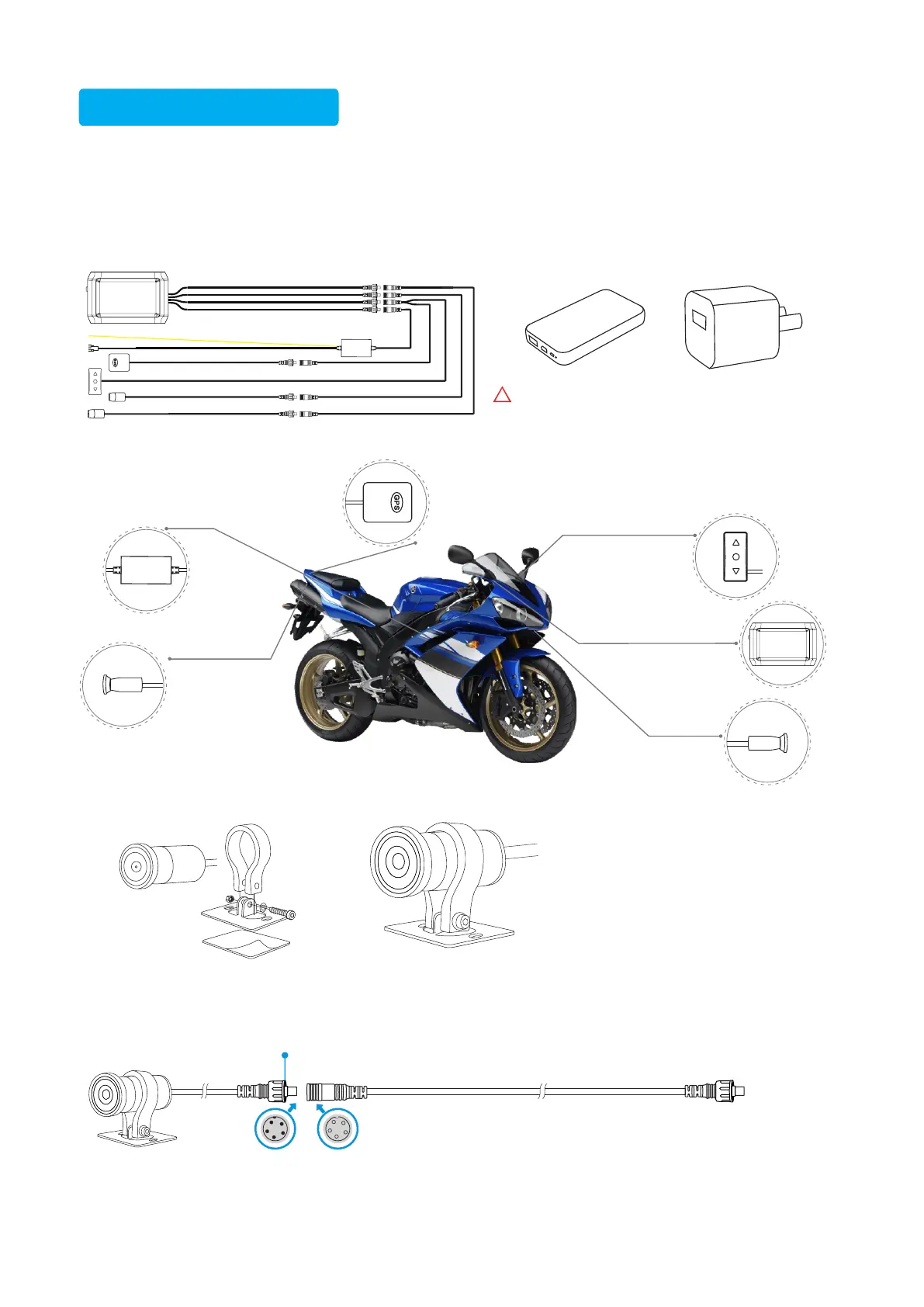
1) Connect the front and rear cameras to the host of the recorder.
2) Find the USB test cable from the accessories and connect the recorder with a 5V 2A power bank or
USB charger.
After the recorder is turned on, test the function of the recorder.
3) After the test shows that the recorder is normal, you can install it.
If the output voltage exceeds 5V, the recorder may be burnt.
!
Waterproof
Camera
Main Unit
Waterproof wire controller
Power Cable
Waterproof GPS module
It is suggested to install
it on the handlebar
Waterproof
camera
OK
It needs to be exposed in the place where there is no
obstruction. And the distance from GPS to camera and main
unit shall be about 30CM to avoid signal interference.
It is recommended not
to install it near the
exhaust pipe, to avoid
the adhesive on the
bottom of the camera
bracket melting and
falling off due to high
temperature.
◆Camera Bracket
◆Camera
Installthecamerabodyonthebracket,and tighten thescrewstofixitafteradjustingtheproperangle.
Extension cable
During installation, it is recommended to install the extension
cable first, and then connect the host and camera separately
(so that the installation is easier). If the distance between the
host and the camera is less than 0.5 meters, it is
recommended not to use the camera extension cable (please
keep the camera extension cable for future needs).
The concave and convex bayonet of
the joint shall be matched correctly
Screw ring
()
Connect to
the host
After the cables are connected, tighten the
screw ring. Do not twist the wire position.


 To Next Page