11
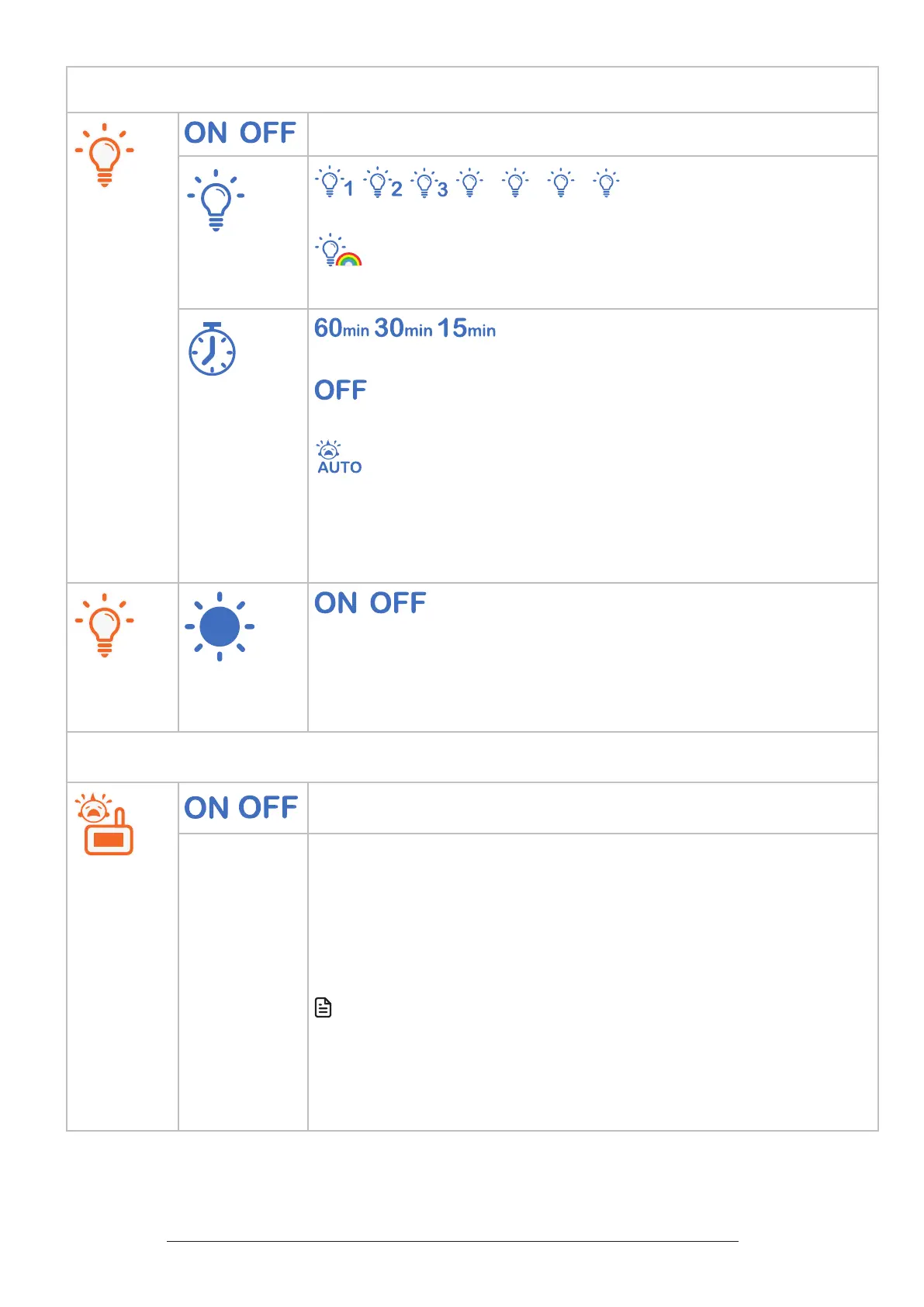
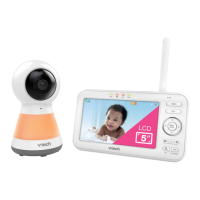
Night light
/
Turn on/o night light.
• Select one of the night light colours.
• Change to all seven colours in cycles.
• Set timer to turn the night light o.
• Select to set the night light to always on.
• Set to auto turn on the night light when baby unit detects sound.
It will turn o after 15 minutes of no sound detection. You can
set VOX sensitivity level to detect sounds that exceed certain
levels. See Sound sensitivity and Sound activation section.
A
/
• Turn on/o the adaptive night light feature. When this feature is
on, the baby unit detects the ambient light. If the room is bright,
the night light adjusts itself to be brighter; if the room is dim, the
night light adjusts itself to be dimmer.
Sound activation - screen and audio
/
Turn on/o sound activation
• Set sound activation on or o.
• When it is on, and the baby unit detects no sound, the parent
unit screen stays o to save power. Once a sound is detected,
the parent unit screen and speaker turns on automatically, and
you can see and hear your baby. The parent unit will then turn
o again after 50 seconds of no sound detection.
Note
• When the parent unit screen is o and it receives alerts, for
example, link lost between parent unit and baby unit, or battery
is low, the parent unit screen and speaker will turn on for 10
seconds.


 To Next Page