17
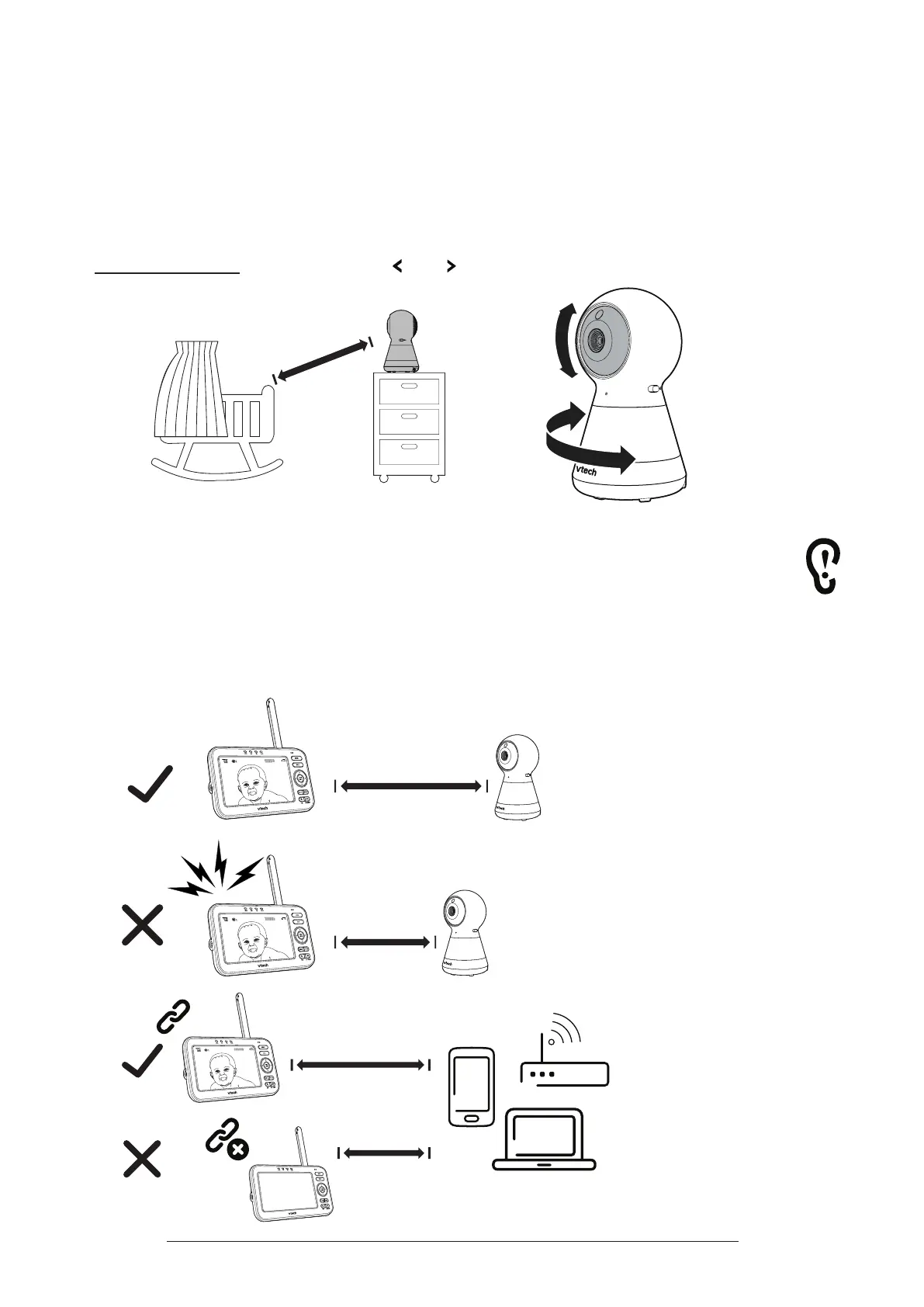
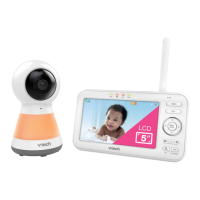
Positioning the Baby Monitor
Caution:
Keep the baby unit out of the reach of your baby. Never place or mount the baby unit
inside the baby’s crib or playpen.
1� Place the baby unit more than 3 feet (1m) away from your baby.
2� Manually tilt the camera angle up and down by pushing the lens portion
upwards and downwards to aim at your baby.
3� Press and hold the arrow keys and on the parent unit to pan the baby unit
leftward or rightward.
> 3ft (1m)
Cautions:
• The default volume of your parent unit is level 4, and the maximum volume is level 7.
To avoid causing feedback noise from your baby monitor:
- Make sure your baby unit and parent unit are more than 3 feet (1m) apart;
OR
- Turn down the volume of your parent unit.
• To avoid interference from other electronic devices, place your baby monitor at least 3 feet
(1m) away from devices such as wireless routers, microwaves, mobile phones and computers.
>
<
3ft (1m)
3ft (1m)
63ē
63ē
≥
<
3ft (1m)
3ft (1m)
63ē
﹏﹏﹏﹏﹏﹏
﹏﹏﹏﹏﹏﹏
﹏﹏﹏﹏﹏﹏﹏﹏
﹏﹏﹏﹏﹏﹏﹏﹏
﹏﹏﹏﹏﹏﹏﹏﹏
﹏﹏﹏﹏﹏﹏﹏﹏﹏﹏
﹏﹏﹏﹏﹏﹏﹏﹏﹏﹏
﹏﹏﹏﹏﹏﹏﹏﹏﹏﹏
﹏﹏﹏
﹏﹏﹏
﹏﹏﹏﹏
﹏﹏﹏﹏
﹏﹏﹏﹏
﹏﹏﹏﹏﹏
﹏﹏﹏﹏﹏
﹏﹏﹏﹏﹏


 To Next Page