21
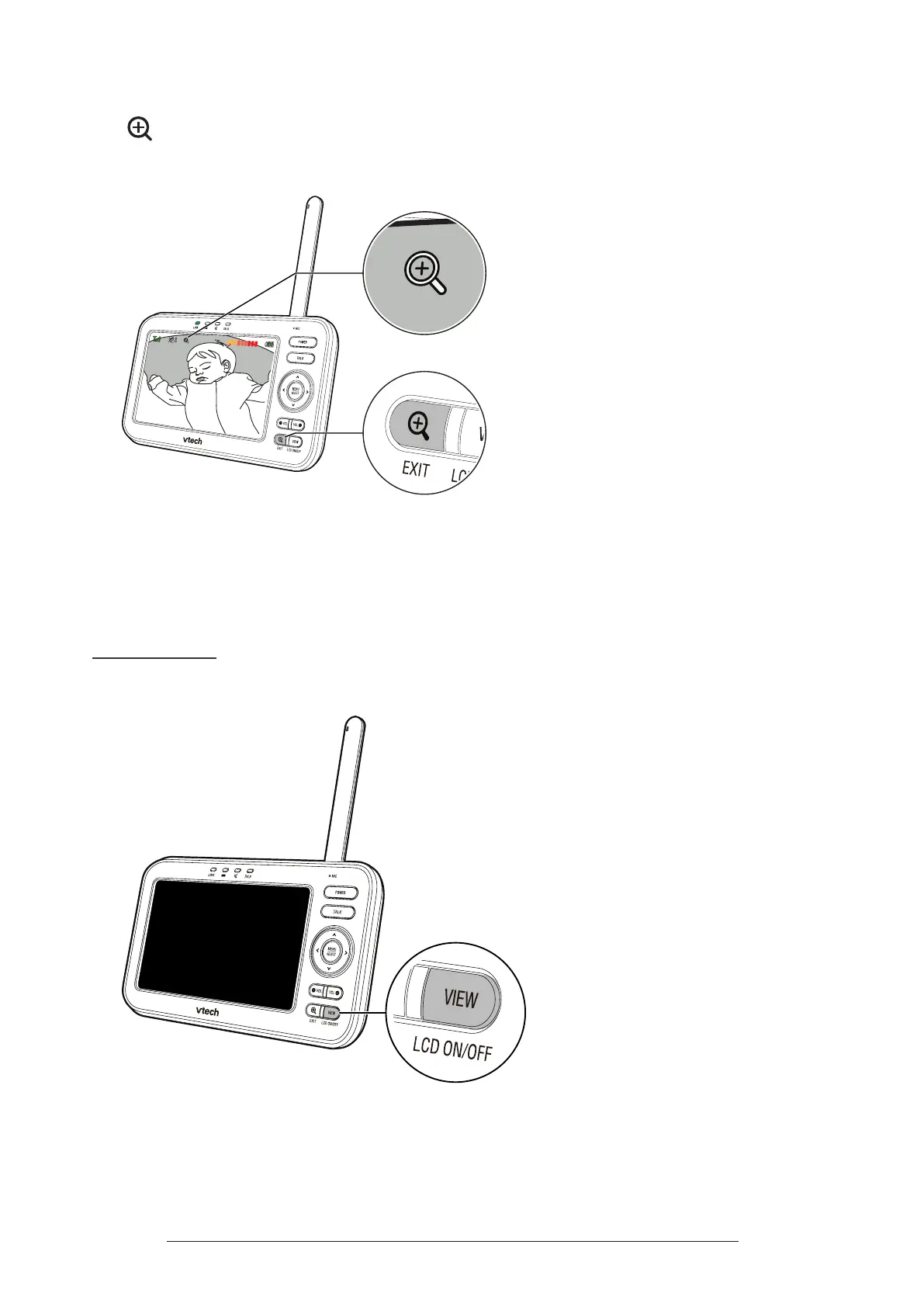
Zoom
Press
to zoom in and out.
You can zoom between 1x and 2x�
26
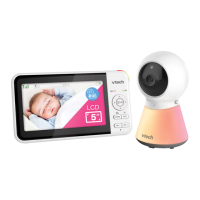
Turn on/o the Parent Unit Screen
You can turn on or turn o the parent unit screen without powering o the unit. You
will still hear sounds from the baby unit.
• Press and hold
LCD ON/OFF
on the parent unit to turn o the screen.
• Press any key on the parent unit to turn the screen on again.


 To Next Page