25
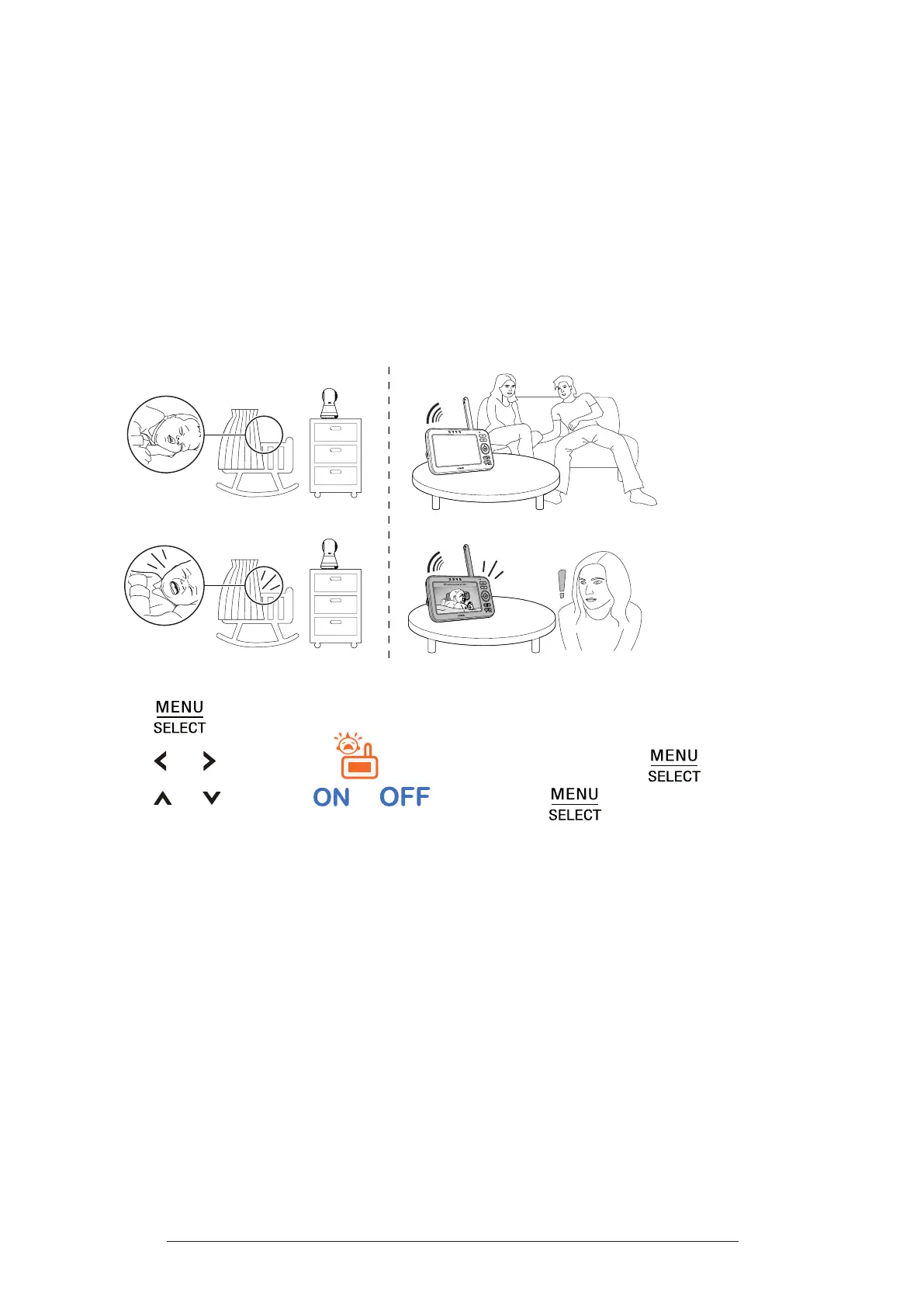
Turn on or o Sound Activation
When Sound activation is on, the parent unit screen stays o to save power
when the baby unit detects no sound.
Once the baby unit detects sounds that are louder than the chosen sound
sensitivity level, the parent unit screen and speaker turn on automatically. The
parent unit will then turn o again after 50 seconds of no sound detection.
Note:
• If you have muted the parent unit speaker, only the parent unit screen will turn on when a
sound is detected.
To turn on or o the sound activation feature:
1� Press
when the parent unit is idle.
2�
Press
or
to highlight (
Sound Activation
), press .
3�
Press or to select
or
, then press
to conrm.


 To Next Page