20
21
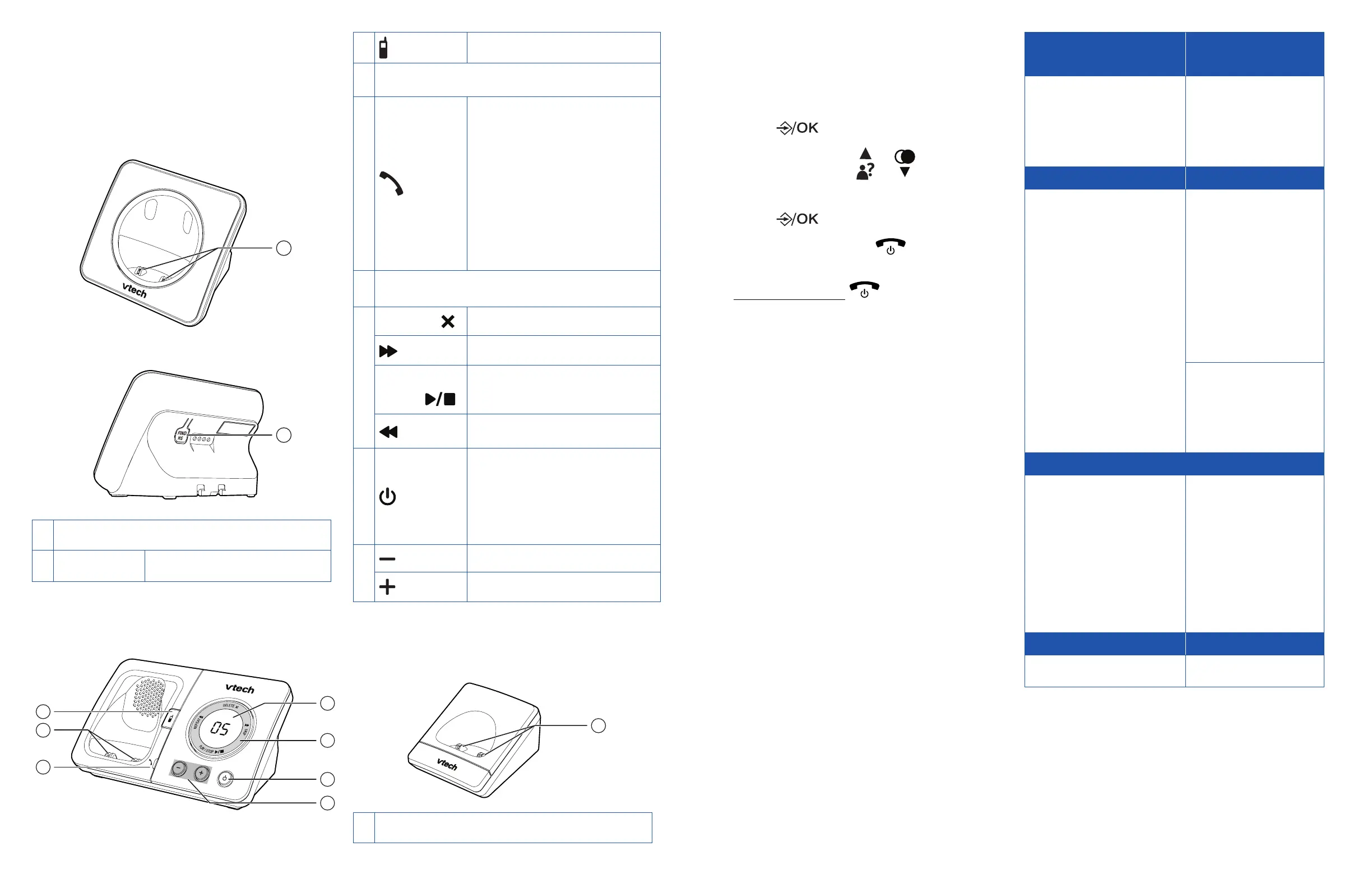
Telephone base
Overview
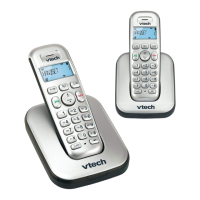
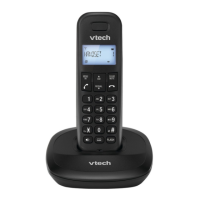
ES2000 series
1
2
1
Charging pole
2 FIND HS
Page all handsets.
ES2050 series
4
5
6
1
3
2
1
Page all handsets.
2
Charging pole
3
In use indicator
• On when the handset
is in use, or when the
answering system is
answering an incoming
call.
• Flashes when another
telephone is in use
on the same line.
4
New message indicator / Volume indicator
5
DELETE
Delete message.
SKIP
Skip to next message.
PLAY/
STOP
• Play message.
• Stop message.
REPEAT
Repeat message.
6
• Turn on or off the
answering machine.
• LED on when the
answering machine is
turned on.
7
Decrease listening volume.
Increase listening volume.
Charger Overview
1
1
Charging pole
Menu navigation
In idle mode
1. Press .
2. Press ▲/▼ of to scroll to
a menu option.
3. Press to select.
• You can also press to return to
previous menu.
• Press and hold to return to idle
mode.
ANS. MACHINE
(ES2050 series only)
CALL BLOCKER
• MSG PLAYBACK
• DEL ALL OLD
• MEMO
• TAM ON/OFF
• TAM SETTINGS
• BLACK LIST
• SETTINGS
CALL LIST PHONEBOOK
Under a selected Call list
entry
• DETAILS
• ADD TO PB
• ADD TO BLIST
• DELETE
• DELETE ALL
• CATEGORY
Under a selected
Phonebook entry:
• ADD
• ADD TO VIP/DEL
FROM VIP
• VIEW
• EDIT
• DELETE
• DELETE ALL
• PB STATUS
Under a selected VIP
entry:
• VIEW
• DELETE
• DELETE ALL
BS SETTINGS HS SETTINGS
• BS RINGER
(ES2050 series only)
• RING VOLUME
(ES2050 series only)
• DELETE HS
• DIAL MODE
• FLASH TIME
• CHANGE PIN
• ECO MODE
• ALARM
• RING SETUP
• TONE SETUP
• LANGUAGE
• RENAME HS
• AUTO ANSWER
• DATE & TIME
• DIRECT MEM.
REGISTRATION DEFAULT
• PIN? • PIN?



 To Next Page