6
AC Adaptor
•UsingaVTech
®
adaptor (AC/DC 7.5V 400mA or 9V 300mA) that
complies with EN61558 is recommended.
•Makesurethetabletisturnedoff.
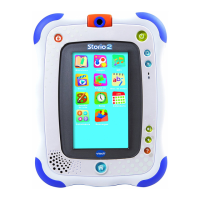
•Plugtheadaptor(soldseparately)intotheACadaptorjackonthetopof
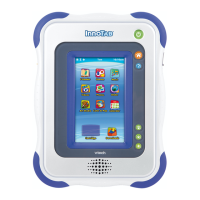
InnoTab
®
2.
•Plugtheadaptorintoawallsocket.
NOTE: The use of an adaptor will override the batteries. When the toy
is not going to be used for an extended period of time, unplug
the adaptor.
STANDARD GUIDELINES FOR ADAPTOR TOYS
• Thistoyisnotintendedforusebychildrenunder3yearsold.
• Onlyusetherecommendedtoytransformerwiththistoy.
• Theadaptorisnotatoy.
• Nevercleanapluggedintoywithliquid.
• Donotconnectthetoytomorethantherecommendednumberofpower
supplies.
• Donotleavethetoypluggedinforextendedperiodsoftime.
• ThetoyisonlytobeconnectedtoequipmentofClassII(markedon
the marking plate with a symbol
).
How to Play
STEP 1: Turn InnoTab
®
2 On
Turn InnoTab
®
2 on by holding down the Power button for a few seconds.
A VTech
®
logo and an InnoTab
®
2 logo will appear and remain onscreen
for a few seconds.
STEP 2: Personalise Your Profile
The first time you turn on InnoTab
®
2, you will be asked to personalise your
profile. When you are asked to enter your name, use the on-screen keyboard
totypeinyourname,andtouchOKwhenyou’redone.Whenyouareasked
G
E
T
T
i
N
G
S
T
a
r
T
E
d




 To Next Page