16
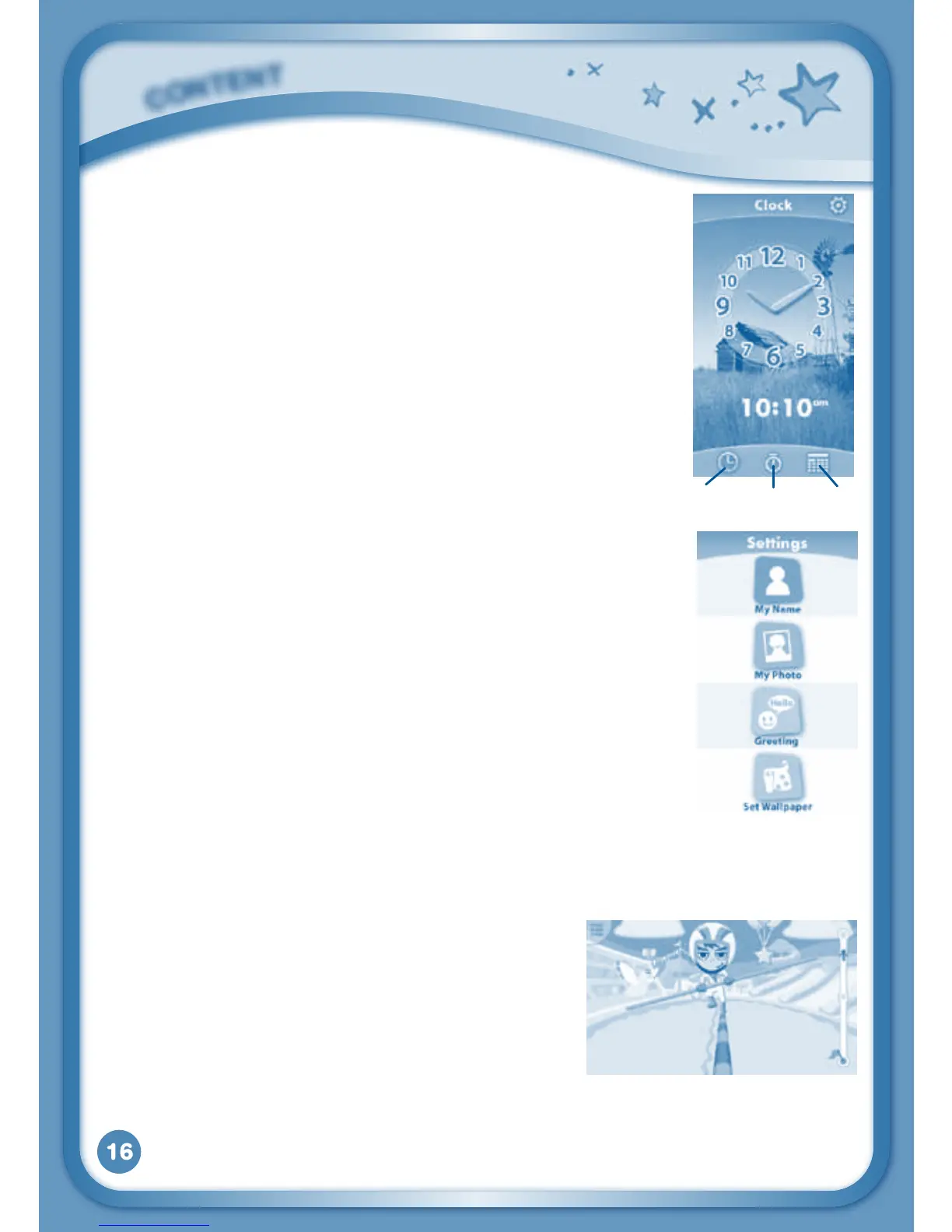
Clock
Touch the Clock to set the time or date, or use the
stopwatch.
Clock–Touchthistovieworadjustthetime.
Stopwatch – Touch this to use the stopwatch to count up.
Date–Touchthistovieworadjustthedate.
Settings
Touch the Settings icon to edit your profile name, set a
profile picture, record a greeting message, set desktop
wallpaper, change camera photo size, check memory
usage, delete game records, lock content from deletion
and view the InnoTab
®
2 firmware version number.
TIP: You can reset the tablet to factory settings by typing
R-E-S-E-T into the My Name profile in Settings.
WARNING: Any data saved in internal memory will be
lost. Data saved in an SD card (not included) will not be
affected by resetting the tablet.
Built-in Content
G-Sensor Game: Face Race
Usethecameratoputyourselfinthegame!
Tilt the tablet left or right to balance your
avatar.
Curriculum: Problem Solving
You can find this game in the Games app and
Downloads menu.
C
O
N
T
E
N
T
Clock Stopwatch Date



 To Next Page