15
10. Click Track
Practise makes perfect! In Free Play mode, press the Click
Track Button to play along with a click track to help you keep a
steady beat.
11. Audience SFX
Press the SFX Button to play different cool sound effects.
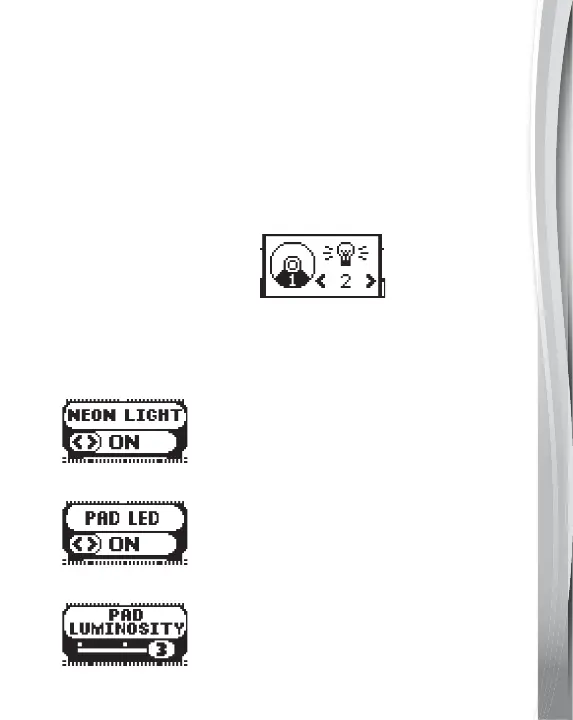
12. Light Setting
Press the Light Setting Button to select different light settings.
• Drum Pad Colour Change
Hit the Pad you'd like to assign a colour to. You will be taken to
the colour selection page. Use the Left and Right Buttons to
select a colour and press the OK Button to confirm.
• Neon Light On/Off
• Pad LED On/Off
• Pad Luminosity



 To Next Page