16
13. Bluetooth
®
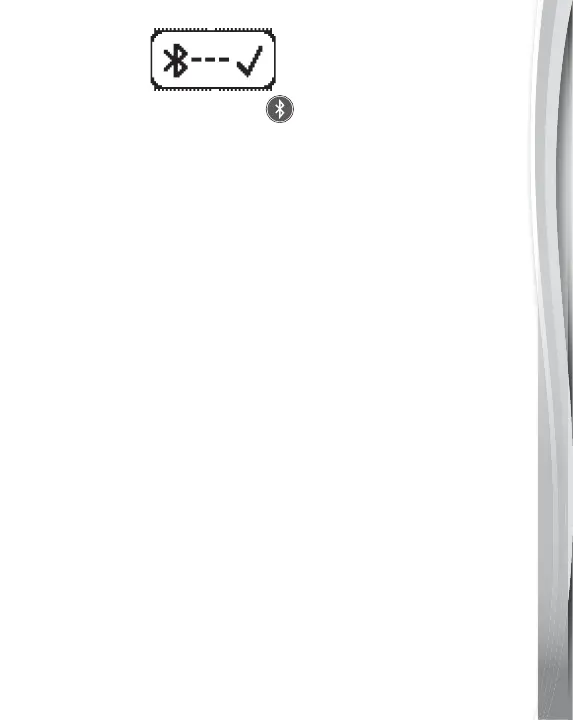
Press the Bluetooth
®
Button to connect to a nearby device
via Bluetooth
®
connection. When the Drum Pad is pairing, the
Bluetooth
®
light will flash. When the Drum Pad is successfully
connected with a device, the Bluetooth
®
light will remain On.
Please be noted that the recording function is not available when
the Bluetooth
®
is connecting.
Bluetooth
®
Connection
1. Press the Bluetooth
®
Button then the Bluetooth
®
Button will
light up and flash.
2. Enter the Bluetooth
®
interface of your device and search for
Bluetooth
®
devices.
3. Select “VTech 5726 Drums” when you see it displayed on your device.
4. Enter the PIN number from the Kidi
®
DJ Drums display screen
on the device.
5. While in Bluetooth
®
mode, the Bluetooth
®
Button light will remain On.
6. To exit Bluetooth
®
mode, press the Bluetooth
®
Button again.
7. The drum pad will automatically search and connect to the last
Bluetooth
®
device that it was connected to before. You do not
need to repeat this process the next time you want to use the
same device.



 To Next Page